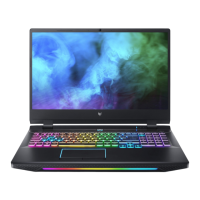
Your Predator notebook tour - 17
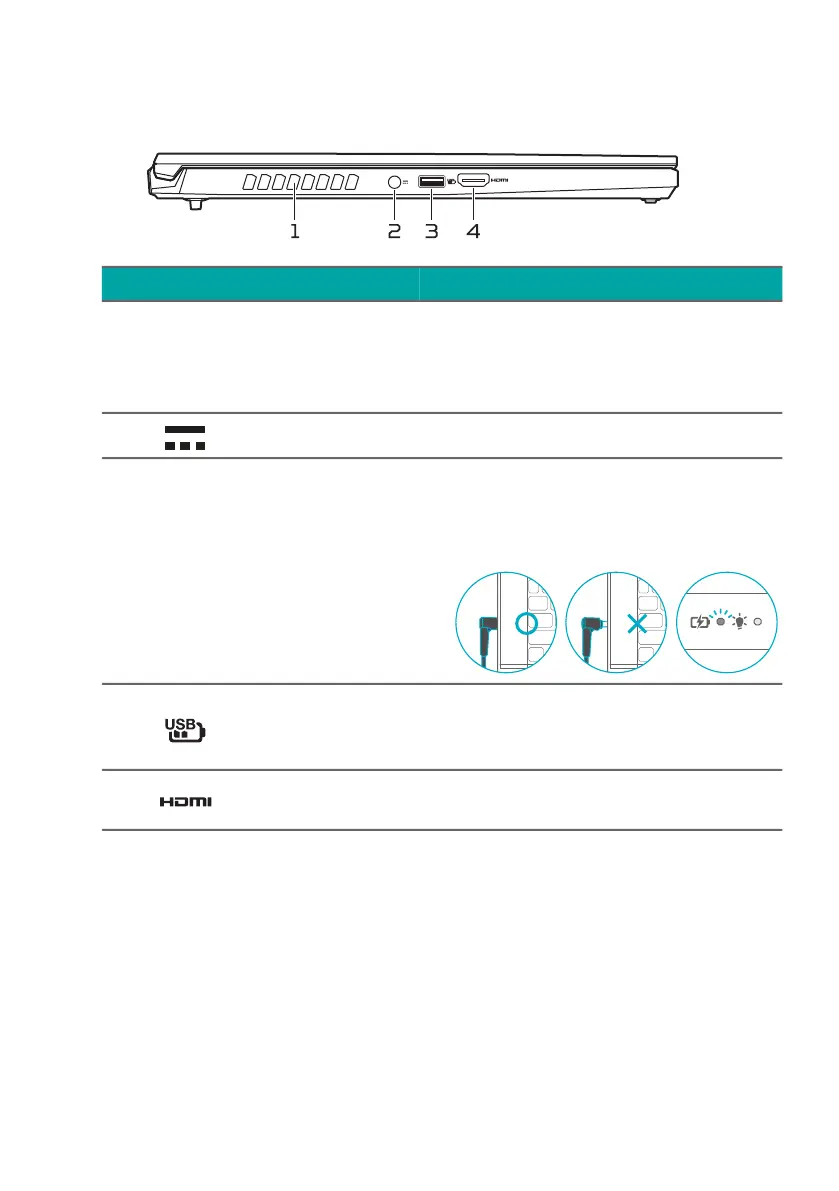
Left view
USB 3.2 Gen 2 information
• USB 3.2 Gen 2 compatible ports are blue.
• Compatible with USB 3.2 Gen 2 and earlier devices.
• For optimal performance, use USB 3.2 Gen 2-certified
devices.
• Defined by the USB 3.2 Gen 2 specification (SuperSpeed
USB)
# Icon Item Description
1
Ventilation and
cooling fan
Allows the computer to stay
cool.
Do not cover or obstruct the
openings.
2 DC-in jack Connects to an AC adapter.
Note: Please press the AC adapter into the tunnel to the
power connector. You will feel a click indicating it is
connected. Then, check the light of battery indicator shows
amber while charging.
3
USB port with
power-off
charging
Connects to USB devices.
4 HDMI 2.1 port
Supports high-definition digital
video connections.



 To Next Page