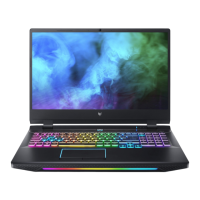
Your Predator notebook tour - 16
4 Touchpad
Touch-sensitive pointing device.
The touchpad and selection
buttons form a single surface.
Press down firmly on the
touchpad surface to perform a
left click.
Press down firmly on the lower
right corner to perform a right
click.
5
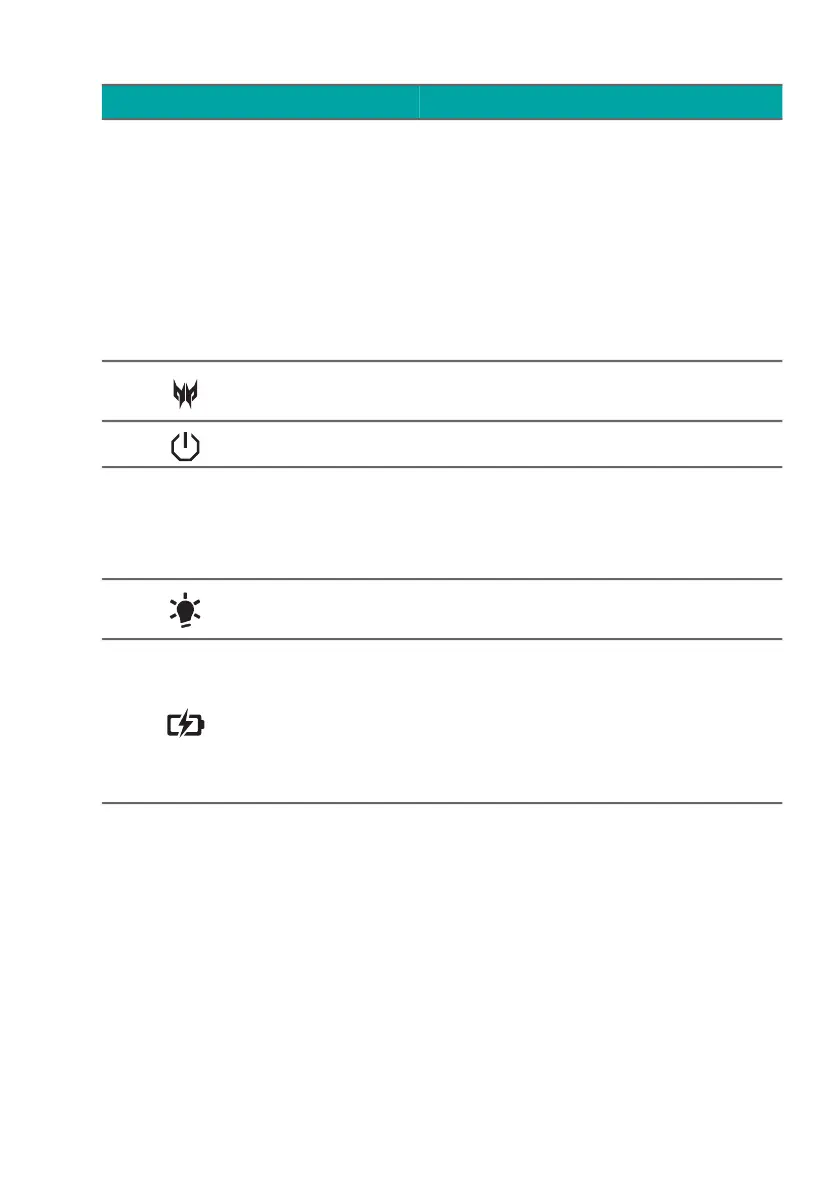
PredatorSense
key
Launches PredatorSense
application.
6 Power button Turns the computer on and off.
7
Ventilation and
cooling fan
Allows the computer to stay
cool.
Do not cover or obstruct the
openings.
8
Power
indicator
Indicates the computer’s power
status.
9
Battery
indicator
Indicates the computer’s
battery status.
Amber when the battery is
charging.
Blue when fully charged (with
the AC adapter plugged in).
# Icon Item Description



 To Next Page