Recovery - 28
RECOVERY
If you are having trouble with your computer, and the
frequently asked questions (see Got a question? on
page 87) do not help, you can recover your computer.
This section describes the recovery tools available on your
computer. Predator provides
Acer Care Center
, which allows
you to reset your PC, refresh your PC, backup files/data or
create a factory default backup. If you cannot access
Acer
Care Center
, click Settings in the Start menu, select System
> Recovery.
Creating a file history backup
Recovery Management allows you to quickly and easily back
up your files and restore them if the originals are lost,
damaged or deleted.
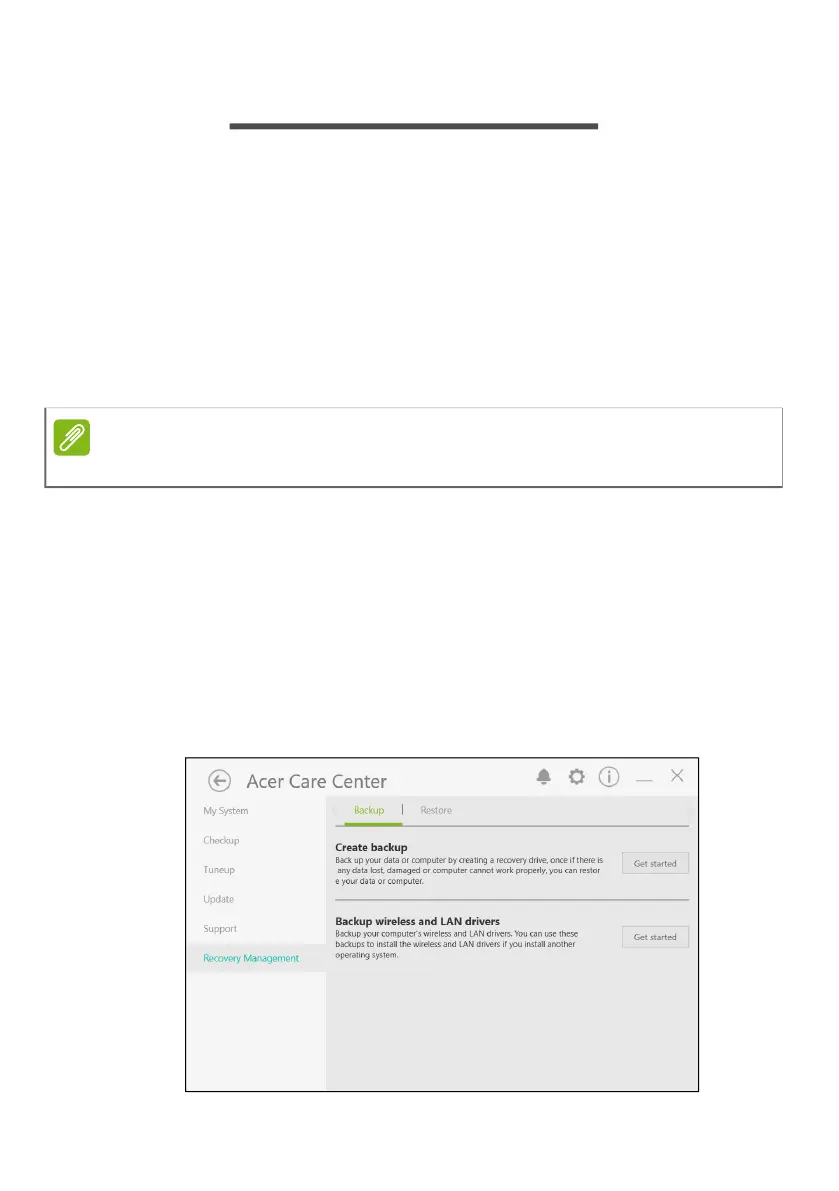
1. From
Start
, select Care Center in All apps list then
Recovery Management.
2. Select the
Backup
tab and click Get started for
Create
backup
to open the
Backup
window.
Note
Acer Care Center vary depending on model or Operating System.



 To Next Page