Using the keyboard - 22
Special keys
Your computer’s keyboard includes keys that activate
special functions. The function of each key is clearly marked
with an icon.
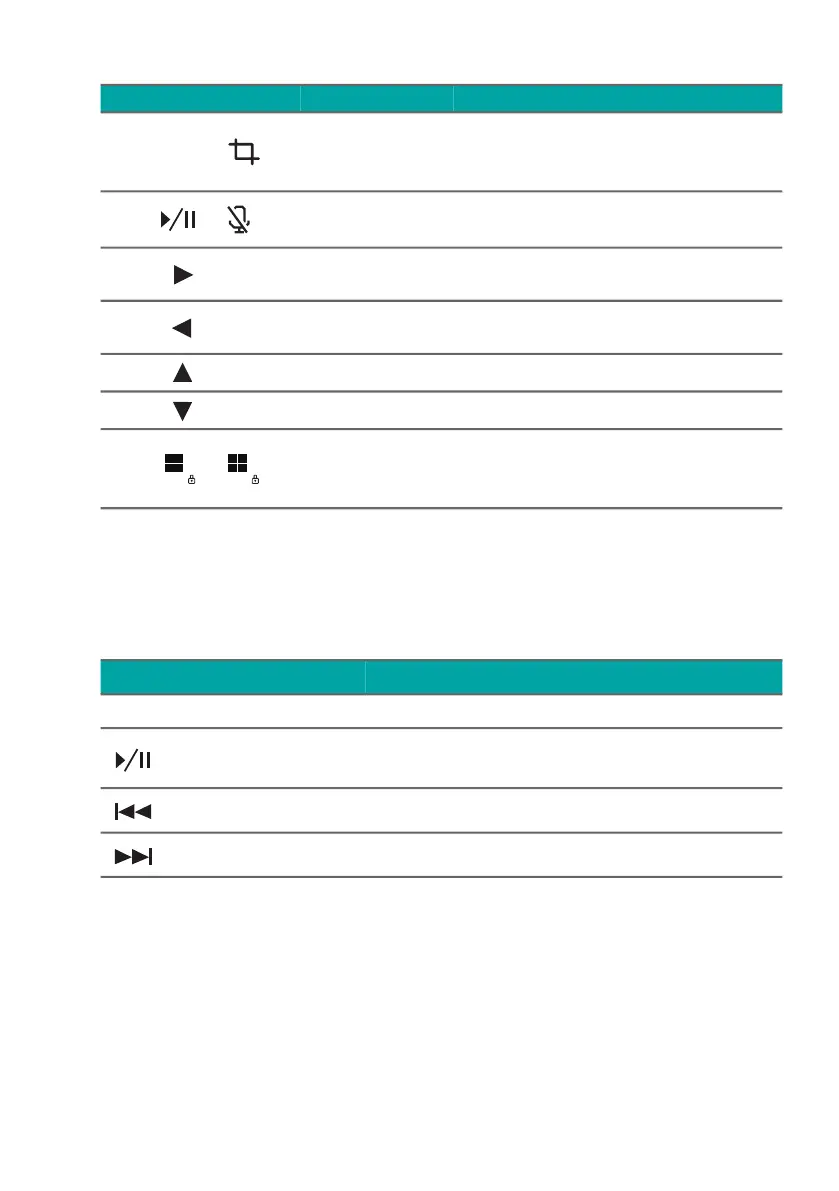
Fn +
PrtSc
Snipping
Tool
Snips a rectangle, freeform,
window or full screen to
your clipboard.
Fn +
Microphone
toggle
Turns the microphones on
and off.
Fn +
End End
Scrolls to the end of a
document.
Fn +
Home Home
Scrolls to the beginning of a
document.
Fn +
Pg Up Page up Scrolls the page up.
Fn +
Pg Dn Page down Scrolls the page down.
Fn +
Windows
key lock
toggle
Turns on / off the Windows
key lock.
Hotkey Icon Function Description
Icon Function Description
PrtSc Print Screen Take quick screen shots.
Play/Pause
Plays or pauses a selected media
file.
Previous Returns to the previous media file.
Next Jumps to the next media file.



 To Next Page