SECTION 1 – OVERVIEW
1.1 Introduction
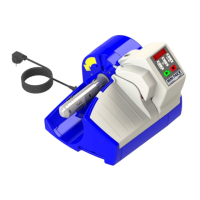
This document describes how to operate the new Pregis AirSpeed™ SMART
unit, commonly referred to as Version 3. The document is written for Pregis
Systems field technicians, therefore, familiarity with the original SMART unit
is assumed.
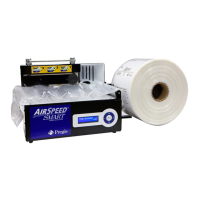
The new Pregis AirSpeed™ SMART operator‟s interface consists of a
membrane keypad and a two line LCD display. Optionally, there is a foot
switch and a bin sensor.
Figure 1
shows the front panel with the membrane
keypad and display.
Figure 1 Front Panel
1.2 Sensors
The unit has two standard sensors that provide feedback on the unit‟s
status.
1.2.1 Jaw Sensor
The jaws must be closed for the unit to start. If the unit is running and the
jaws are opened, the unit stops.


 To Next Page