EasyManua.ls Logo

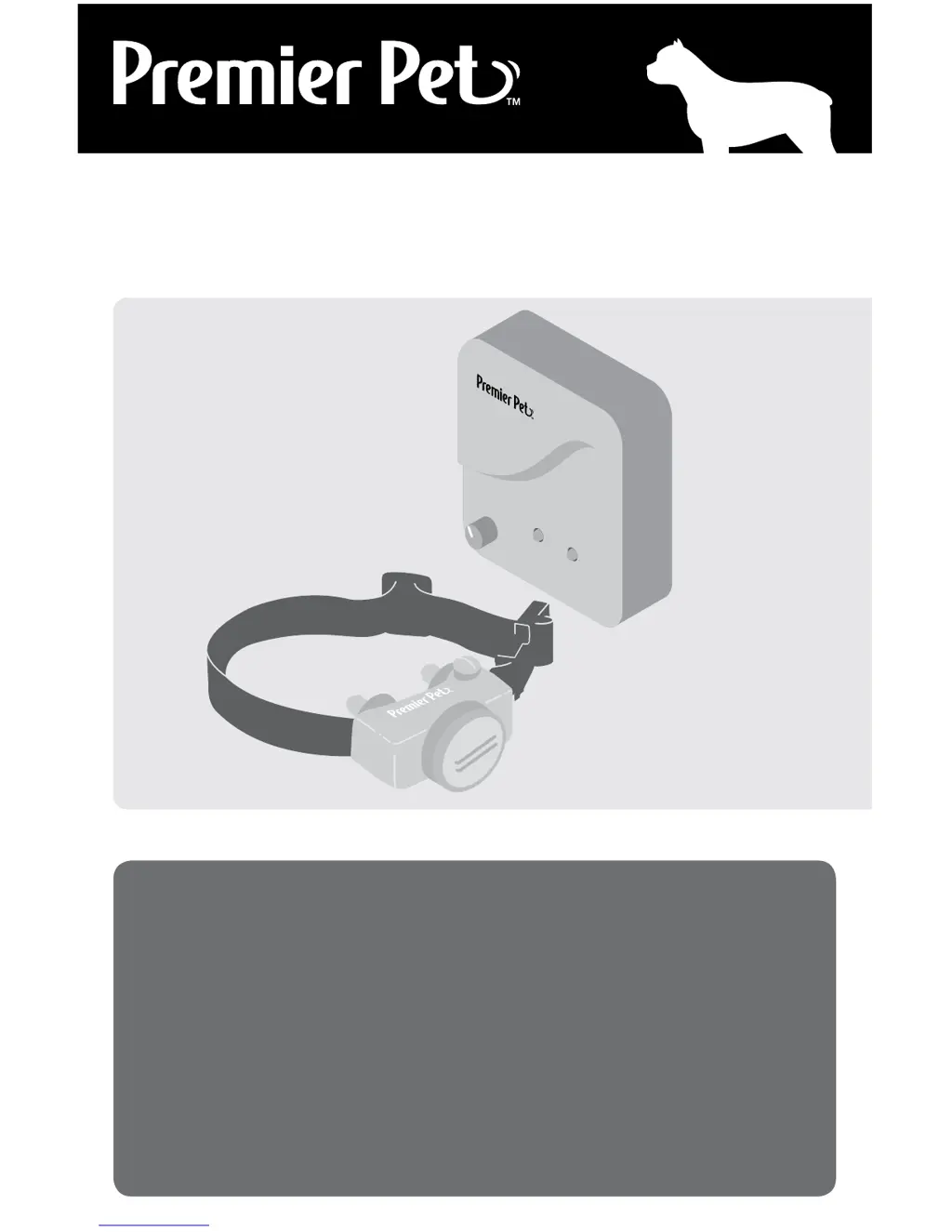
Premier Pet In-Ground Fence - User Manual

Premier Pet In-Ground Fence
24 pages
Print Icon
To Next Page IconTo Next Page
Loading...
In-Ground Fence
™
GIG00-16349 | Product Manual
Have questions about your In-Ground Fence or need training tips for your pet?
Our Customer Care representatives are here to help you.
Call our USA-based Customer Care Center at
+1 (866) 381-2785
USA & Canada: Mon–Fri 8am-8pm EST | Sat 9am–5pm EST
This product includes a one year warranty.
Call, click, or chat with us before you return your product.
premierpet.com

Questions and Answers

  • J
    jessica04Aug 20, 2025
    How to fix Premier Pet receiver collar not beeping or correcting?
    • C
      cheryl94Aug 20, 2025
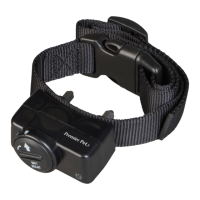
      If your Premier Pet receiver collar isn't beeping or correcting, start by checking the battery to ensure it's correctly installed. Also, verify that both lights on the fence transmitter are lit. If not, perform the "System Test."
  • J
    James MeyerAug 22, 2025
    What to do if Premier Pet receiver collar activates inside the house?
    • M
      Mr. Adrian SinghAug 22, 2025
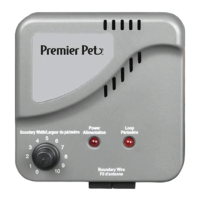
      If your Premier Pet Care Product receiver collar activates inside the house, try turning the boundary width control knob counterclockwise to decrease the activation distance. Also, ensure the boundary wire isn't too close to the house, as the signal can transmit through walls. Finally, confirm that boundary wires are twisted from the boundary to the fence transmitter.
  • M
    Michelle FloresAug 25, 2025
    Why Premier Pet receiver collar has to be held on boundary wire to activate?
    • T
      Teresa CookAug 25, 2025
      If the Premier Pet receiver collar has to be held on top of the boundary wire to activate, first replace the battery. Next, adjust the boundary width control knob clockwise to increase the activation distance. If using a double loop, ensure boundary wires are separated by at least 5 ft. If the issue persists, perform the "System Test."
  • E
    Erin LynchAug 26, 2025
    What to do if Premier Pet pet isn't responding to static correction?
    • A
      Amy CannonAug 26, 2025
      If your Premier Pet Care Product receiver collar is beeping but your pet isn't responding to the static correction, test the collar with the test light while walking toward the boundary wire. If the test light flashes, check the collar's fit. You might need to trim your pet’s fur where the contact points touch the neck or switch to longer contact points. You could also increase the static correction level and repeat training steps. If these steps don't work, consider purchasing a stronger receiver collar.
  • N
    Natalie JimenezAug 28, 2025
    Why I have inconsistent signal on Premier Pet?
    • L
      Lori WrightAug 28, 2025
      If you have an inconsistent signal with your Premier Pet Care Product, ensure the fence transmitter is at least 3 ft away from large metal objects or appliances. Make sure all boundary wire turns are gradual, with a minimum 3-ft radius. Also, the boundary wire should not run parallel to and within 10 ft of electrical wires, neighboring containment systems, telephone wires, television or antenna cables, or satellite dishes. If a neighboring containment system is the cause, move the boundary wire farther away.
  • M
    Matthew CamposAug 29, 2025
    How to troubleshoot Premier Pet power and loop indicator lights off?
    • H
      Howard JamesAug 30, 2025
      If the power and loop indicator lights are off on your Premier Pet system, check that the power adapter is correctly plugged into both the fence transmitter and the outlet. If plugged into a GFCI or RCD outlet, check and reset the circuit if needed. Verify the outlet is working with another device. Try a different 120-volt outlet. If issues persist without a surge protector, contact customer care. If a surge protector is in use, bypass it to see if the transmitter operates correctly; if so, contact customer care for a replacement surge protector.
  • C
    Curtis McguireAug 31, 2025
    What to do if Premier Pet power light is on, loop indicator light is off?
    • S
      Shane CarpenterAug 31, 2025
      If the power light is on but the loop indicator light is off on your Premier Pet system, check the boundary wire connections at the fence transmitter. Also, check for broken or damaged boundary wires, especially where they enter the house. Perform the system test to see if the fence transmitter or surge protector needs replacing. If the transmitter functions properly, there's likely a break in your boundary wire; consult the “Wire Break Location Test” section.
  • B
    Barbara LewisSep 2, 2025
    How to reset low battery indicator on Premier Pet collar?
    • S
      Sheila MarksSep 2, 2025
      To reset the low battery indicator on your Premier Pet receiver collar, remove the battery. Discharge any remaining power by holding the correction level button down until the LED is no longer lit. Then, reinstall the battery.
  • W
    Whitney ReedSep 4, 2025
    Why do I have an inconsistent signal with my Premier Pet Power Supply?
    • M
      Mitchell WellsSep 4, 2025
      To address an inconsistent signal with your Premier Pet Power Supply, ensure the fence transmitter is at least 3 feet away from large metal objects or appliances. Gradual turns with a minimum 3-foot radius are important for all boundary wire turns. Also, the boundary wire should not run parallel to and within 10 feet of electrical wires, neighboring containment systems, telephone wires, television or antenna cables, or satellite dishes. If a neighboring containment system is the cause, move your boundary wire farther away.
  • S
    Stephanie PorterSep 6, 2025
    What to do if the Premier Pet Power Supply receiver collar activates inside the house?
    • M
      Marissa McfarlandSep 6, 2025
      If the receiver collar of your Premier Pet Power Supply activates inside the house, first, turn the boundary width control knob counterclockwise to decrease the activation distance from the boundary wire. Ensure the boundary wire isn't running too close to the house, as the signal can transmit through walls. Also, confirm that boundary wires are twisted from the boundary to the fence transmitter.

Summary

Important Safety Information

Explanation of Attention Words and Symbols

Defines warning symbols (WARNING, CAUTION, NOTICE) used in the manual.

Components

How It Works

Key Definitions

Locate the Fence Transmitter

Lay Out the System

Sample Layouts

Illustrates common boundary wire configurations for the pet containment system.

Double Loop

Position the Boundary Wire

Connect the Wires to the Surge Protector and Fence Transmitter

To Twist the Boundary Wire

Explains how to twist boundary wire to cancel the signal in specific areas.

To Splice or Repair the Boundary Wire

Guides on properly splicing and waterproofing boundary wire connections.

Additional Boundary Wire

Information on purchasing and using extra boundary wire.

Install the Surge Protector & Connect the Wires

Step-by-step instructions for installing the surge protector and connecting wires.

Prepare the Receiver Collar

To Set the Static Correction Level

Guides on adjusting the static correction level on the receiver collar.

Set the Boundary Width and Test the Receiver Collar

Anti-Linger Prevention

Explains the feature that prevents pets from lingering in the warning zone.

Run Through Prevention

Describes the system's feature to prevent pets from escaping the area.

Over Correction Protection

Details the safety feature limiting static correction duration.

Install the Boundary Wire

To Bury the Boundary Wire

Guides on burying the boundary wire for protection and system integrity.

To Attach the Boundary Wire to an Existing Fence

Methods for attaching the boundary wire to various types of fences.

To Cross Hard Surfaces

Techniques for installing boundary wire across driveways or sidewalks.

Place the Boundary Flags

Fit the Receiver Collar

To Re-Thread the Collar

Instructions for re-threading the collar strap if necessary.

Training Guide

TROUBLESHOOTING

Additional Information

General tips and recommendations for system maintenance and use.

System Test

Procedures to diagnose system issues using a test loop.

Wire Break Location Test

Methods for identifying the location of breaks in the boundary wire.

Terms of Use and Limitation of Liability

Warranty

Battery Disposal

Compliance

Premier Pet In-Ground Fence Specifications

General IconGeneral
Number of PetsUnlimited with additional collars
Waterproof CollarYes
Correction TypeStatic
WaterproofYes
Compatible PetsDogs
Wire Gauge20 gauge
Coverage AreaUp to 1/3 acre

Related product manuals