1
Warning!
If the clipper stops cutting, do not try to force it to cut by turning the nut down and increasing
the tension. That will cause overheating, extra blade wear and may damage the motor—and it
won’t cut any better. Instead, remove the blades, clean the cutting surfaces and replace them at
the correct tension. If they still do not cut, have the blades resharpened.
Setting Tension for Clipping Head
1. Fit the blades on to the clipper head. The top blade will fi t into the
groove of the clipper head. The bottom blade should be placed over the
comb pegs with the Premier logo visible. Screw the tension nut down
hand-tight.
2. Turn the tension nut back two turns.
3. Oil the blades. Apply a few drops of oil at least every 3 min.
to prolong blade sharpness and reduce friction and heating.
Also apply a few drops to the hole labeled “oil” every 10 – 15 minutes.
This oils the round bushing that drives the top blade back and forth.
Premier Clipper
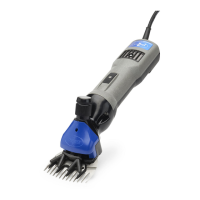
The Premier 4000c
Uniquely fast, powerful and compact—a delight to use for those in a hurry. Plows straight
through dense, thick fi ber. Large, high speed permanent magnet (rare earth magnets) motor
enables it to deliver more torque to the blades than any other brand even though it's much
smaller to grip, lighter in weight, and shorter in length than all other large clippers.
Drives a shear head with cutter and combs with equal power.
Why did we discontinue the Premier 3000?
We noticed that most users who bought it wanted, in time, to upgrade to the faster, more
powerful 4000. So it made sense to sell only the 4000.
Are all Premier 4000c clippers the same?
No. In 2002 we made the following changes:
1. The pins in the head that hold the lower blade are alloy metal instead of plastic
(We eliminated pin wear and loss issues in exchange for a little more vibration.)
2. The on-off switch is smaller-less prone to being turned off inadvertently.
3. Motor speed has increased by approximately 10%.
4. Motor is made in the USA instead of Europe.
5. Air is forced out forward through the head-keeps the head cooler.
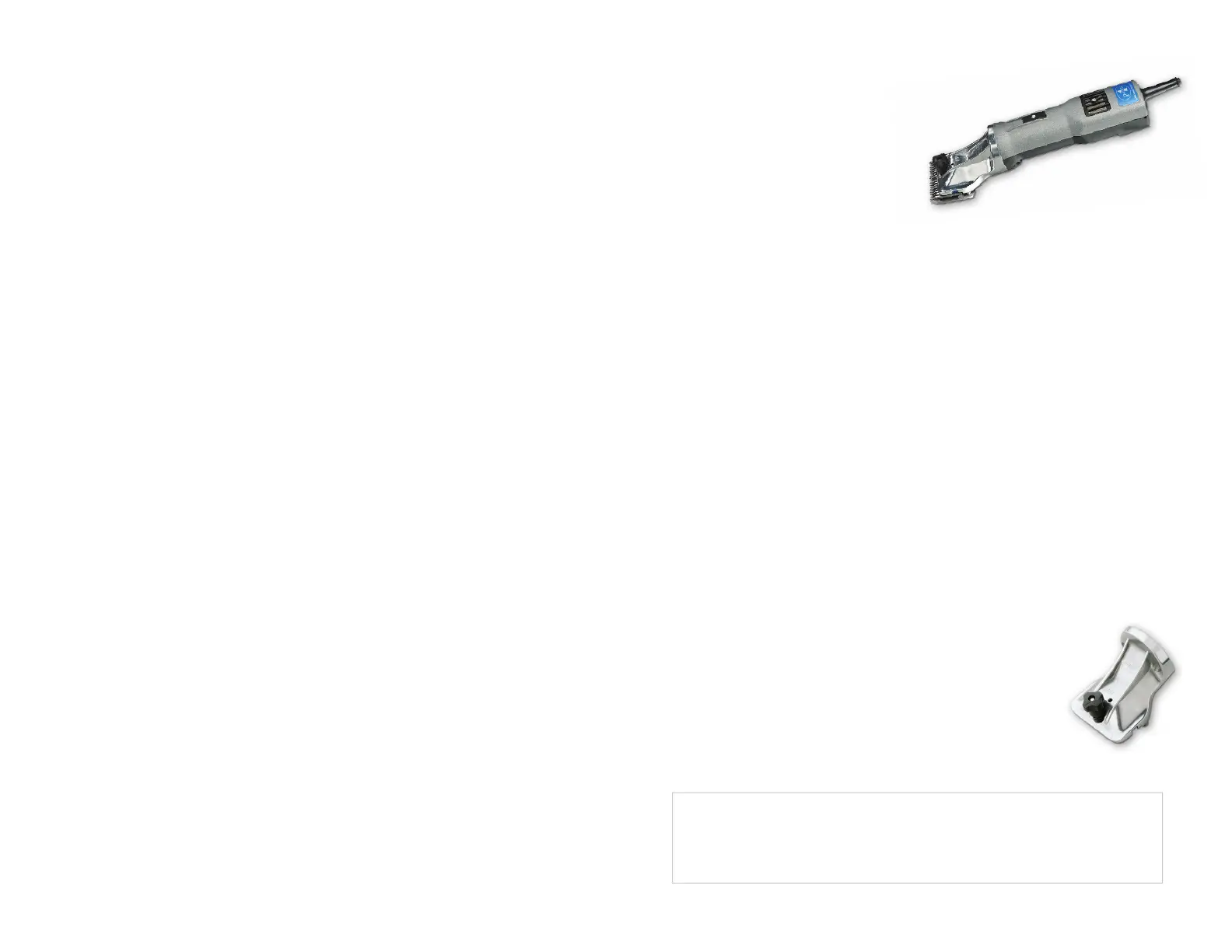
New Clipper Head—Improved in 2009!
1. New look!
2. Internal roller bearings instead of bushings (less heat, less wear and greater longevity).
3. Sleek, low profi le head design.
4. Improved design of stainless steel inserts to reduce risk of these falling out.
• Slick shear lambs
• Prepare sale cattle
• Clip show cattle, goats and pigs
• Professional horse clipping
TABLE OF CONTENTS
Premier 4000c Clipper ................................................................ 1
Interchangeable clipping head .................................................... 1
Choosing the right clipping blade for each situation .................. 2
Preparing the animal for clipping ................................................ 3
Clipping machine lubrication ....................................................... 3
Important warnings ..................................................................... 4
Clipper head parts ....................................................................... 5
Premier 4000s Shear .................................................................. 6
Interchangeable shearing head ................................................... 6
Fitting combs & cutters to shear head ........................................ 7
Choosing the right combs & cutters for each situation .............. 8
Shear machine lubrication .......................................................... 9
Important warnings .................................................................. 10
Shear head parts ........................................................................11
Shearing instructions/diagrams ....................................... 12 – 15
Power supply, safety issues, storing blades & sharpening ........ 16
Maintenance, troubleshooting, repair & warranty ..................... 17


 To Next Page
 Loading...