User manual Prestigio Multiboard
• Replace the batteries in case of low battery as it will reduce the range of the remote
control. If the remote control is to be left unused for a long period of time or the
batteries are depleted, please remove the batteries as battery leakage may damage the
remote control.
• Do not use batteries of different types or mix a new battery with a used one. Always
replace batteries in pair.
• Do not throw batteries into a fire or recharge or disassemble batteries. Do not recharge,
short-circuit, disassemble/assemble, heat or burn any used batteries. Please dispose of
waste batteries according to applicable environmental regulations. Do not expose
batteries to any hot environment, like direct sunlight, over the fire.
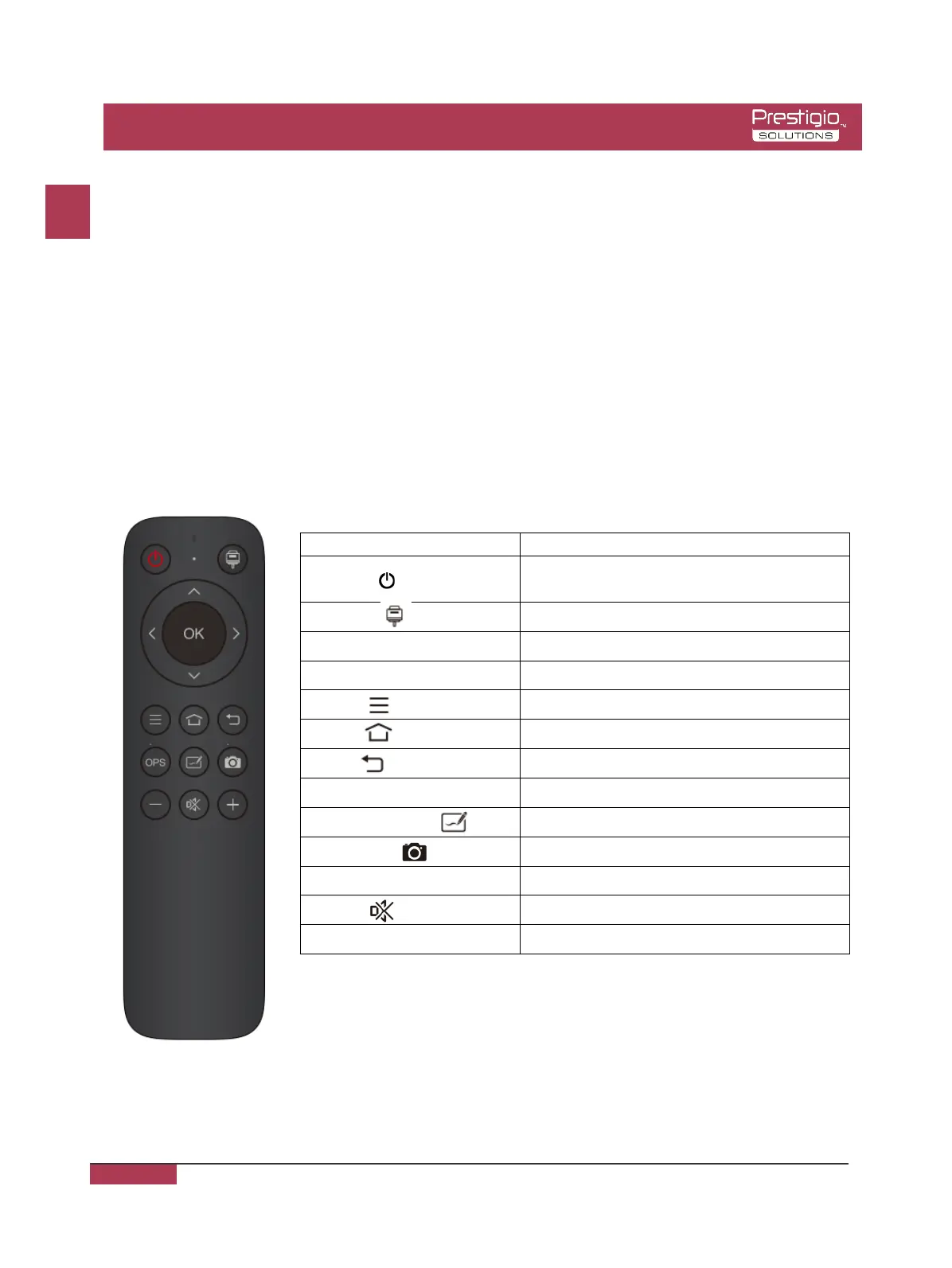
Keys on the remote control:
the volume
1. The picture is for reference only, subject to the actual remote
control.
2. Functions of keys on the remote control may vary, subject to
actual functions.
EN - 11
EN
EN - 11



 To Next Page