User manual Prestigio Multiboard
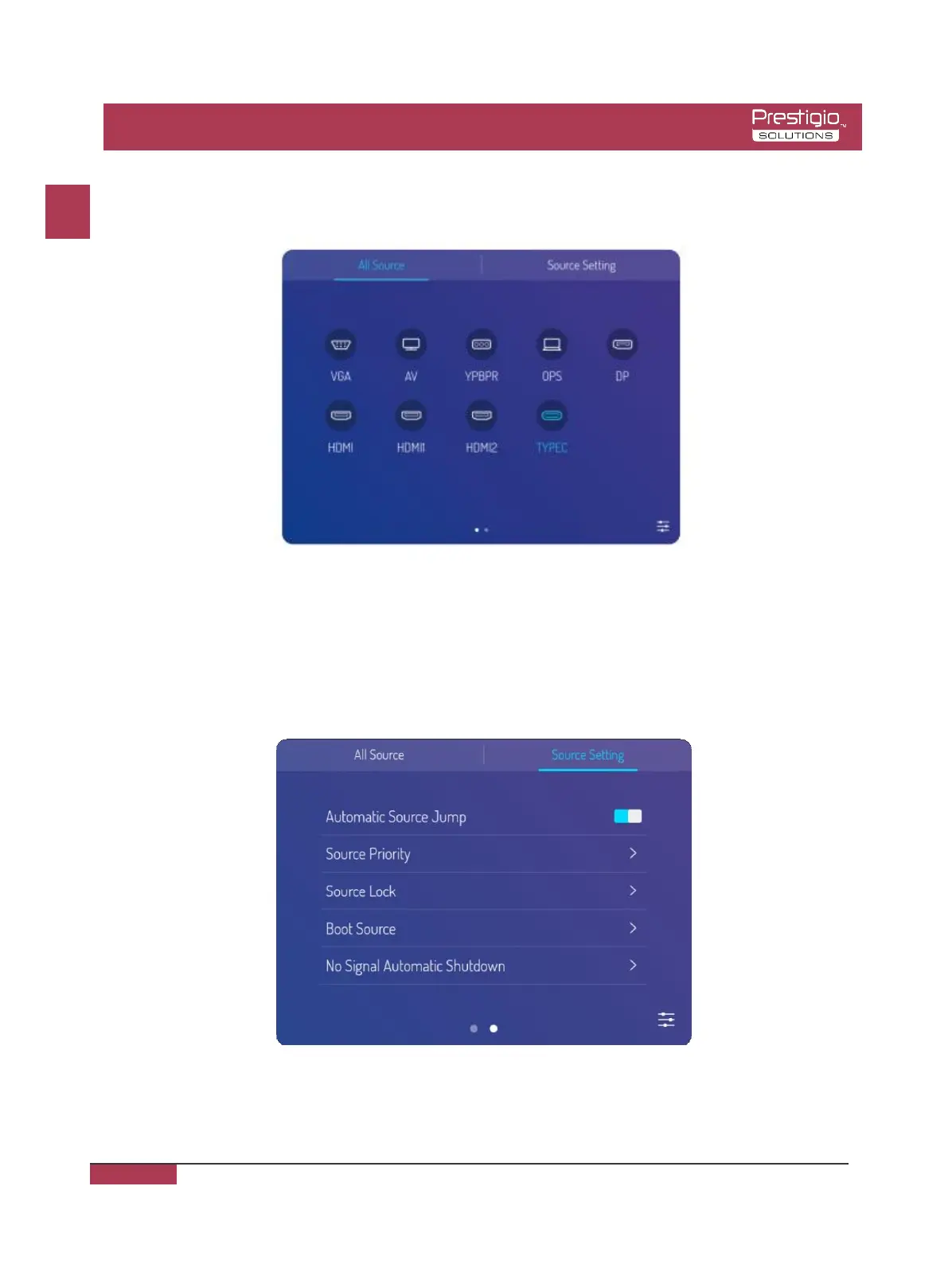
Method two: selected the side bar menu > Signal Source Settings, select signal source, and
then the product will switch to the input signal source you select.
Remark: the picture is for reference only, subject to the actual signal source menu.
Signal Source Setting
Upon the signal source menu, select the right one and enter the signal source setting
submenu, it can set the signal source auto-switching, signal source lock, power-on signal
source and auto-poweroff without signal.
EN
EN - 13



 To Next Page