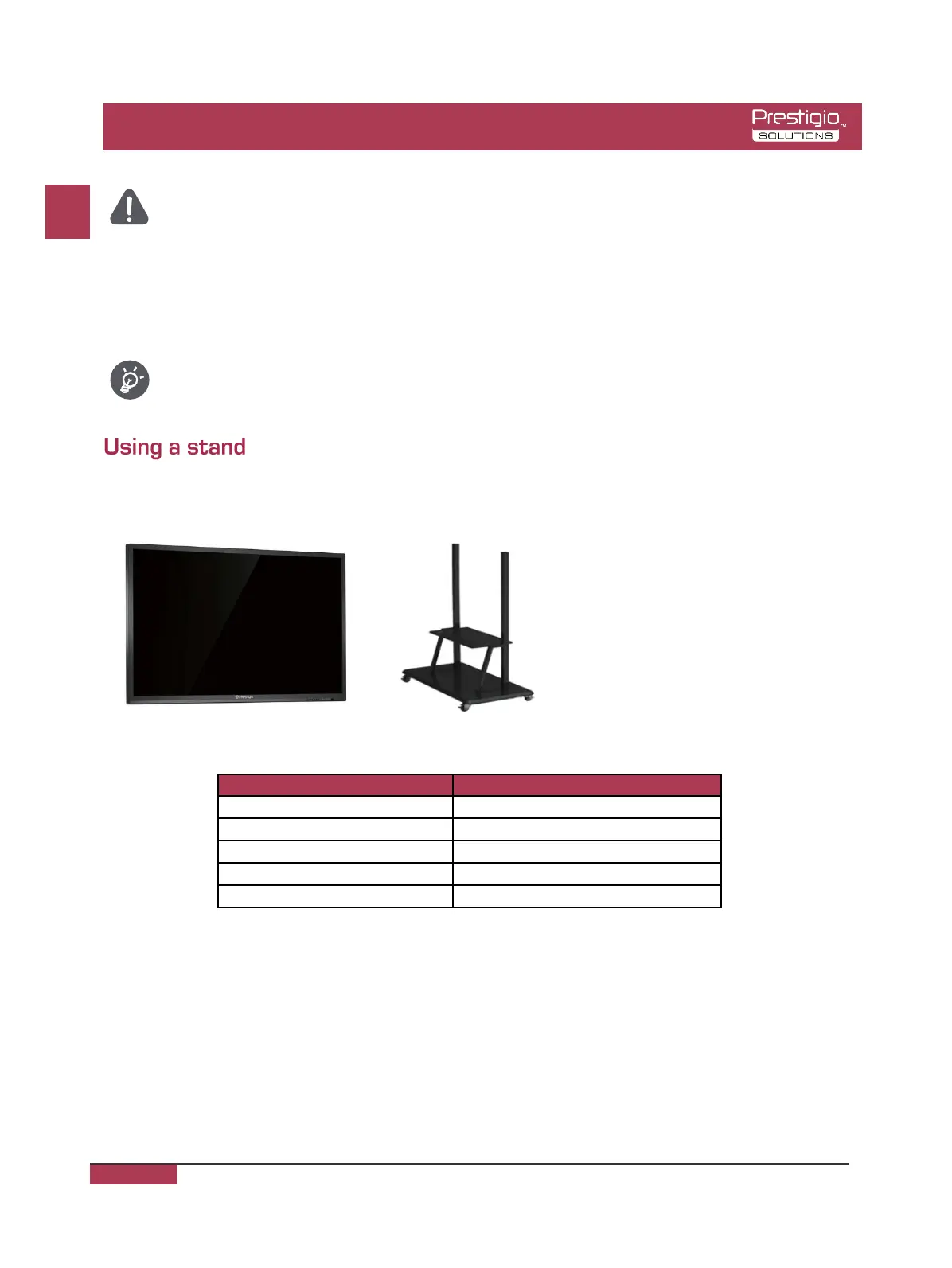
You can install the MultiBoard multimedia panel on a stand.*
*The model illustrated can be used with 55-98".
However, you need to be careful when fitting it
at an angle greater than 7 degrees. Make sure
the stand is stable and cannot fall over.
User manual Prestigio Multiboard
The additional accessories are available for this series of MultiBoard models. You can get them
from the store.
The list of additional accessories is always being updated: check in stores for new releases.
Article Description
PMBST01 MultiBoard stand
PMBST02E Electronically controlled MultiBoard stand
PMBST03E Electronically controlled MultiBoard stand
PMBST04E Electronically controlled MultiBoard stand
PMBWMK MultiBoard wall mounting kit
EN
EN - 5
As the Prestigio products are constantly updated and improved, your device’s software and hardware may have a slightly
different appearance or modified functionality than presented in this User Manual.
• This MultiBoard multimedia panel can only be attached to the wall using the wall
mounting kit recommended by Prestigio. Use of other wall mounting equipment may
lead to unstable installation and risk causing serious injury.
• Installing the MultiBoard multimedia panel requires specialist skills and should only
be attempted by qualified technical staff. Clients should not try to fix the device to the
wall themselves. Prestigio bears no liability for incorrect installation or fitting that
results in accident or injury.
Make sure that a qualified technical specialist uses the Prestigio-recommended wall
mounting kit to attach the device to a wall.



 To Next Page