User manual Prestigio Multiboard
EN
EN - 21
Quick Operation
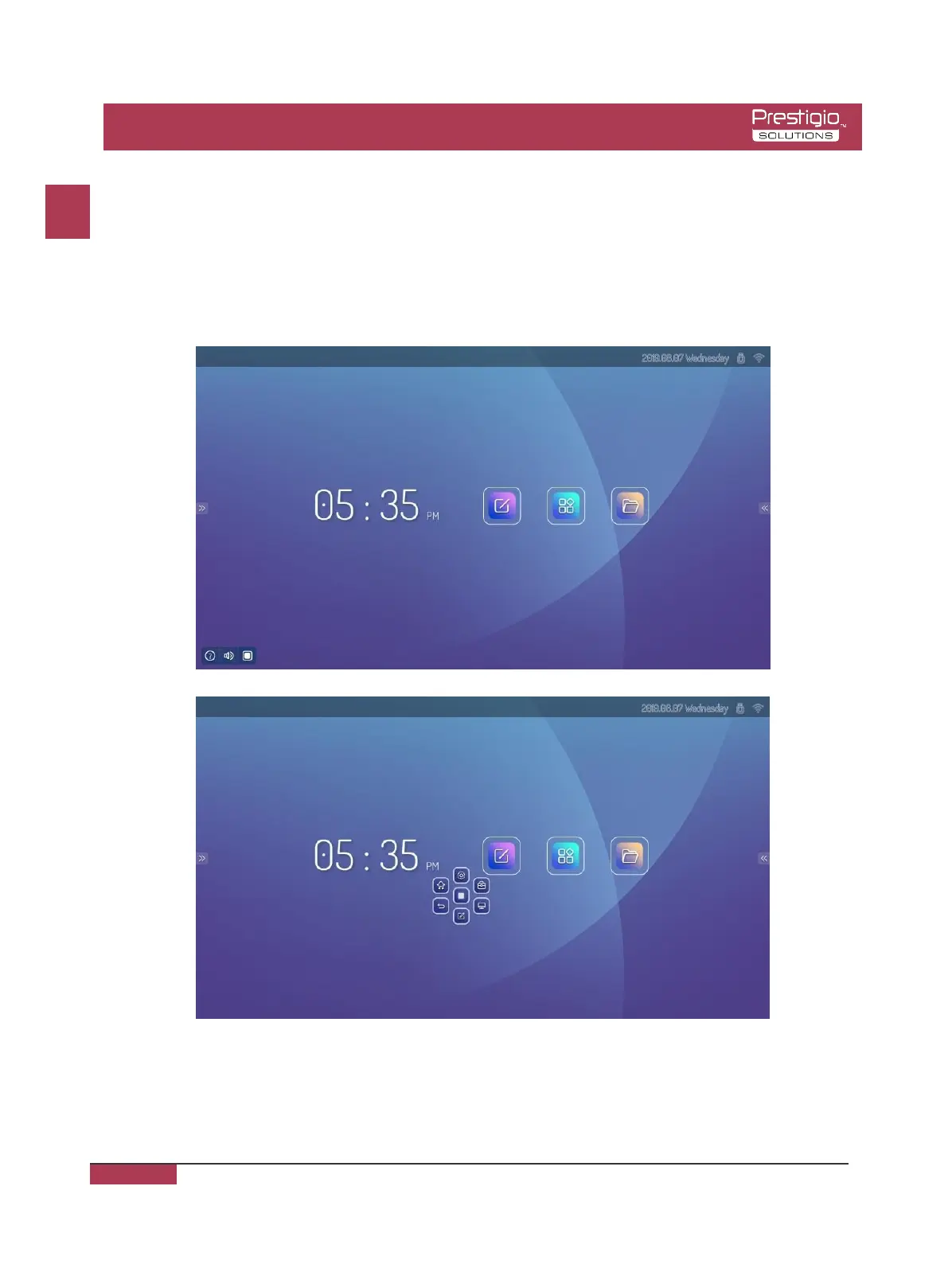
Two fingers are placed in the middle of the screen to call up the Popup loop menu. Swiped up
along the edge of the bottom left corner of the screen, it will come out Help and Popup loop
quick menu. Click the help icon to view the operation guide and click on the Popup loop for
quick shortcuts.
Note: The homepage background and icons are subject to practical products.



 To Next Page