User manual Prestigio Multiboard
EN
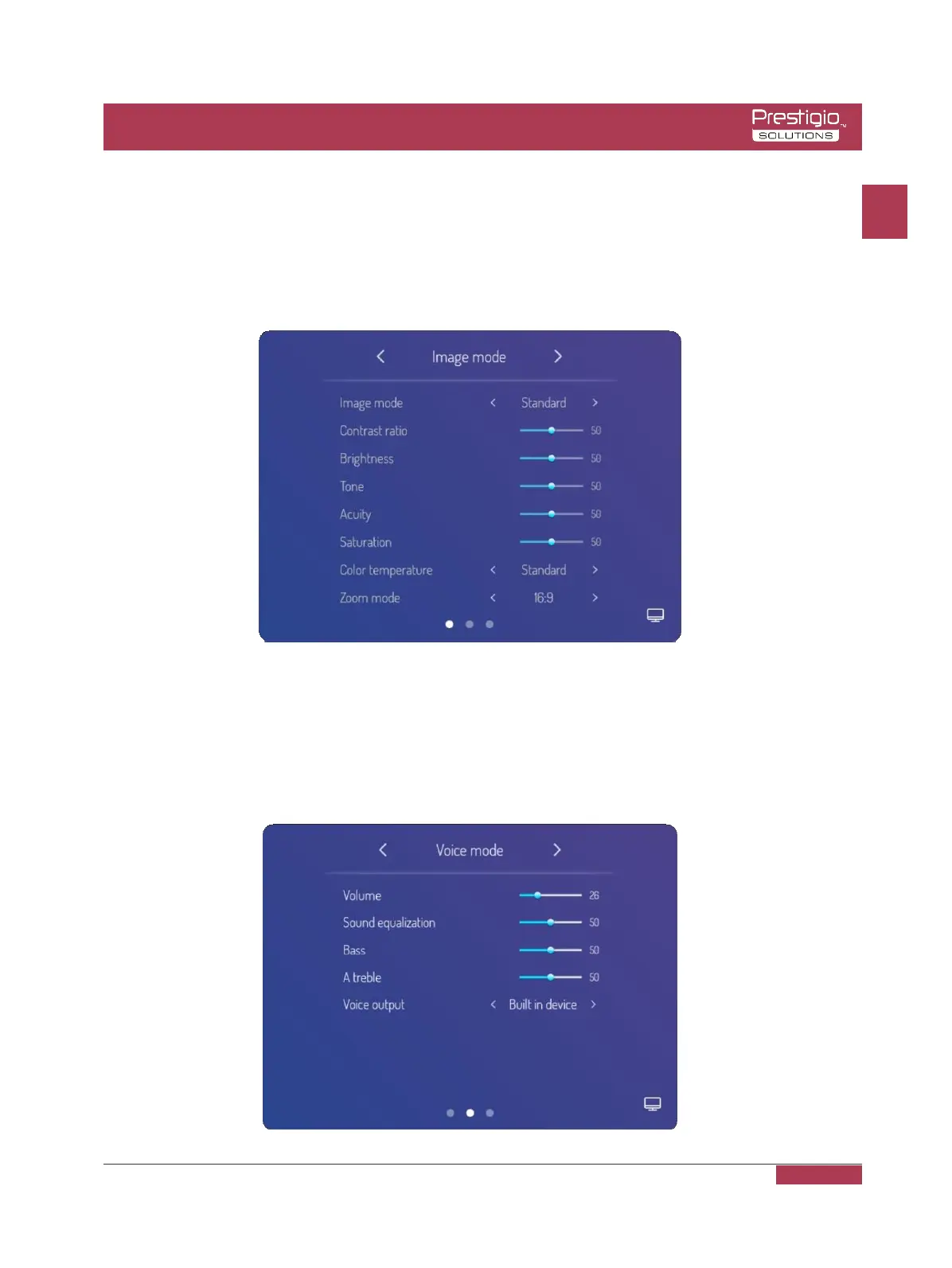
Image Mode
Select sidebar menu, press setting icon to enter signal source setting menu, then press the
menu icon on the bottom right corner of signal source setting page to enter menu page, it
can adjust the image mode, cool and warm tones and scaling patterns as well when move
to image mode suboption.
Voice Mode
Select sidebar menu, press setting icon to enter signal source setting menu, then press the
menu icon on the bottom right corner of signal source setting page to enter menu page, it
can adjust the volume, equilibrium, bass and treble setting, sound output device setting and
so on when move to voice mode suboption.
EN
EN - 14



 To Next Page