PMP5080 EN - 11
USER MANUAL
Prestigio MultiPad
PMP5080
For more information on keyboard operations, please, refer to section
11. On-screen Google search bar – Keyboard controls.
The device will search the keyword in the application’s book list.
You can sort the results by title, author or size.
In My library press the desired book to open it. Slide the screen
horizontally right or left to turn pages.
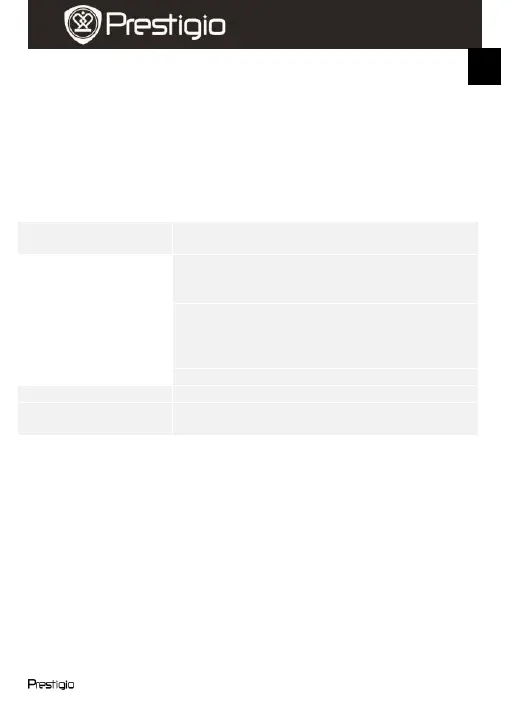
To open the menu while reading a book, press the Menu button. The
fillowing options will be displayed:
Press to change the font size. Select the size in
the pop-up box and press OK.
Press to jump to a certain page in the current
book. Tap the search filed to open the numeric
keypad, insert the page number and press OK.
Press to open the bookmarks menu. The
application can show the list of saved
bookmarks, add or delete bookmarks for the
current book.
Press to open the Table of contents.
Press to view the book info.
Press to enable automatic page turn when
reading and select the time interval.
11. On-screen Google search bar















 To Next Page