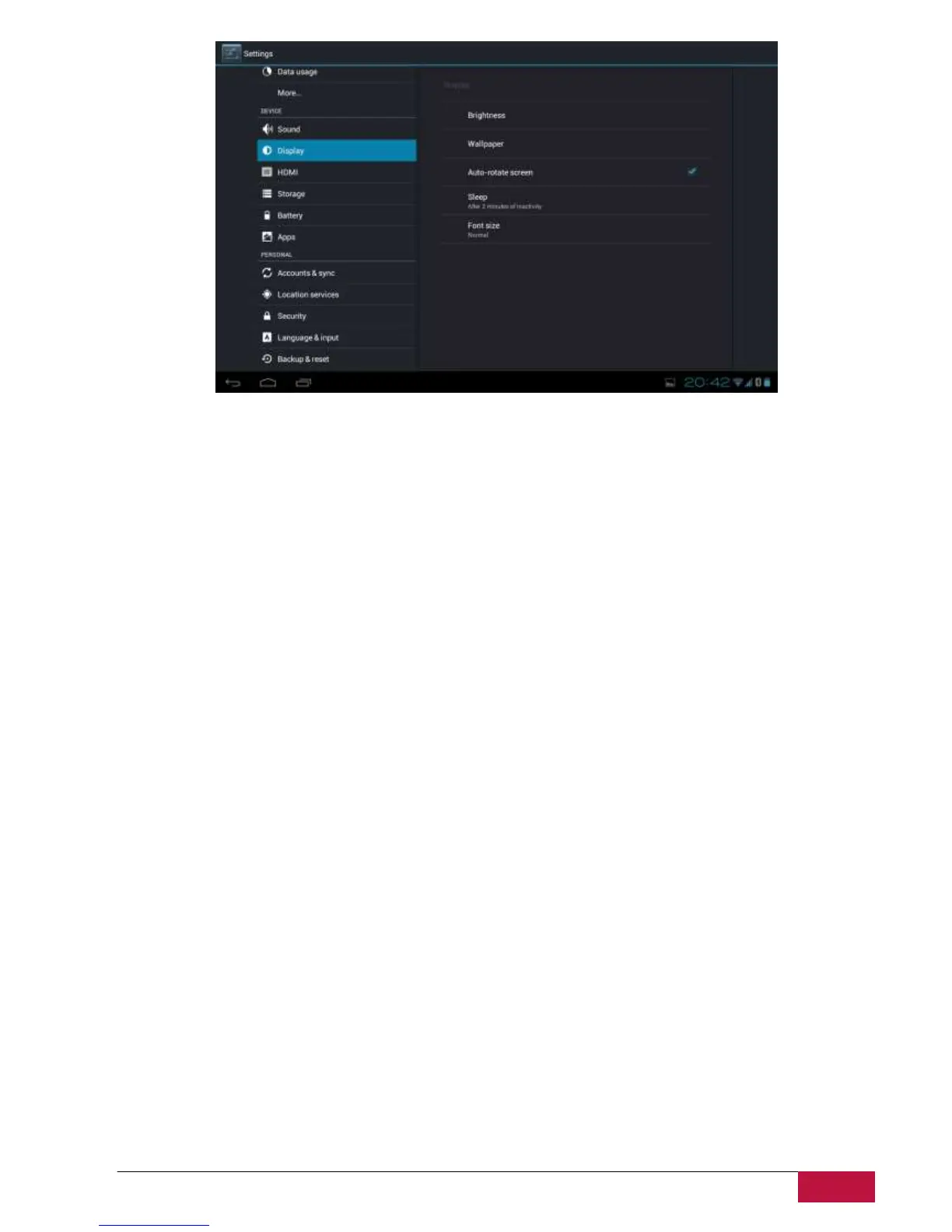
Brightness
Use the slider to set a brightness level you want at all times when using MultiPad. For the best battery
performance, use the dimmest comfortable brightness.
Wallpaper
Tap to select source of wallpaper and set wallpaper for the device.
Auto-rotate screen
Check to enable/disable automatic switch of the orientation of the screen when you turn the device.
Sleep
Open a dialog where you can set how long to wait after you tap the screen or touch a button before the
screen darkens. For the best battery performance, use the shortest convenient timeout.
Font size
Open a dialog where you can set font size.















 To Next Page