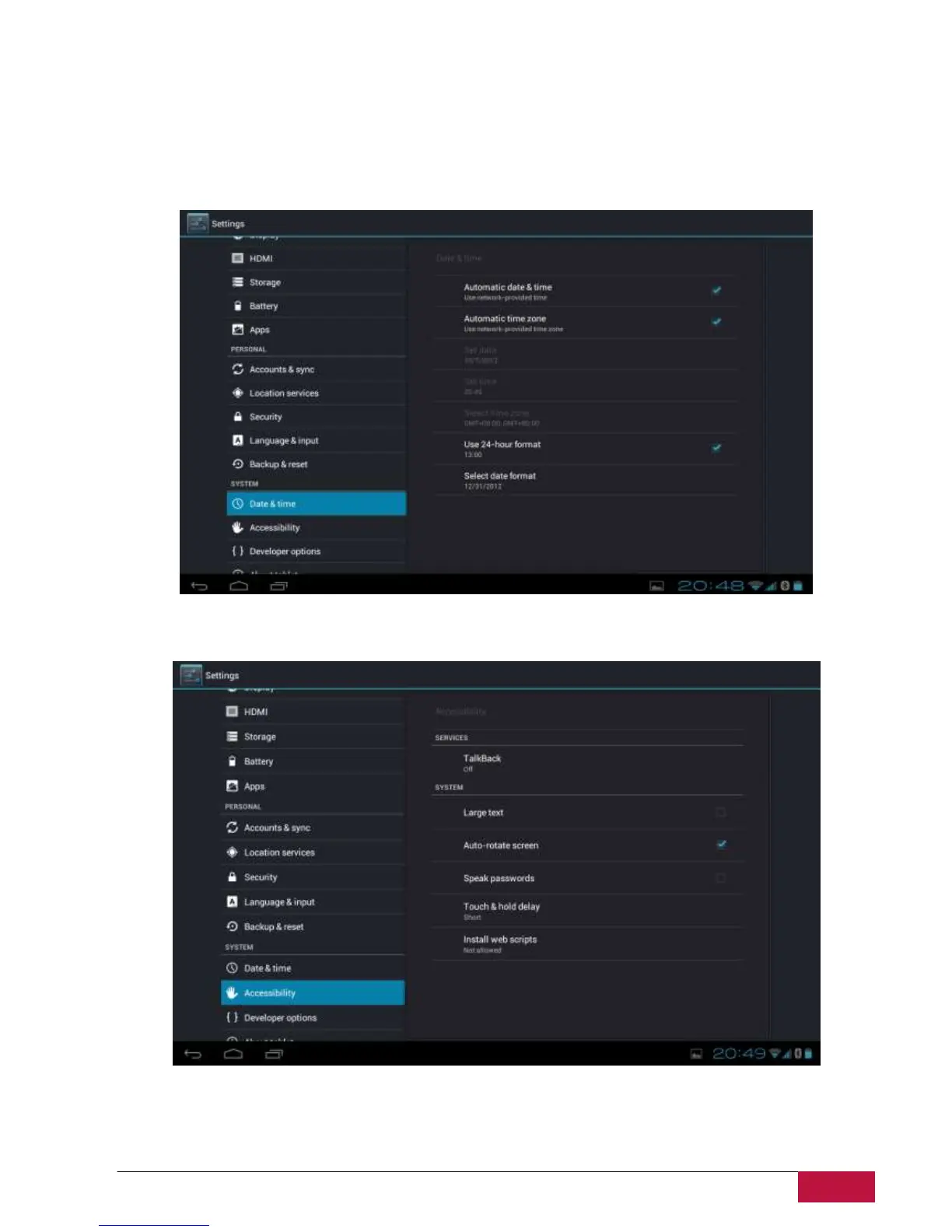
9.12 Date & Time setting
Set the date and time, time zone, and date or time format. To turn off auto time synchronization simple
unmark it and you will be able to manually change time settings.
9.13 Accessibility
Speak passwords: check to enable speak password
Touch & hold delay: 3 levels of delay when touch and hold widget or icon are available – Short, Medium,
Long. It regulates the duration of object hold till further actions.















 To Next Page