EasyManua.ls Logo

Prestigio MultiPad PMP7100D3G - 1 Product Overview; Package Contents; Device Overview

Prestigio MultiPad PMP7100D3G
42 pages
Print Icon
To Next Page IconTo Next Page
To Previous Page IconTo Previous Page
Loading...
USER MANUAL | MultiPad PMP7100D3G
4
1
11. Glossary
1. Product Overview
1.1 Package Content:
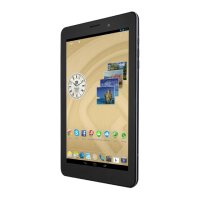
Prestigio MultiPad PMP7100D3G Tablet PC – 1x
Carrying Case – 1x
Quick Start Guide – 1x
Legal and Safety Notices – 1x
AC Adapter – 1x
USB Cable – 1x
Warranty Card – 1x
OTG cable – 1x
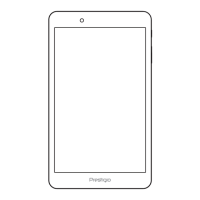
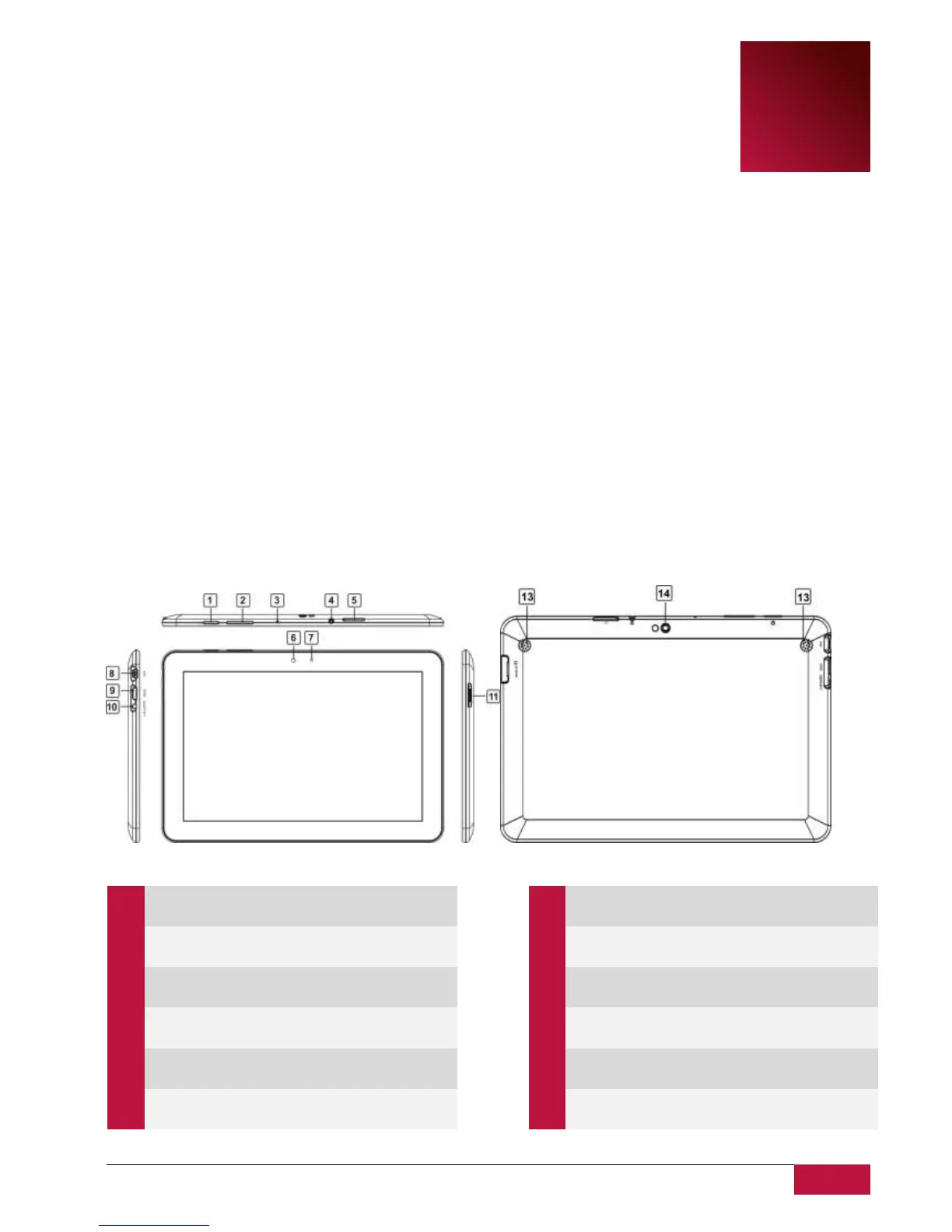
1.2 Device Overview
Control Buttons and Connectivity:
1
Power Button
Turn on/off the device;
Suspend/Activate the device
2
Vol+\Vol-
Adjust the volume level
3
Microphone
To record voice
4
Earphone Jack
Earphones connection
5
SIM Card slot
Insert a SIM card for 3G
connection
6
Front Camera
Take photos or video chat
7
Adjusts the display brightness
8
USB connection
9
Back to Home screen
10
Power adapter connection
11
Insert the Micro SD card
12
Take photos or video chat