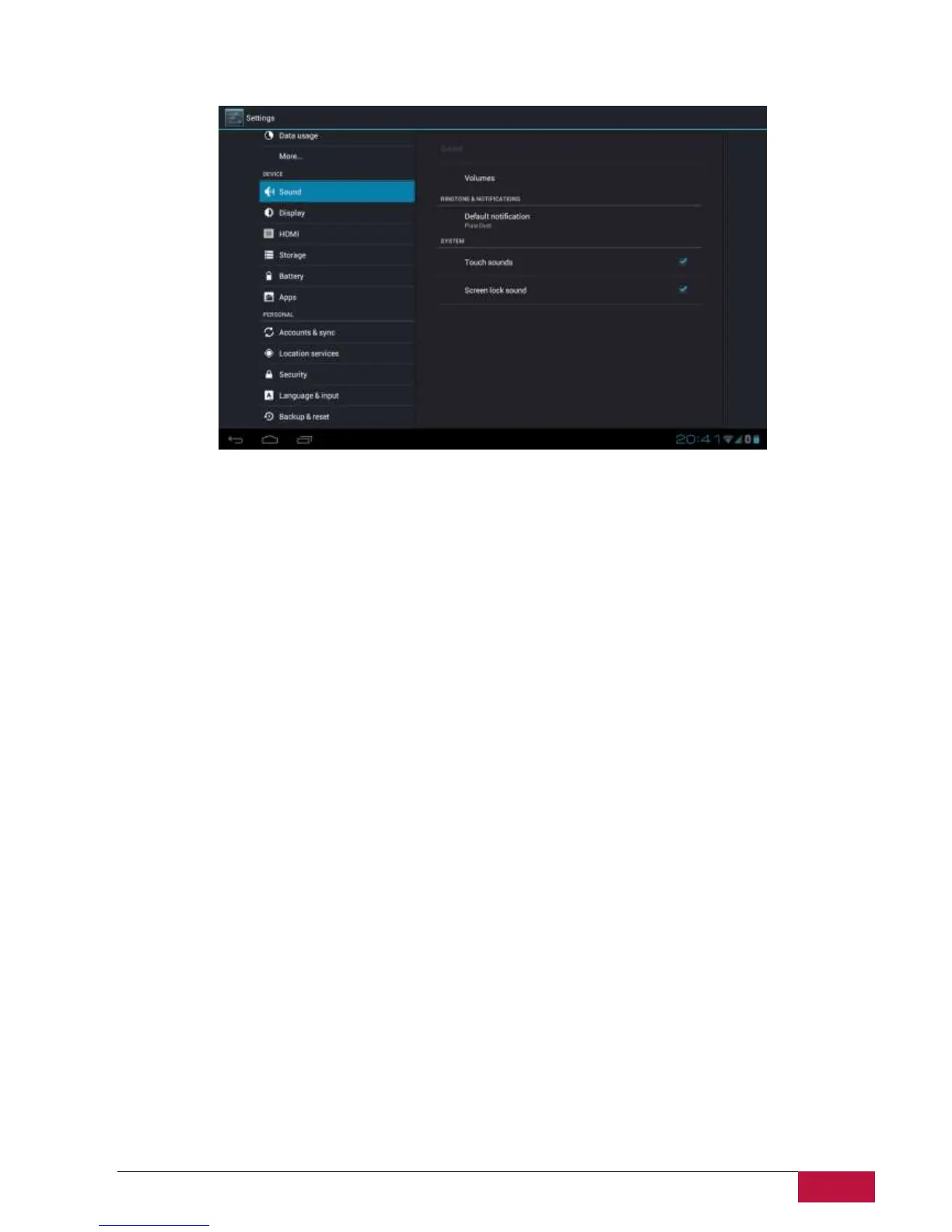
9.2 Sound
Set the device and notification ring tones, volume adjust, system sounds.
Volume
To adjust the volume for media, ringtone, notification and alarms:
1. Tap Settings > Sound > Volumes;
2. Drag the control bar leftwards/rightwards to turn down/up the volume for media and notification;
3. Tap OK.
Notification ringtone
To set a notification ringtone:
4. Tap Settings > Sound > Default notification
5. Tap a ringtone to listen it
6. Enable a ringtone as notification ringtone by tapping OK.
Audible selection
To enable playing sound when making screen selection, simply check it.
9.3 Display
Set the screen brightness, auto-rotate option, wallpaper, screen timeout and font size.















 To Next Page