EN-4
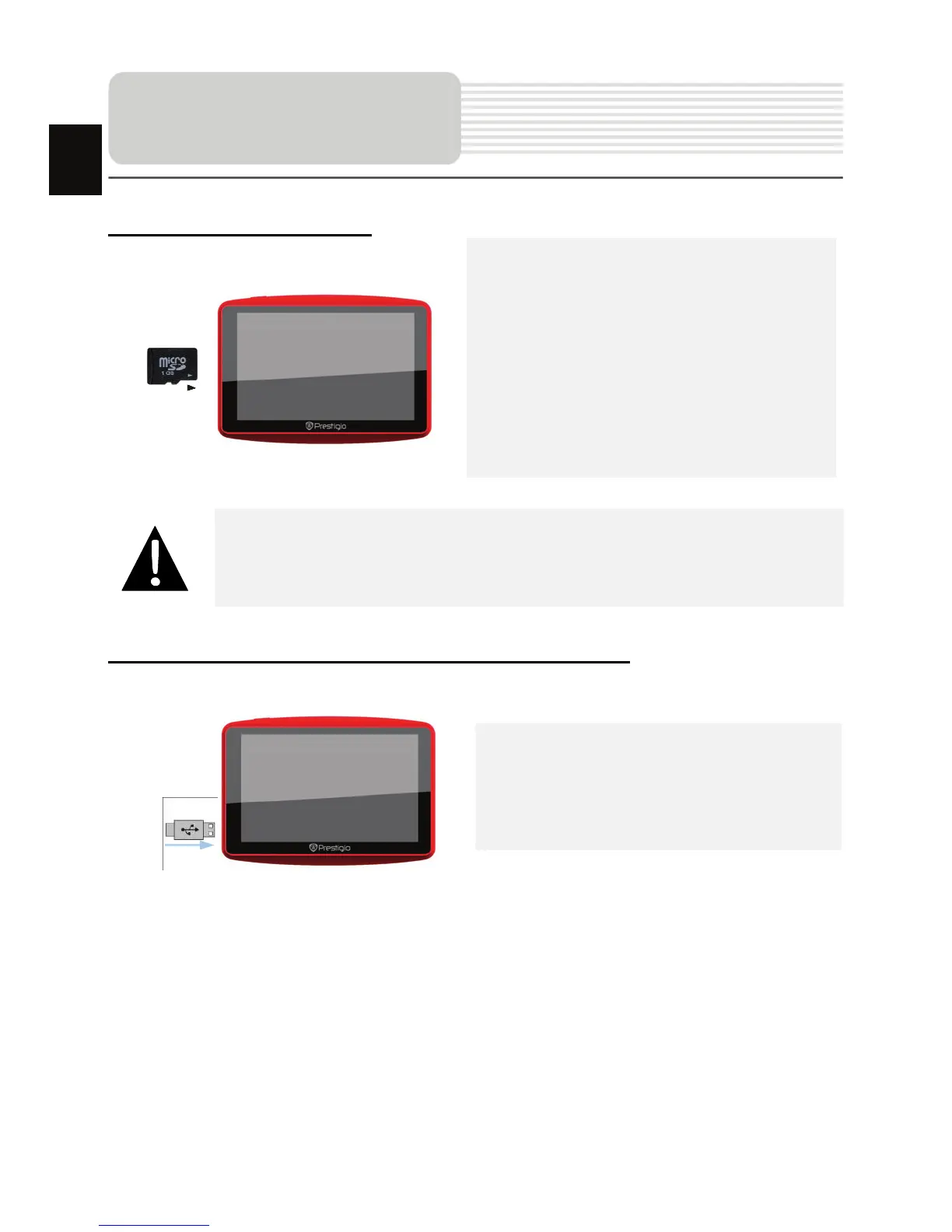
Inserting microSD Card
z To insert a microSD card, place the
connector towards the device and the
card label towards the front side of
the device.
z To remove a microSD card, gently
press the edge of the card to release
the safety lock and pull the card out
of the slot.
NOTE:
Please always make sure that no application is accessing the microSD
card before extraction.
Connecting to External USB Device
(Charging)
z Insert the micro USB connector into
the appropriate micro USB port.
z Insert the other USB connector into
the USB port on PC to start charging.
Device Connection
EN














 To Next Page