AUTO SCAN (DTV/ATV)
(When using antenna)
The channels broadcasted in DTV and ATV are
automatically scanned and memorized. Only the
receivable channels in the area where this TV is
used will be memorized.
AUTO SCAN (CATV)
(When using basic cable)
The channels broadcasted in CATV are automatically
scanned and memorized.
NOTE:
Be sure that antenna or cable is connected properly before plugging the
power cord.
Here describes the case for searching and memorizing channels for DTV/ATV.
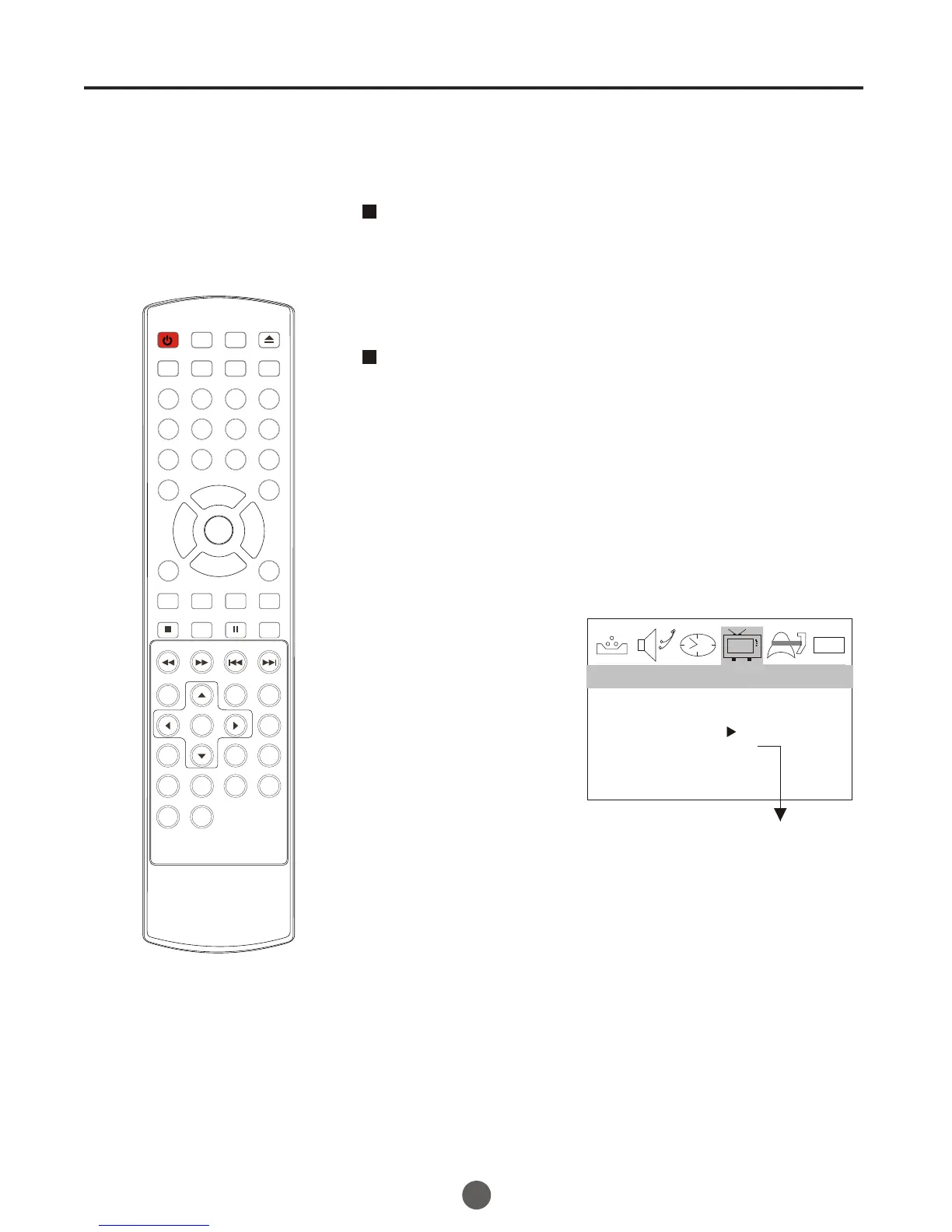
1 Press MENU, and then press VOL+/- button to select
CHANNEL menu, then press CH- button to enter.
2 Press CH+/- button to
select the RECEPTION
option.
3 Press VOL +/- button
to select AIR/ CABLE.
0101
SKIP OFF
RECEPTION AIR
AUTO SCAN
COLOR SYSTEM AUTO
CHANNEL
When scanning is completed, the memorized
smallest channel will be displayed.
When you press MENU button while scanning, the
scanning is interrupted and the memorized smallest
channel is displayed.
When you press VOL+ on the remote control,
scanning the channels in both analog and digital
modes will automatically start.
Channel menu
Only in analog signal
4 Press CH +/- button
to select AUTO SCAN option.
5 Press VOL+ button to start scanning.
13
POWER TV/DVD
OPEN/CLOSE
Q.VIEW INFO
MUTE
1 2 3 4
5 6 7 8
99 00
CC
P.MODE
CH+
CH-
VOL
_
MENU
OK
STOP
SETUP
PAUSE/STEP
REV
FWD .
PREV
NEXT
D.MENU
REPEAT
A-B
PLAY/ENTER
SLOW
ANGLE
TITLE/PBC
SEARCH
AUDIO
CLR
D.CALL
TV/AV
PROGRAM
ZOOM
10+
VOL
+
SUBTITLE
-
TV/DTV
SAP
SLEEP
CH.LIST FA V.LIST SIZ GUIDE



 To Next Page