Video menu
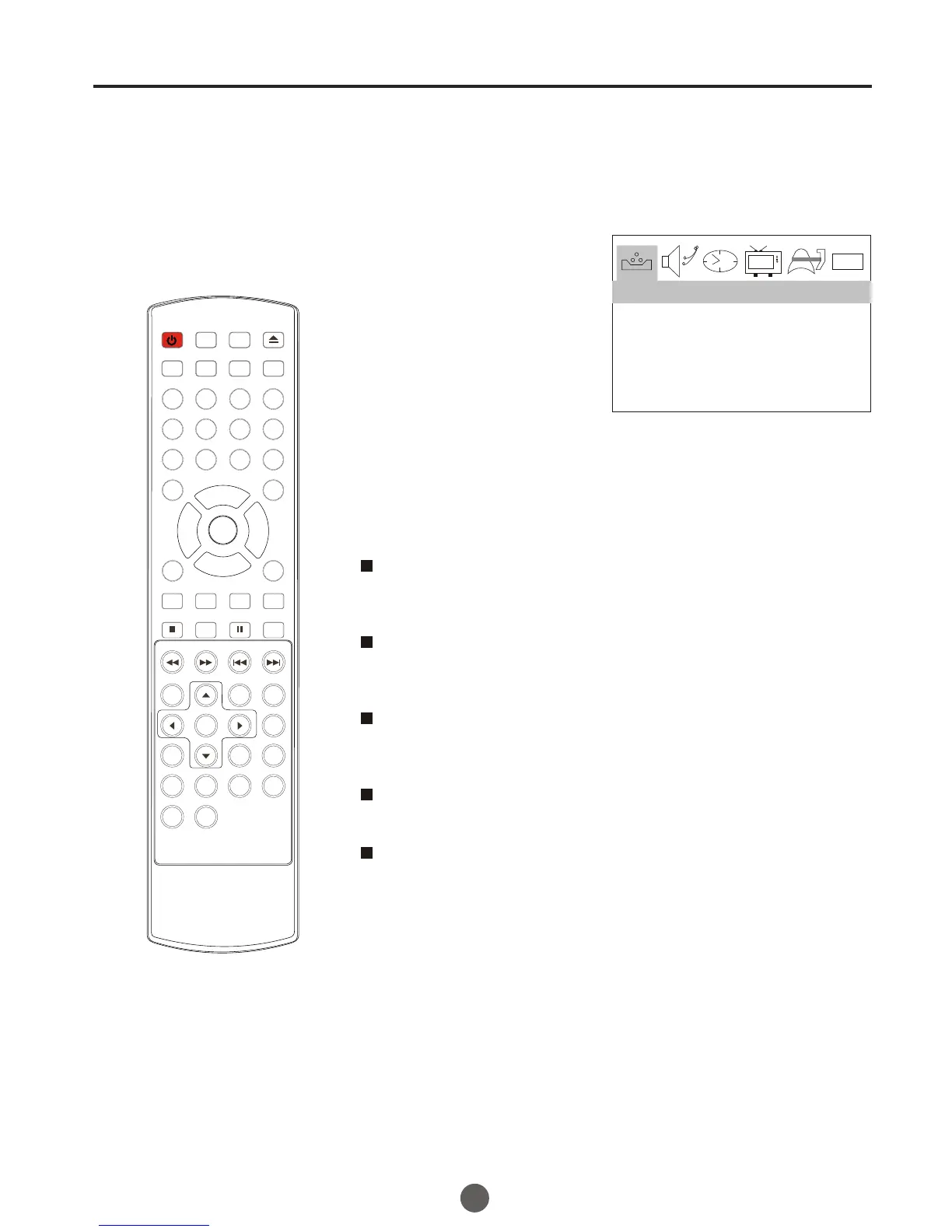
1 Press MENU button. The main menu screen will appear.
2 Press VOL+/- button to
select VIDEO Option,
then press CH- button
to enter.
3 Press CH+/- to select the desired option, then press
VOL+/- to adjust.
SETTING VIDEO
18
0101
CONTRAST 80
BRIGHTNESS 80
COLOR 50
SHARPNESS 50
TINT 0
VIDEO
Contrast
This will adjust the intensity of bright parts in the picture but keep
the dark parts unchanged.
Brightness
This will adjust the light output of the complete picture, which will
mainly affect the darker areas of the picture.
Color
This will adjust the saturation level of the colors to suit your
personal preference.
Sharpness
This will adjust the sharpness of fine details in the picture.
Tint
Allows you to select the color mix (Tint) of the picture.
POWER TV/DVD
OPEN/CLOSE
Q.VIEW INFO
MUTE
1 2 3 4
5 6 7 8
99 00
CC
P.MODE
CH+
CH-
VOL
_
MENU
OK
STOP
SETUP
PAUSE/STEP
REV
FWD .
PREV
NEXT
D.MENU
REPEAT
A-B
PLAY/ENTER
SLOW
ANGLE
TITLE/PBC
SEARCH
AUDIO
CLR
D.CALL
TV/AV
PROGRAM
ZOOM
10+
VOL
+
SUBTITLE
-
TV/DTV
SAP
SLEEP
CH.LIST FA V.LIST SIZ GUIDE



 To Next Page