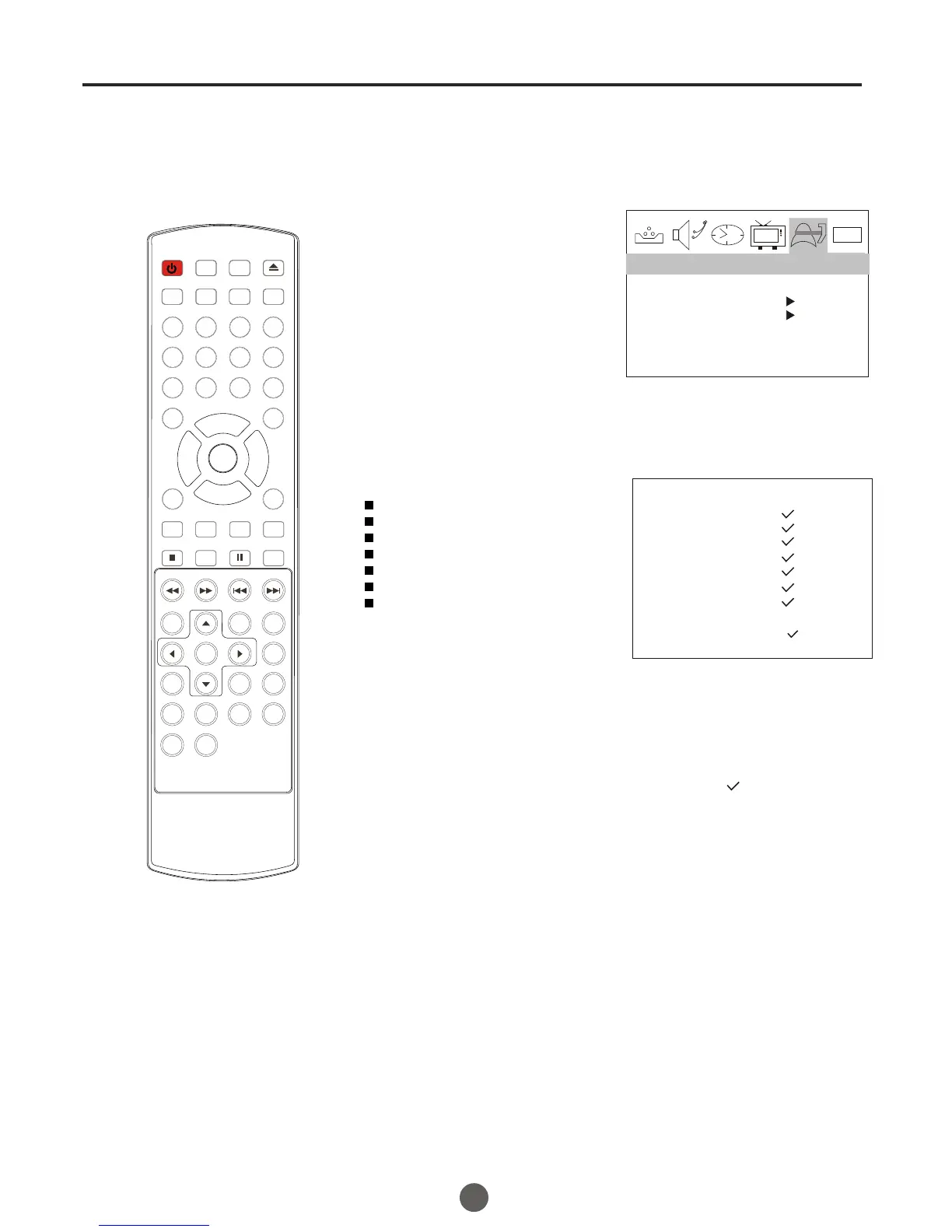
1 Enter the PARENT CONTROL menu.
TO SET THE MPAA RATING
2 Press CH+/- button to
select MPAA RATING,
then press VOL+ button
to enter the submenu.
3 Press CH+/- button to select
the desired rating.
MPAA-X
MPAA-NC-17
MPAA-R
MPAA-PG-13
MPAA-PG
MPAA-G
MPAA-NR
5 Press MENU until the MENU screen disappears.
26
Rating for Movies previously shown in theaters:
Movie Rating
NR (Permits all programs)
G (General audience)
PG (Parental GUIDEance suggested)
PG-13 (Parents strongly cautioned)
R (Restricted)
NC-17 (No one 17 and under admitted)
X (Adult only)
If you set PG-13 : G and PG movies
will be available , PG-13, R, NC-17
and X will be blocked.
4 Press VOL+/- button to select delete or .
0101
PARENTAL LOCK OFF
PARENTAL GUIDE
MPAA RATING
NO RATING UNBLOCK
VIDEO UNBLOCK
PARENTAL LOCK
( : BLOCK)
Function menu
POWER TV/DVD
OPEN/CLOSE
Q.VIEW INFO
MUTE
1 2 3 4
5 6 7 8
99 00
CC
P.MODE
CH+
CH-
VOL
_
MENU
OK
STOP
SETUP
PAUSE/STEP
REV
FWD .
PREV
NEXT
D.MENU
REPEAT
A-B
PLAY/ENTER
SLOW
ANGLE
TITLE/PBC
SEARCH
AUDIO
CLR
D.CALL
TV/AV
PROGRAM
ZOOM
10+
VOL
+
SUBTITLE
-
TV/DTV
SAP
SLEEP
CH.LIST FA V.LIST SIZ GUIDE
MPAA RATING



 To Next Page