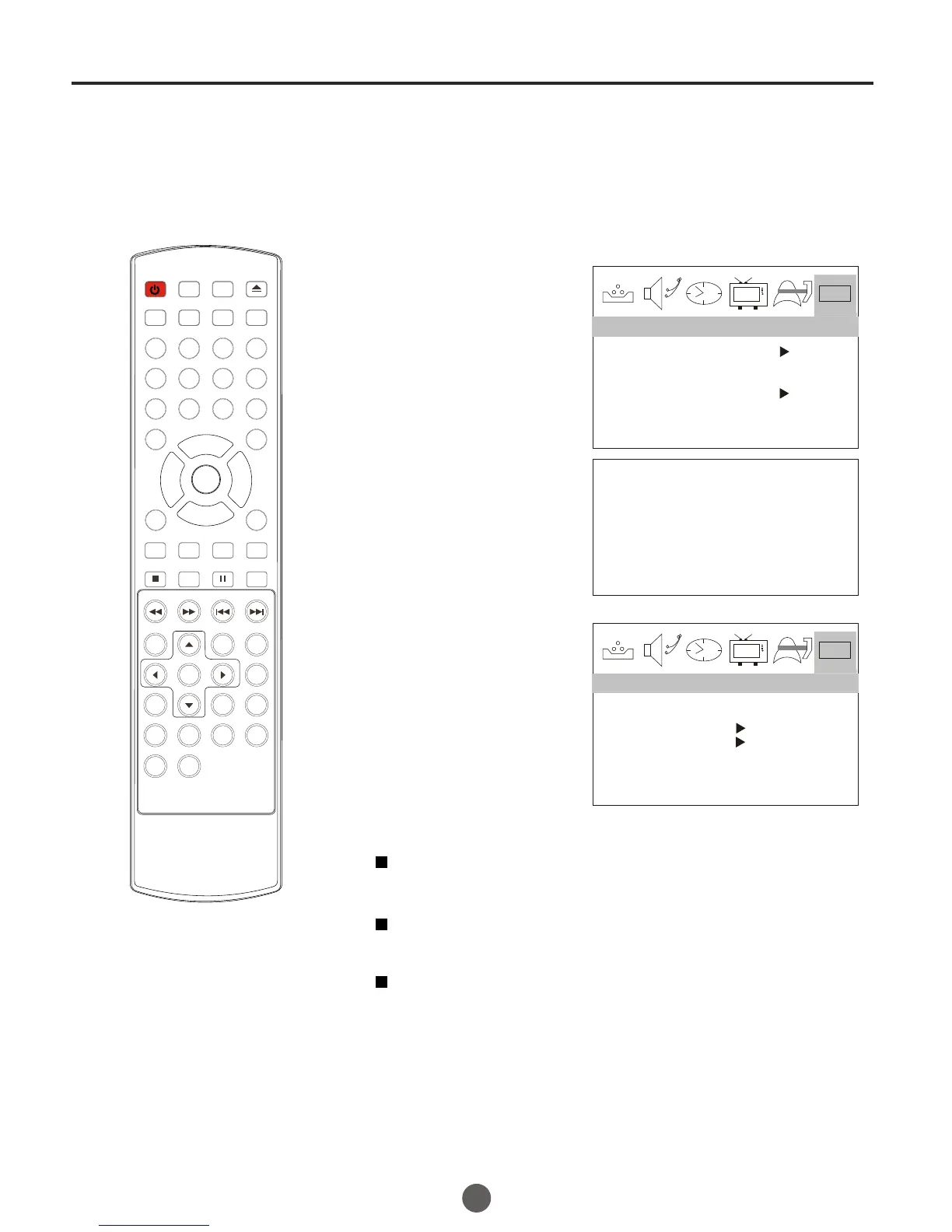
SETTING ATSC PARENTAL LOCK
1 Press MENU. The main menu screen will appear.
2 Press CH+/- button to
select DTV SETUP.
then press VOL- button
to enter the submenu.
0101
DTVCC
DAYLIGHT SAVING OFF
TIME ZONE ALASKA
ATSC PARENTAL LOCK
DTV SETUP
3 Press CH+/- button to
select ATSC PARENTAL
LOCK.
4 Enter the password (4
digits) using the number
buttons(0-9).
The TV is set up with the
initial password 0000 and
enter next submenu.
ENTER CODE ####
0101
VERSION [RRT0]
DIMENSION
CLEAR RRT
DTV SETUP
Version
V-chip broadcast source version.
Dimension
Use when viewing non-TV broadcast programming.
Clear RRT
CLEAR Rating Table (RRT) information:
This will clear V-Chip ratings table version.
32
DTV setup menu
POWER TV/DVD
OPEN/CLOSE
Q.VIEW INFO
MUTE
1 2 3 4
5 6 7 8
99 00
CC
P.MODE
CH+
CH-
VOL
_
MENU
OK
STOP
SETUP
PAUSE/STEP
REV
FWD .
PREV
NEXT
D.MENU
REPEAT
A-B
PLAY/ENTER
SLOW
ANGLE
TITLE/PBC
SEARCH
AUDIO
CLR
D.CALL
TV/AV
PROGRAM
ZOOM
10+
VOL
+
SUBTITLE
-
TV/DTV
SAP
SLEEP
CH.LIST FA V.LIST SIZ GUIDE



 To Next Page