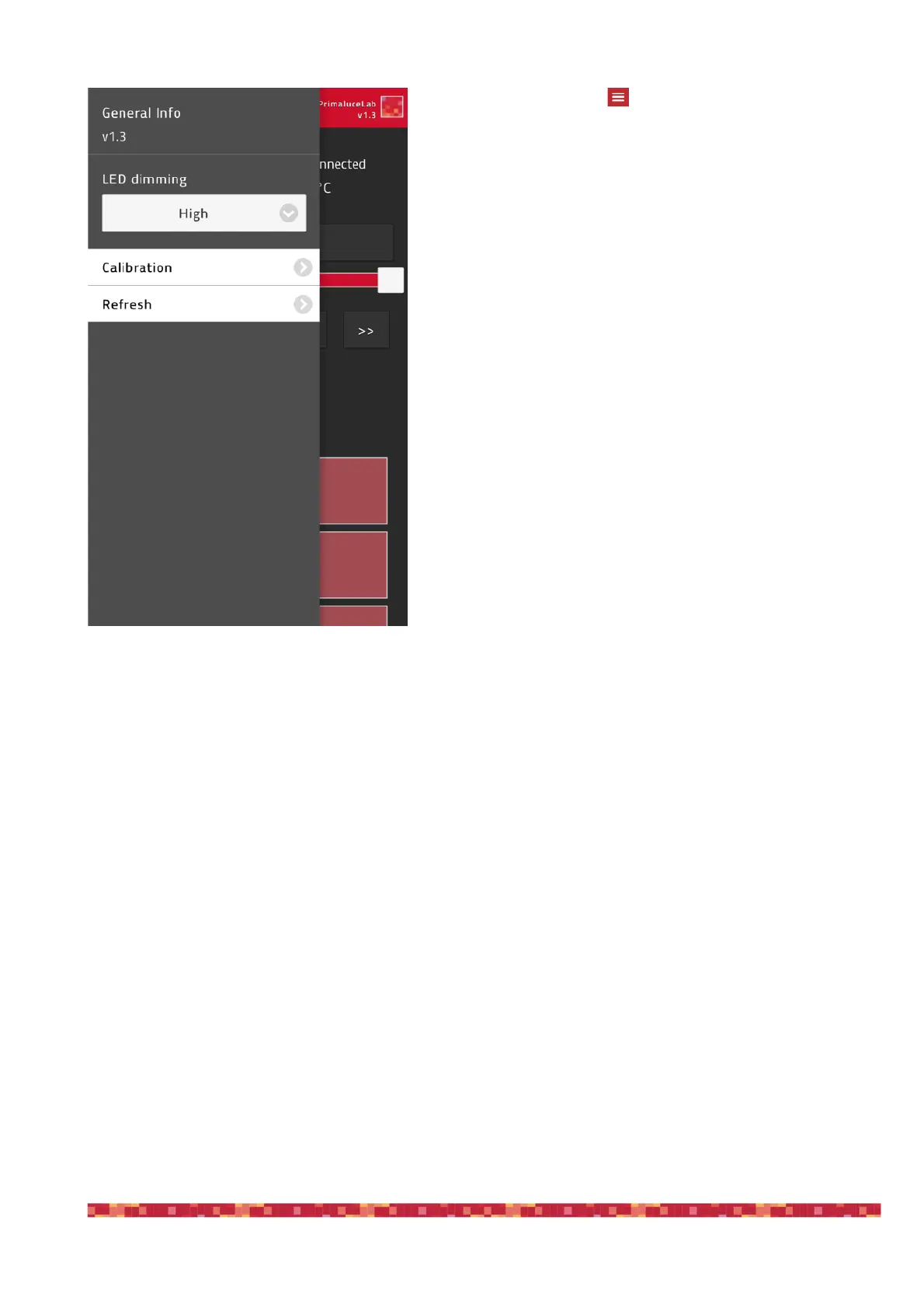
By pressing the top-left button in the ESATTO Virtual
HandPad main screen, the option menu will appear. Here
you will be able to set:
1) LED dimming: you can change the ESATTO LED lights intensi-
ty to the value you prefer. LED status will be automatically stored
in the ESATTO electronics.
2) Calibration: every ESATTO unit is pre calibrated in our factory
but, in case you want to redo the calibration, by pressing this but-
ton you will re calibrate ESATTO again.


 To Next Page