>
Using the A20 Integrated Amplifier
4
FRONT PANEL DISPLAY
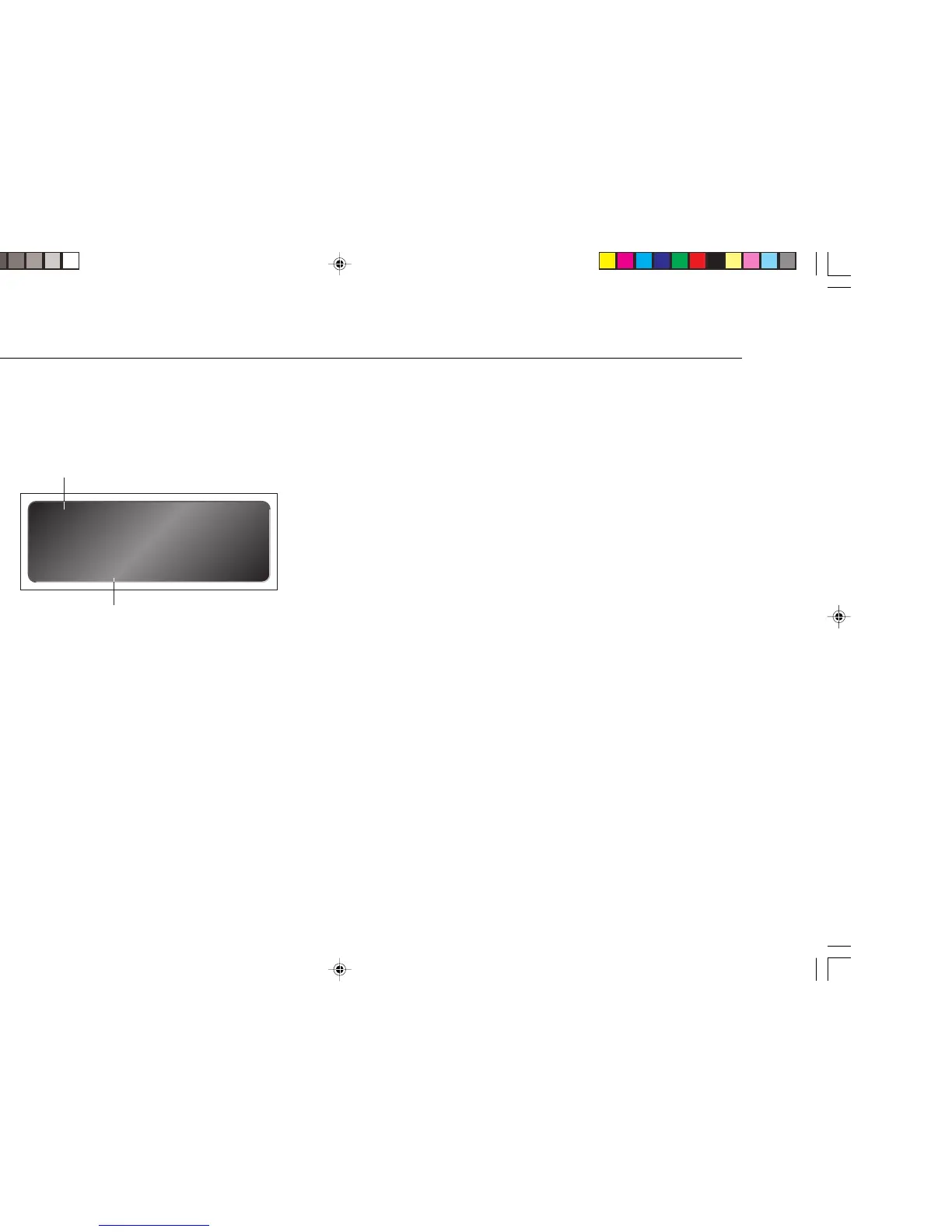
The following illustration shows the information on the front panel display:
57
V
]B
]A
]A Volume setting.
]B Currently selected input.
To dim the front panel display
• Press the DIM button on the remote control.
The display will dim to show just the currently selected source.
To restore the normal display
• Press the DIM button again.
SWITCHING ON AND OFF
To switch on
• Use the switch under the left-hand edge of the front panel.
During normal operation you can leave the A20 switched on and in standby.
To switch to standby
• Press the STANDBY button on the front panel or the STBY button on the
remote control.
To switch on from standby
• Press the STANDBY button on the front panel.
Selecting any function with the remote control will also switch on the A20 from
standby.



 To Next Page