1
Welcome
Welcome to the Primare CD31! Your CD31 is a high-quality compact disc player with analogue and digital outputs.
This page shows how to set up your CD31 in four simple steps:
1 Unpack the CD31
Your CD31 is supplied with the following
components:
•
Mains cable.
•
C22 remote control.
•
Two batteries for the remote control.
If any of these items are missing please contact
your supplier. We recommend you retain the
packaging in case you need to transport the unit at
a later date.
2 Connect to a
preamplifier
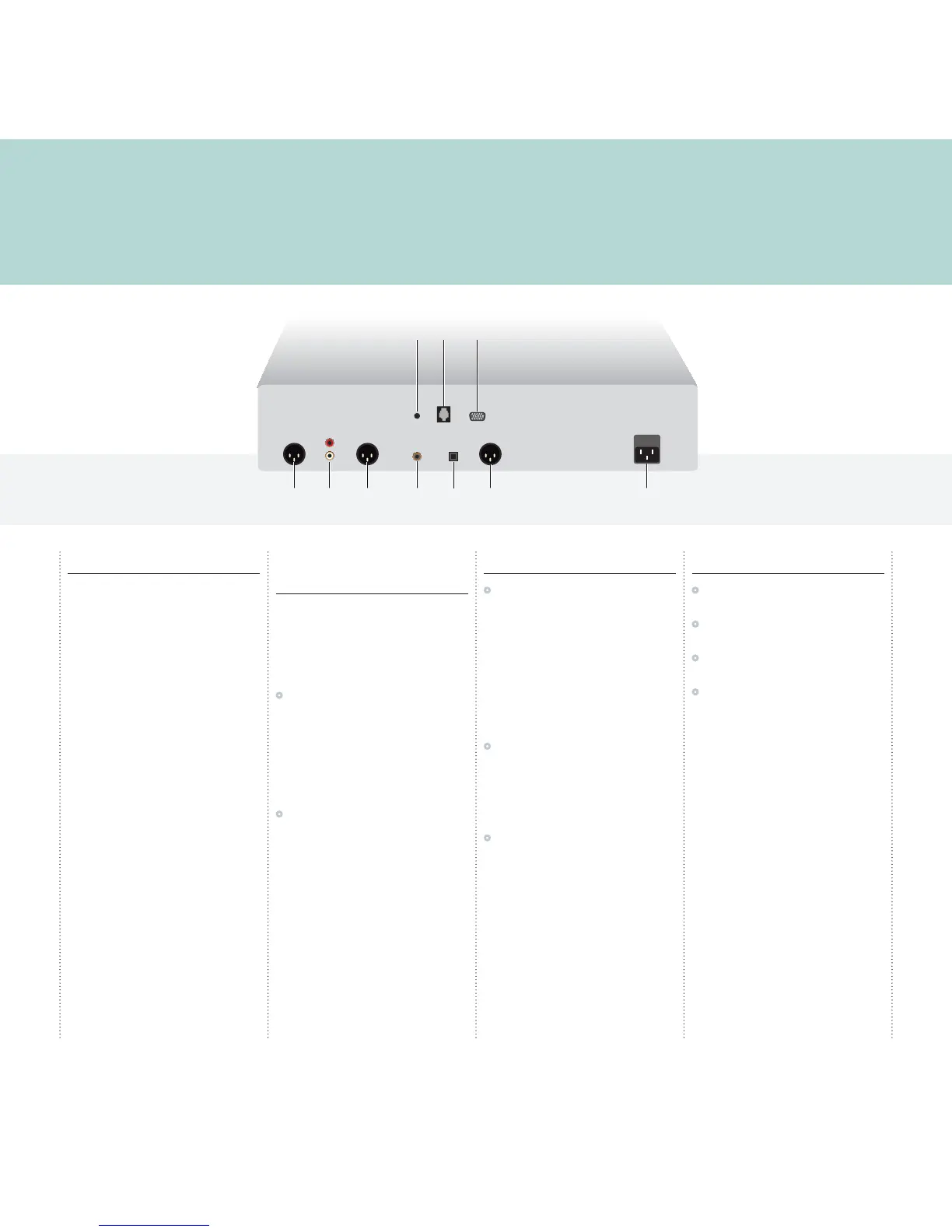
Analogue outputs
The analogue output provides for both the
recommended balanced XLR outputs and the
conventional unbalanced RCA for connection with
an appropriate stereo amplifier.
•
Connect the appropriate outputs to your
preamplifier using a suitable cable.
Digital outputs
Alternatively the CD31 Compact Disc Player
provides one SPDIF, one TOSlink, and one AES/
EBU digital output for connection to a digital
preamplifier or digital surround processor.
•
Connect the appropriate output to your
preamplifier or surround processor using a
suitable cable.
3 Connect power
•
Plug one end of the mains cable supplied with
the CD31 into the power connector on the back
panel, and connect the other end to a wall
socket.
If this cable is not suitable for your power outlets
please contact your supplier for an alternative
cable.
WARNING: Always disconnect the
CD31 from the mains power before
connecting or disconnecting any cables.
•
Switch on the CD31, using the switch under the
left-hand edge of the housing.
The standby indicator will light up on the front
panel.
To switch on from standby or to standby
•
Pressing O on the front panel or on the remote
control, will change the standby mode.
4 Play a CD
•
Hold down the */å button on the front panel,
or on the remote control, to open the tray.
•
Place the CD in the tray with the label facing
upwards.
•
Press the */å button on the front panel or the
remote control to close the tray.
•
Press the > button on the front panel, or the
>/= button on the remote control to play the
disc.
For more information about playing a CD, see
Using the CD31
, page 2.



 To Next Page