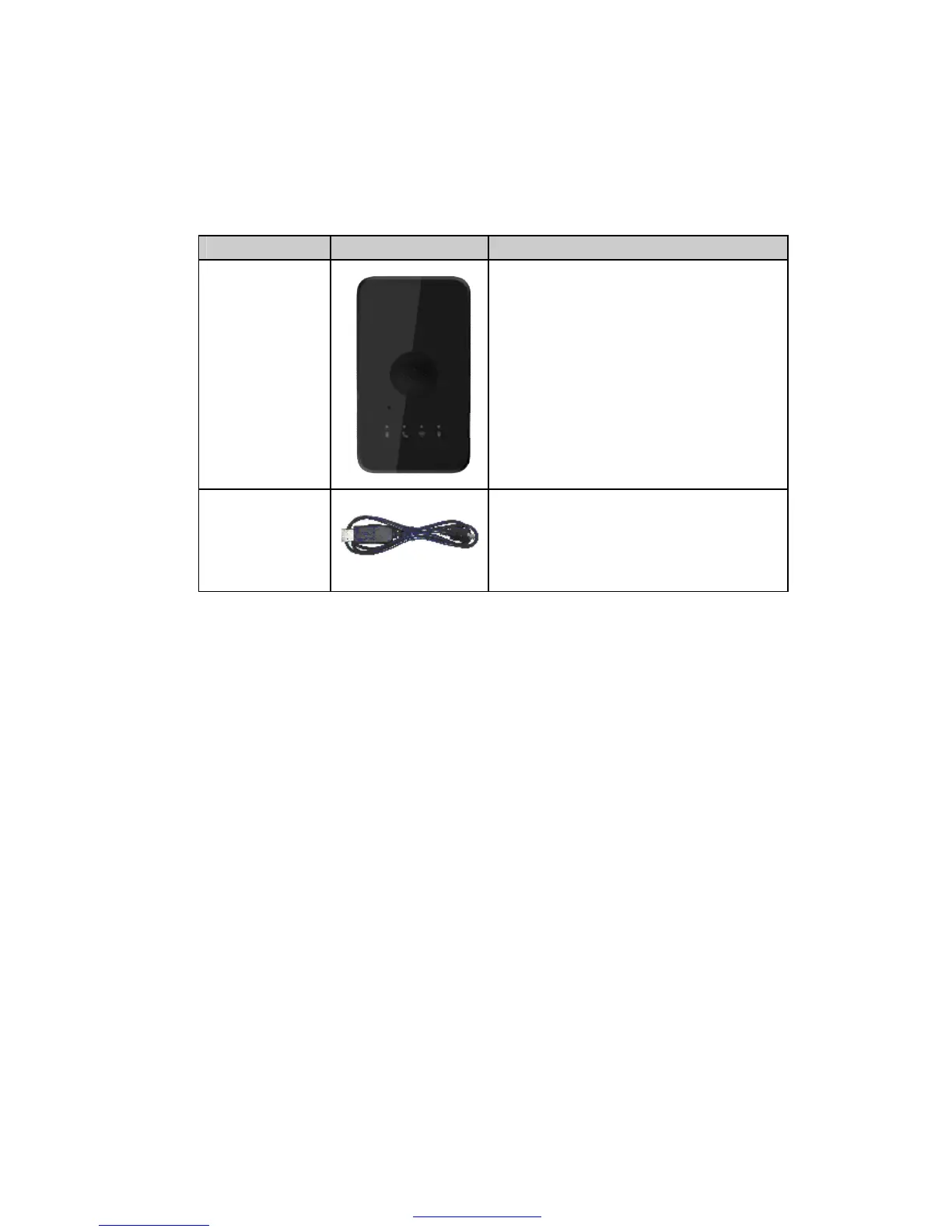
It the USB data cable which can be used for
firmware upgrading and configuration.
It also includes the charger interface on the
AT PLUS(3G).
3.2 Battery Charging
The following items are suggestion for battery charge, please pay more attention.
u During the charging process, the Power LED light will solid. When the battery is
fully charged, the Power LED light will be Ever-light.
u You can charge the battery using USB cable which connects AT PLUS(3G) device
with the PC.
u Charging will last about 5 hours.
Note: If the AT PLUS(3G) device is firstly used, please make sure the battery is fully
charged, which will make the life of battery much longer.
3.3 AT PLUS(3G) Data Cable
AT PLUS(3G) Data Cable is a cable with a Micro USB connector.
The USB data cable is used for data download, which will be used for firmware update
or configuration and can be used for charging at the same time.
PDF pdfFactory Pro www.fineprint.cn



 To Next Page