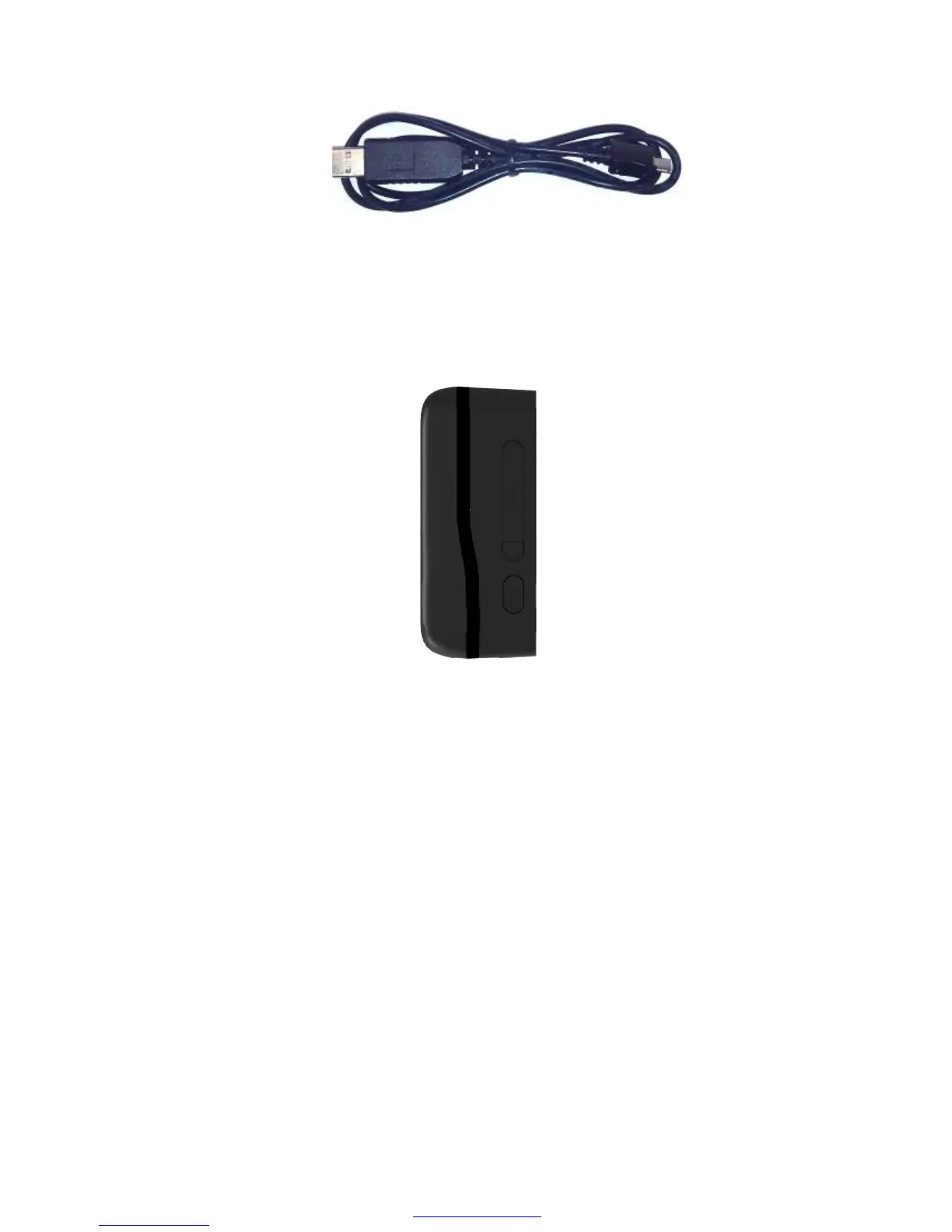
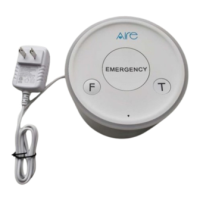
Figure 2-1
3.4 Power on/Power off
Figure 2-2
Power on:
u Press the Power key at least 3 seconds and release it to power on AT PLUS(3G)
device. Note that, the Power LED light will fast flash.
Power off:
u Press the power key about 3 seconds; Power LED light will fast flash and then turn
off, which indicates that AT PLUS(3G) device has been powered off.
Note: the user can not power off AT PLUS(3G) if the power key is disabled
by protocol.
PDF pdfFactory Pro www.fineprint.cn



 To Next Page