Troubleshooting 27
Note:
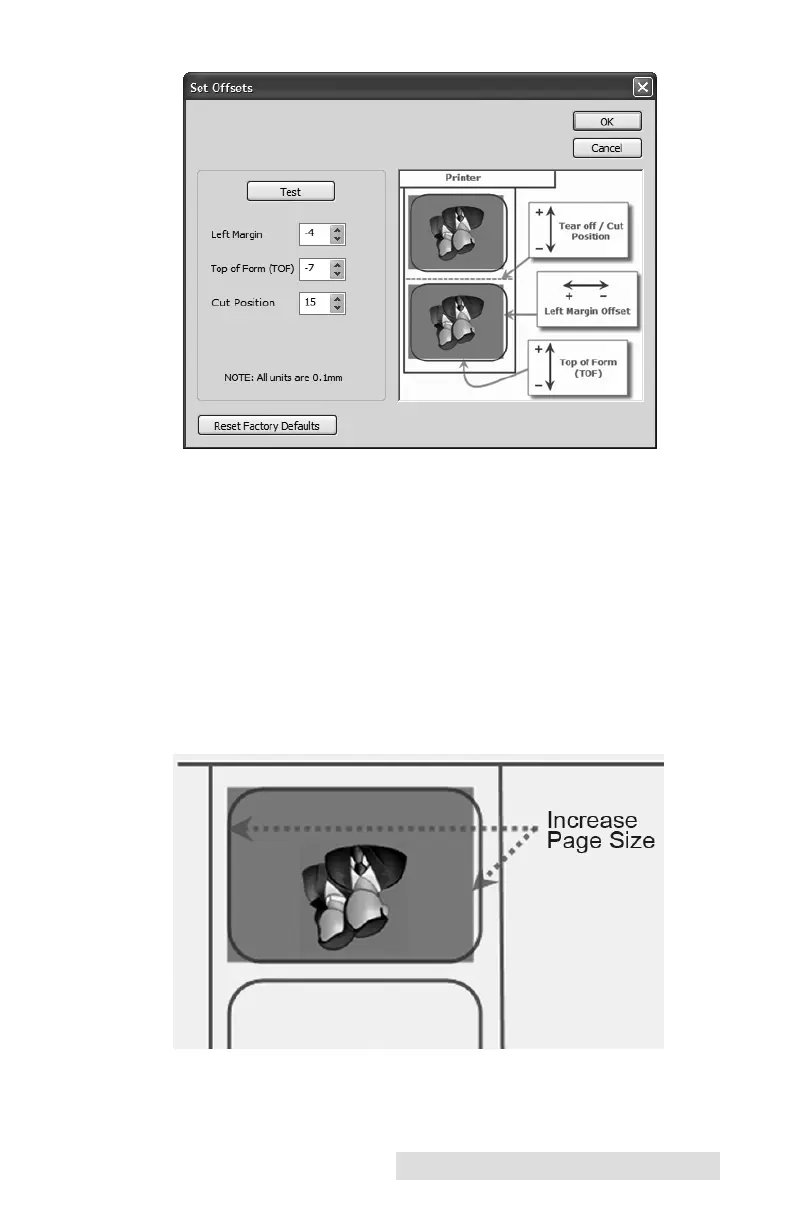
Often times a space on the right (printer’s left) side indicates a
margin around the media that is not being accounted for. The printer
is factory calibrated for a 2mm margin. A larger margin around the
media will cause a right (printer’s left) side space.
Page Size. Often the page size is not large enough for the
media. If this is the case you may see white space on the right
(printer’s left) side of the the media and no image over lap on
the opposite side. This indicates that the page size needs to be
increased. Increase the page size enough through the printer
preferences to cover the media.



 To Next Page