4 Getting Started
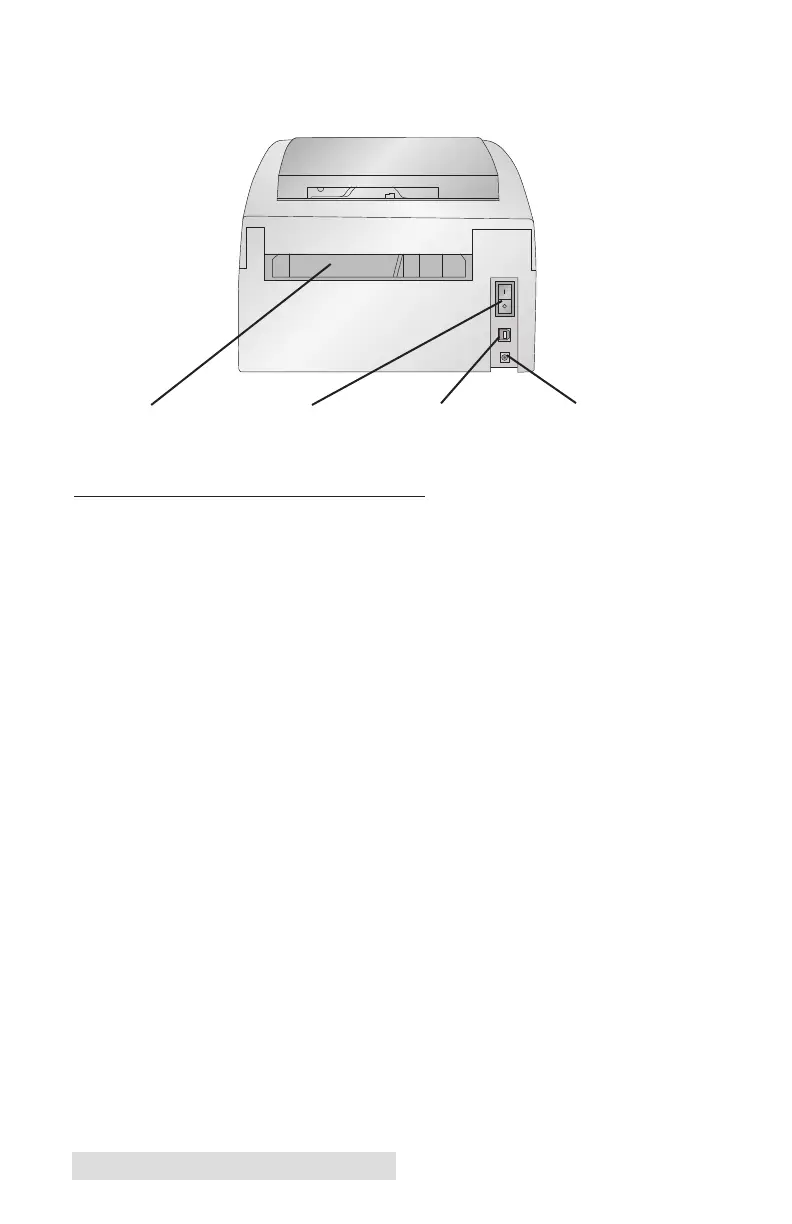
This illustration shows the input ports and power switch found
on the rear panel of the printer.
D. COMPUTER SPECIFICATIONS
Minimum PC Specifications
For optimal printing speed you must have a PC with the
following minimum specifications:
• Pentium IV processor
• 512 MB of RAM
• 5 GB of free hard drive space
USB PortPower Switch Power Input Port
Fan-fold Media Slot



 To Next Page