Hardware and Software Settings 7
C. INSTALLING MEDIA
Your printer will utilize a
wide variety of continuous
media. Most inkjet receptive
media within the provided
size specifications will work
in your printer. Primera
carries a variety of media
that has been converted
and is ready for use with
your printer.
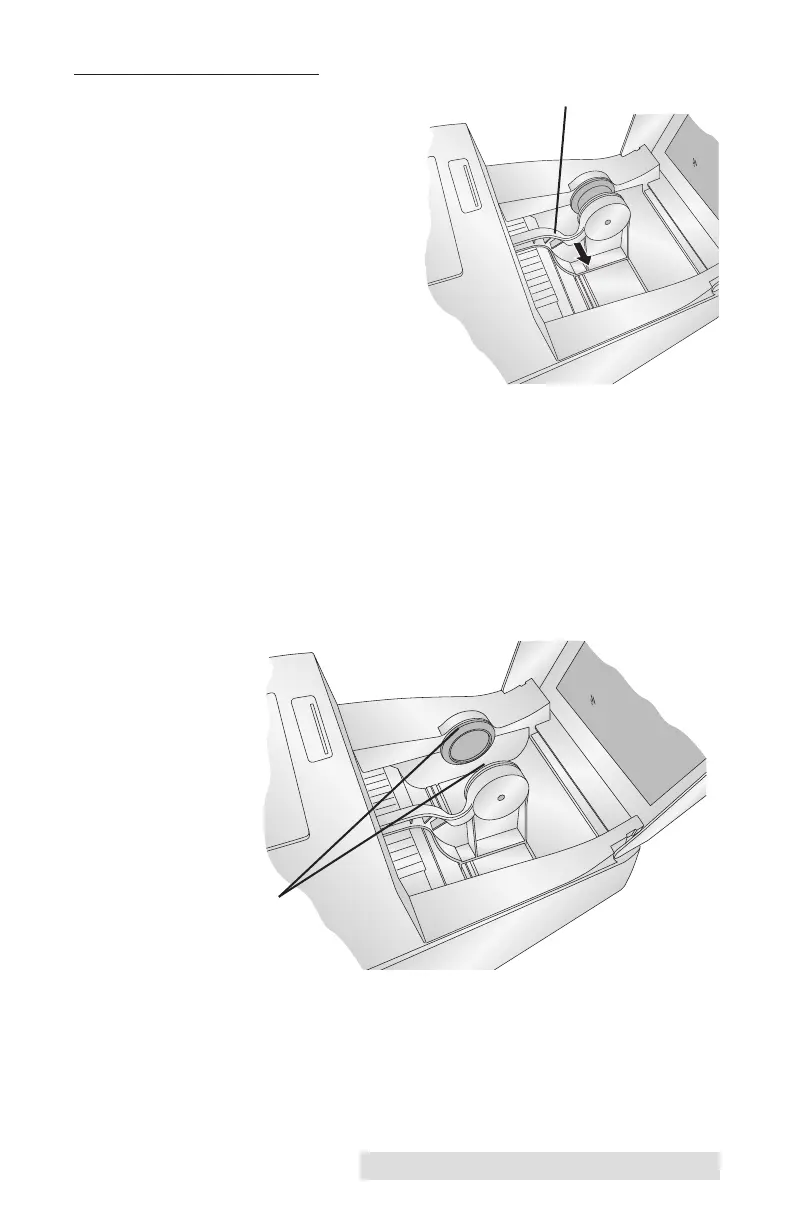
1. Open the Top Cover.
2. Pull the spring-loaded Media Guide out far enough to fit
the roll of media.
Important Note:
Using die-cut label stock is not recommended.
3. Remove any shipping tape from your media roll to ensure
that it can unroll freely, making certain that no adhesive
portion is exposed. It is important to note that any exposed
adhesive surface can attach itself the inner workings of the
print mechanism and cause a media jam.
Roll Core Holders
Media Guide



 To Next Page