8 Hardware and Software Settings
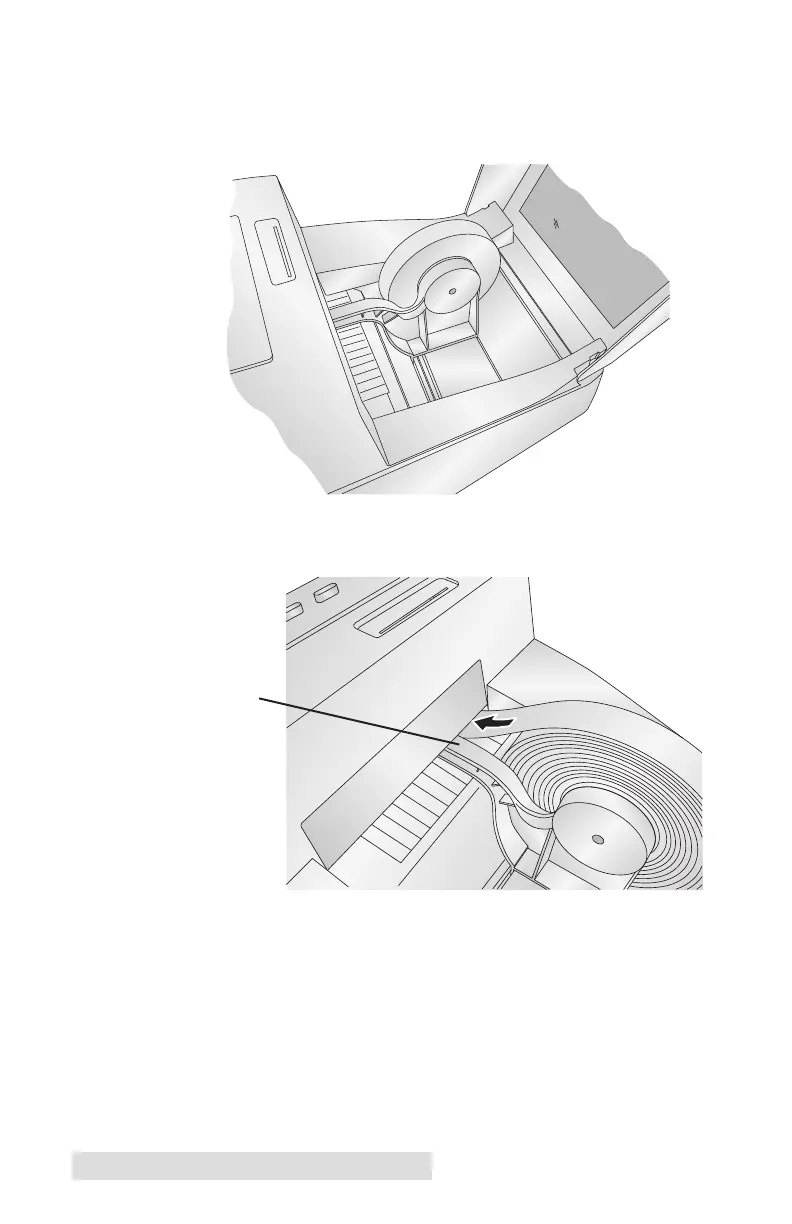
4. Place the media roll between the Roll Core Holders and
release the spring-loaded Media Guide to hold the roll.
The Roll Core Holders allow the roll to move freely.
5. Place the leading edge of the media between the Throat
Guide and the side of the printer.
6. Feed the media further into the printer until it senses the
media and automatically feeds it through the printer.
If the printer fails to feed the media, press the Load/Feed
Button on the front panel while continuing to guide the
media into the printer.
Throat Guide



 To Next Page