Hardware and Software Settings 9
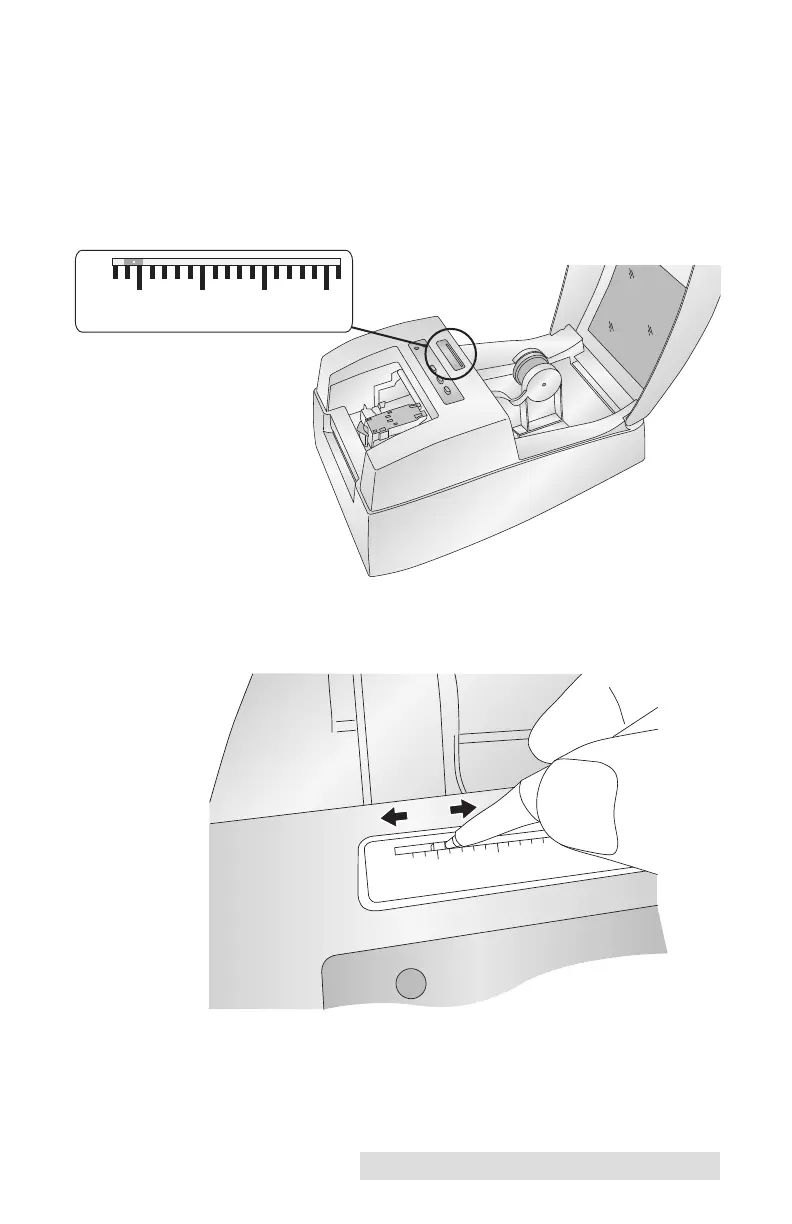
For narrow media it may be necessary to adjust the media
sensor position. The scale on the Media Sensor Bar represents
the distance from the sensor to the left edge of the media.
Adjust the sensor to be roughly centered on the media. The
media sensor is used to automatically detect when a label is
fed into the printer and to stop the printer when the media is
depleted.
To adjust the sensor position, use a pen to move the slide bar to
the correct postion.



 To Next Page