9
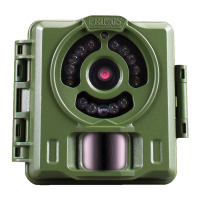
Parts and Controls Guide
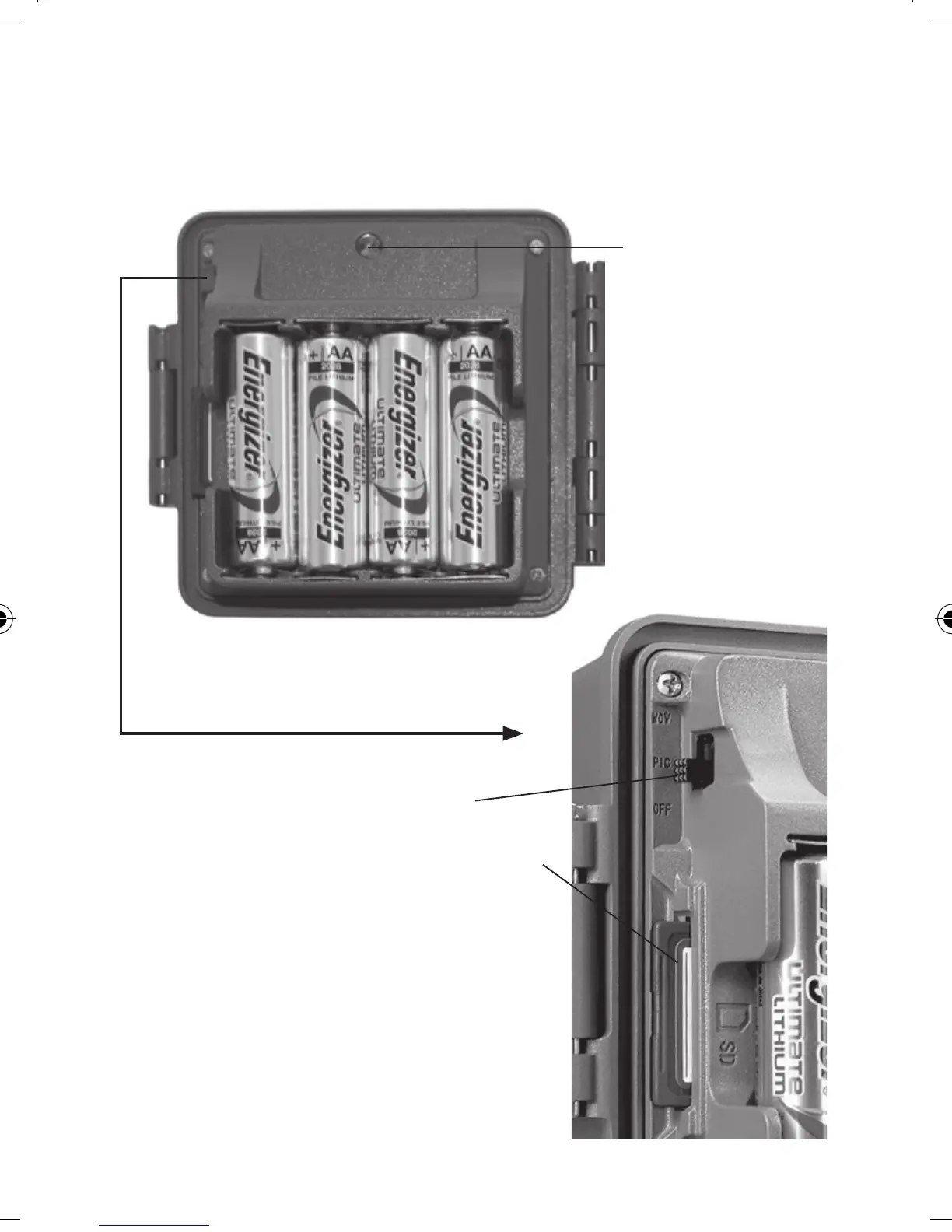
Power/Mode
Switch
SD Card Slot
Battery
Compartment
(note orientation for
correct polarity)
+ - + -
+ - + -
Side View
Interior View
(Unlatched)
Operating Status Indicator LED:
• Lights when Timetool software has
nished saving to SD card (see pg. 11).
• Lights while capturing photo or video
(do not switch power o when lit).
• Blinks to indicate SD card is locked or
full (unable to save photos/videos).
Operating Status
Indicator LED Light
Primos 63063 BulletProof2 Cam_1LIM_rev5.indd 9 1/20/16 2:14 PM


 To Next Page