4
1.2 Hardware setup
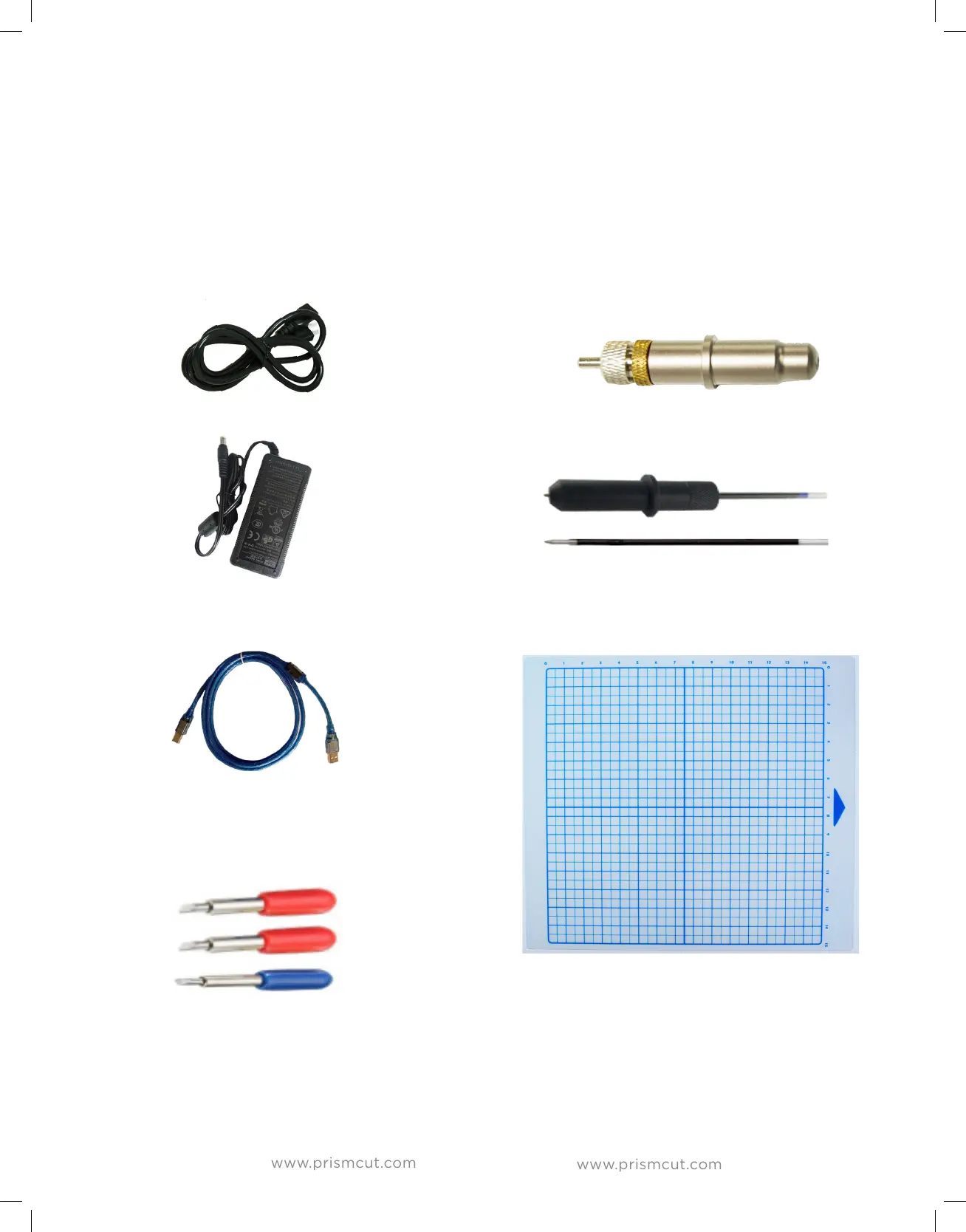
Your PrismCut cutter/plotter ships with the following standard accessories:
Optional accessories available for purchase are described in Section 3 of this user manual
POWER CABLE
POWER ADAPTOR
USB CABLE
BLADE SET
2 x 45 degree
1 x 60 degree
BLADE HOLDER
PEN & REFILL
CUTTING MAT
15” x 15”
Section 1 - GETTING STARTED
1.1 Training videos
If you prefer to watch instead of read, you can find training videos that match
the material presented in the manual at: www.prismcut.com/videos


 To Next Page