26/44
3.5 Change the Display Unit Type (only when replacing with GP-4501TW)
Open the project file (*.prx) on GP-Pro EX that is converted in the Chapter 3.4 and
change the display unit type to GP-4501TW.
(1) Open the converted project file (*.prx) on GP-Pro EX.
(2) Click GP-Pro EX’s [System Settings]->[Display] and there change the Display Unit
to GP-4501TW.
(3) Click [Project]->[Save] or [Save As] to save the change.
3.6 Transfer the screen data to GP-4501T/TW
Transfer the project file after conversion to GP-4501T/TW.
You can transfer data to GP-4501T/TW via;
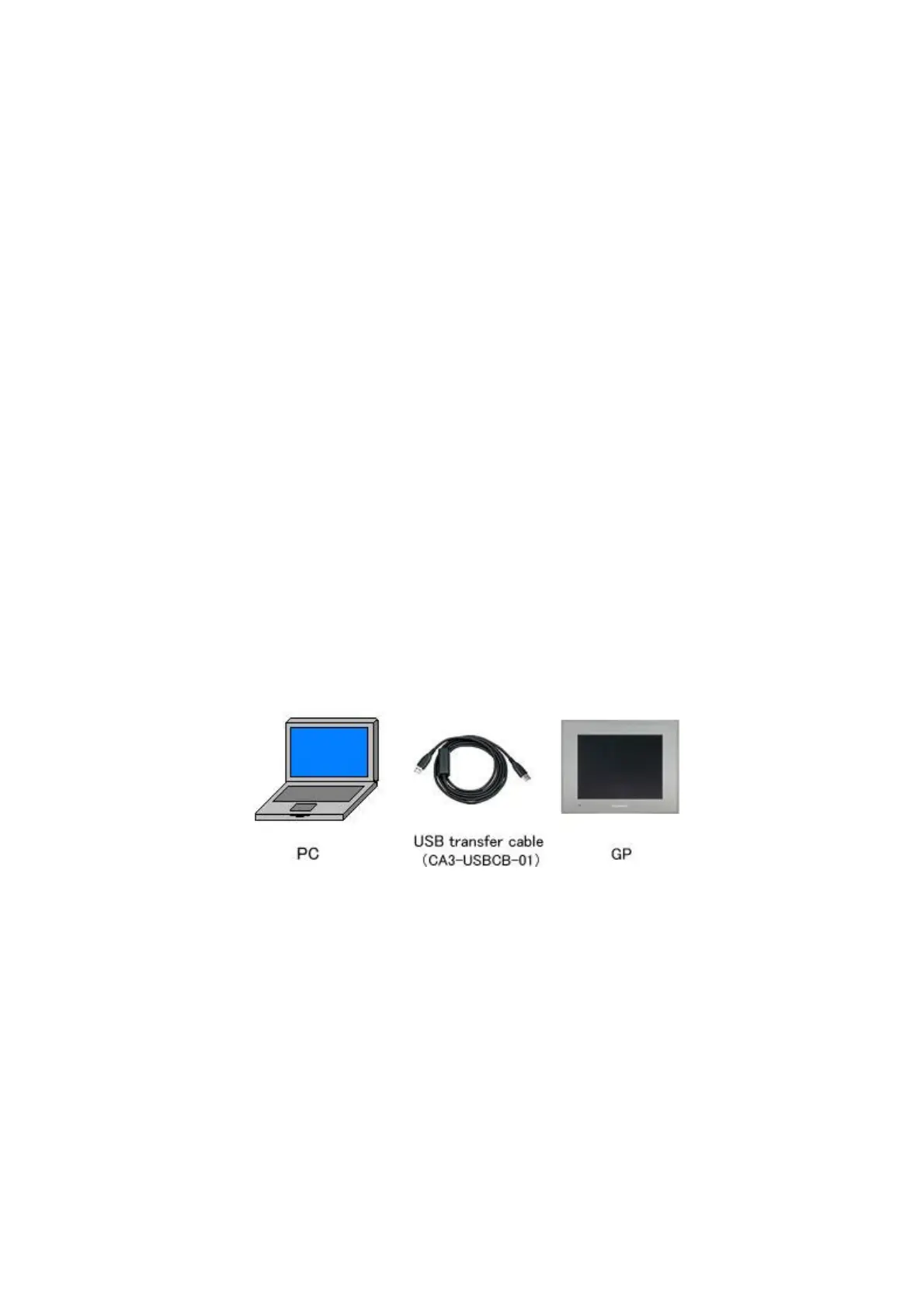
・ A USB transfer cable (model: CA3-USBCB-01)
・ A USB data transfer cable (model: ZC9USCBMB1)
・ A commercial USB cable (USB Type A/mini B)
・ A SD card/A USB storage device
・ Ethernet
But, this section explains, as an example, how to transfer screen data with a USB
transfer cable (model: CA3-USBCB-01).
(1) Connect your PC and GP-4501T/TW with a USB transfer cable (model:
CA3-USBCB-01).
If the driver of the cable has not been installed on you PC yet, a dialog box will
appear. Please follow the instructions.




 To Next Page