37/44
4.6.1 When using a RS-232C connection cable
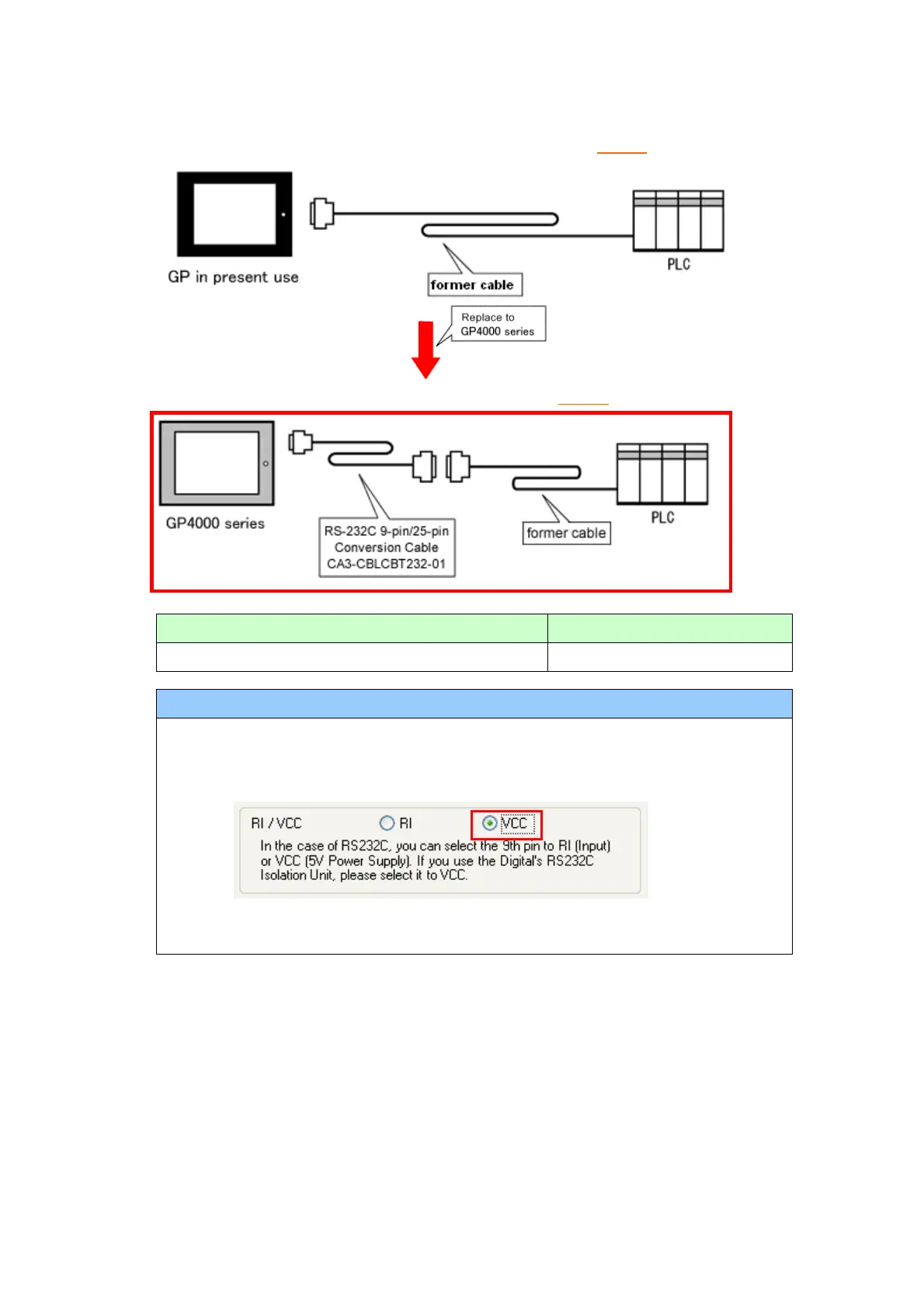
GP-377R/377S/377L System Configuration (connecting to COM1)
GP-4000 series System Configuration (connecting to COM1)
To replace GP-377R/377S/377L with GP-4000 series, prepare the following item.
RS-232C 9-pin/25-pin Conversion Cable (20cm)
When using CPU I/F Cable for Mitsubishi PLC…
When using CPU I/F Cables for Mitsubishi PLC (GP430-IP10-O/ GP430-IP11-O)
with GP-2500 series, be sure to select “VCC” in the Device/PLC Setting on GP-Pro
EX after converting a project file, or the communication will not work properly.
To change this setting, select [System Settings] -> [Device/PLC] in the [Project]
menu on GP-Pro EX.




 To Next Page