42/44
Chapter 5 Appendix
5.1 Changing the setting of the external media to use
If a CF card is used for GP-PRO/PBIII, after GP-577RT/S is replaced with
GP-4501T/TW with the Project Converter of GP-Pro EX, “a CF card” is automatically
replaced with “a SD card” for the external media setting.
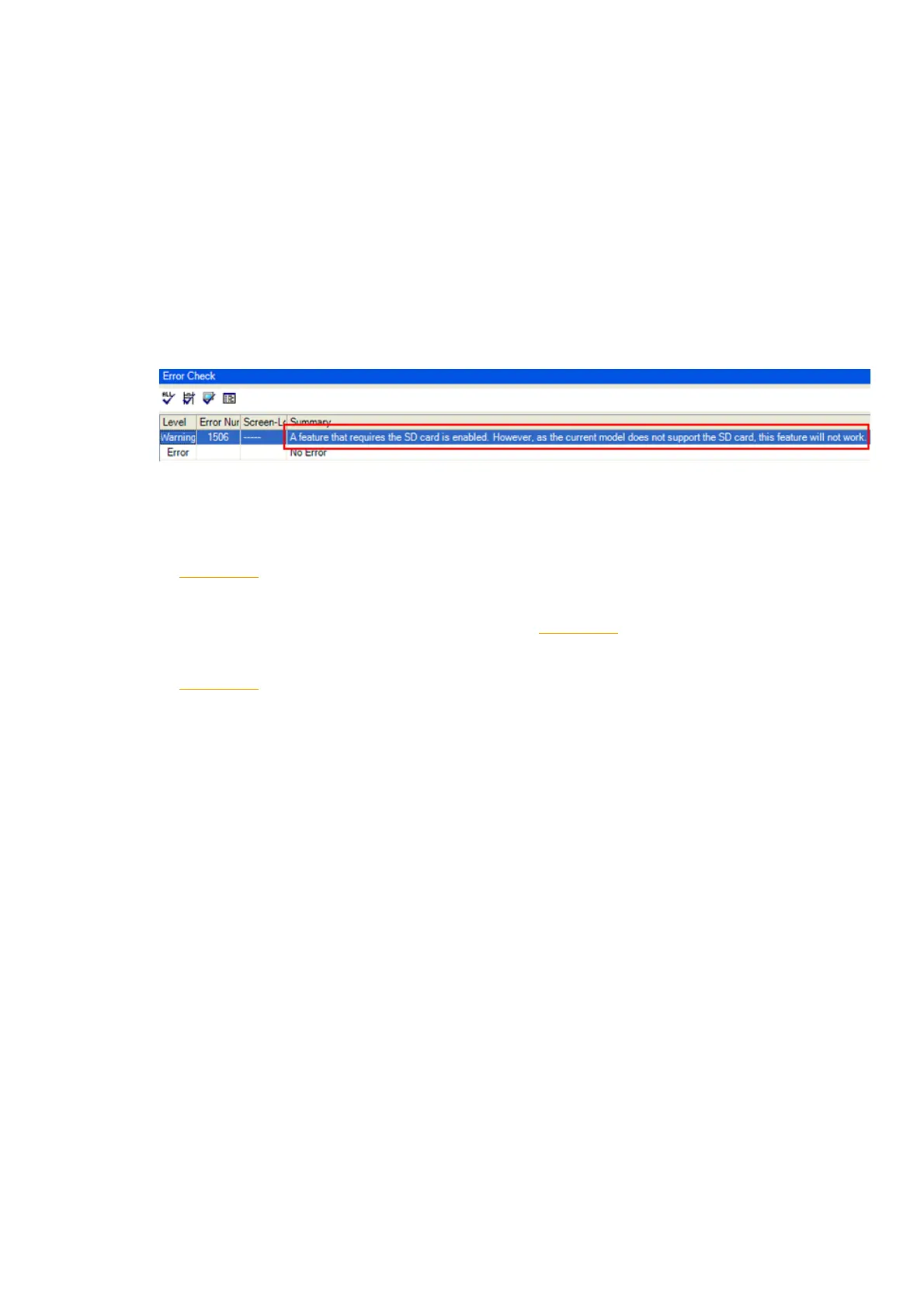
(1) After conversion of the project file data, at GP-Pro EX Error Check, if the message,
“The project contains features that require a SD card. However, the selected
display does not support SD cards so these features will not run.” appears,
<Cause>
The model without a SD card slot has the setting that uses a SD card.
->Solution 1
(2) To use a USB flash drive instead of a SD card ->Solution 1
(3) To check or change the SD card’s data output destination folder setting
->Solution 2




 To Next Page