EasyManua.ls Logo

Pro-Form 831.294062 - User Manual

Pro-Form 831.294062
30 pages
Print Icon
To Next Page IconTo Next Page
Loading...
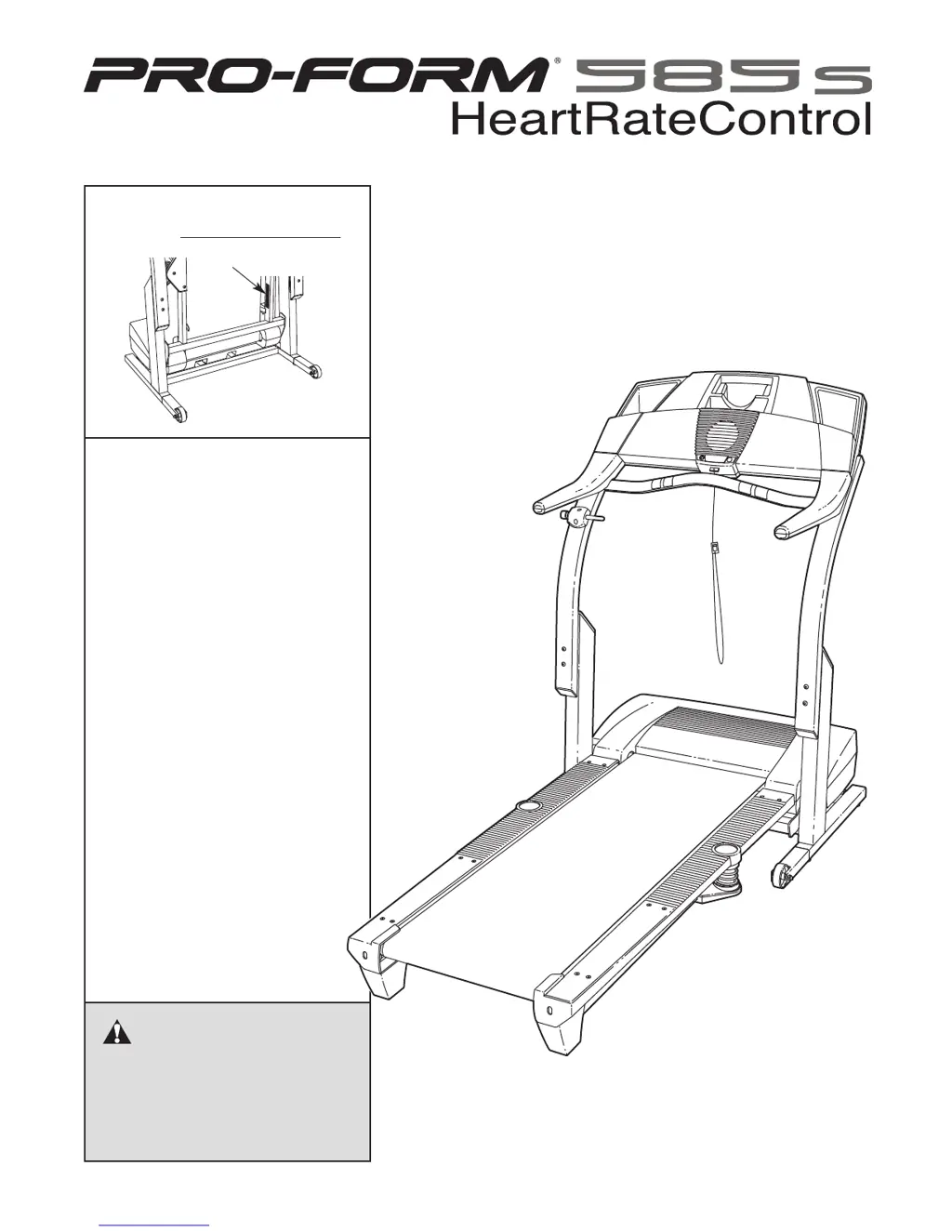
Serial Number Decal
Model No. 831.294062
Serial No.
CAUTION
Read all precautions and instruc-
tions in this manual before using
this equipment. Save this manual
for future reference.
Sears, Roebuck and Co., Hoffman Estates, IL 60179
TREADMILL EXERCISER
Users Manual
• Assembly
• Operation
• Maintenance
• Part List and Drawing

Questions and Answers

  • W
    William LyonsAug 11, 2025
    How to fix Pro-Form 831.294062 when the power does not turn on?
    • S
      Susan VargasAug 12, 2025
      First, ensure the power cord of your Pro-Form Treadmill is properly plugged into a surge suppressor, and that the surge suppressor is connected to a grounded outlet. Note that the treadmill is not compatible with GFCI outlets. Also, make sure the key is fully inserted into the console. Finally, check the reset/off circuit breaker located on the treadmill frame near the power cord. If the switch protrudes, reset it by waiting five minutes and then pressing the switch back in.
  • B
    Bruce BrownAug 19, 2025
    What to do if my Pro-Form 831.294062 Treadmill power turns off during use?
    • H
      Hannah GarciaAug 19, 2025
      If your Pro-Form Treadmill turns off during use, first check the reset/off circuit breaker and reset it if tripped by waiting five minutes before pressing it back in. Next, ensure the power cord is securely plugged in; if it is, unplug it, wait five minutes, and plug it back in. Also, remove and re-insert the key fully into the console.
  • S
    samuel04Aug 27, 2025
    How to troubleshoot a Pro-Form 831.294062 Treadmill walking belt that slows down when I walk on it?
    • M
      Monica SkinnerAug 27, 2025
      If the walking belt of your Pro-Form Treadmill slows when walked on, use a single-outlet surge suppressor that meets the specifications. If the belt is overtightened, unplug the power cord and remove the key. Turn both rear roller adjustment bolts counterclockwise 1/4 turn. You should be able to lift each side of the walking belt 2 to 3 inches off the platform. Plug in the power cord, insert the key, and run the treadmill.
  • D
    Drew GoodmanSep 2, 2025
    How to recalibrate the incline on a Pro-Form 831.294062?
    • K
      kathryn17Sep 2, 2025
      To recalibrate the incline system on your Pro-Form Treadmill, insert the key into the console, and press one of the Incline buttons. While the incline is changing, remove the key. After a few seconds, re-insert the key. The treadmill should rise to the maximum incline and then return to the minimum level.

Pro-Form 831.294062 Specifications

General IconGeneral
BrandPro-Form
Model831.294062
CategoryTreadmill
LanguageEnglish

Related product manuals