EasyManua.ls Logo

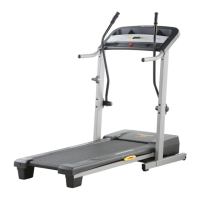
Pro-Form Crosswalk 397 831.24843.2 - User Manual

Pro-Form Crosswalk 397 831.24843.2
28 pages
Print Icon
To Next Page IconTo Next Page
Loading...
CAUTION
Read all precautions and instruc-
tions in this manual before using
this equipment. Keep this manual
for future reference.
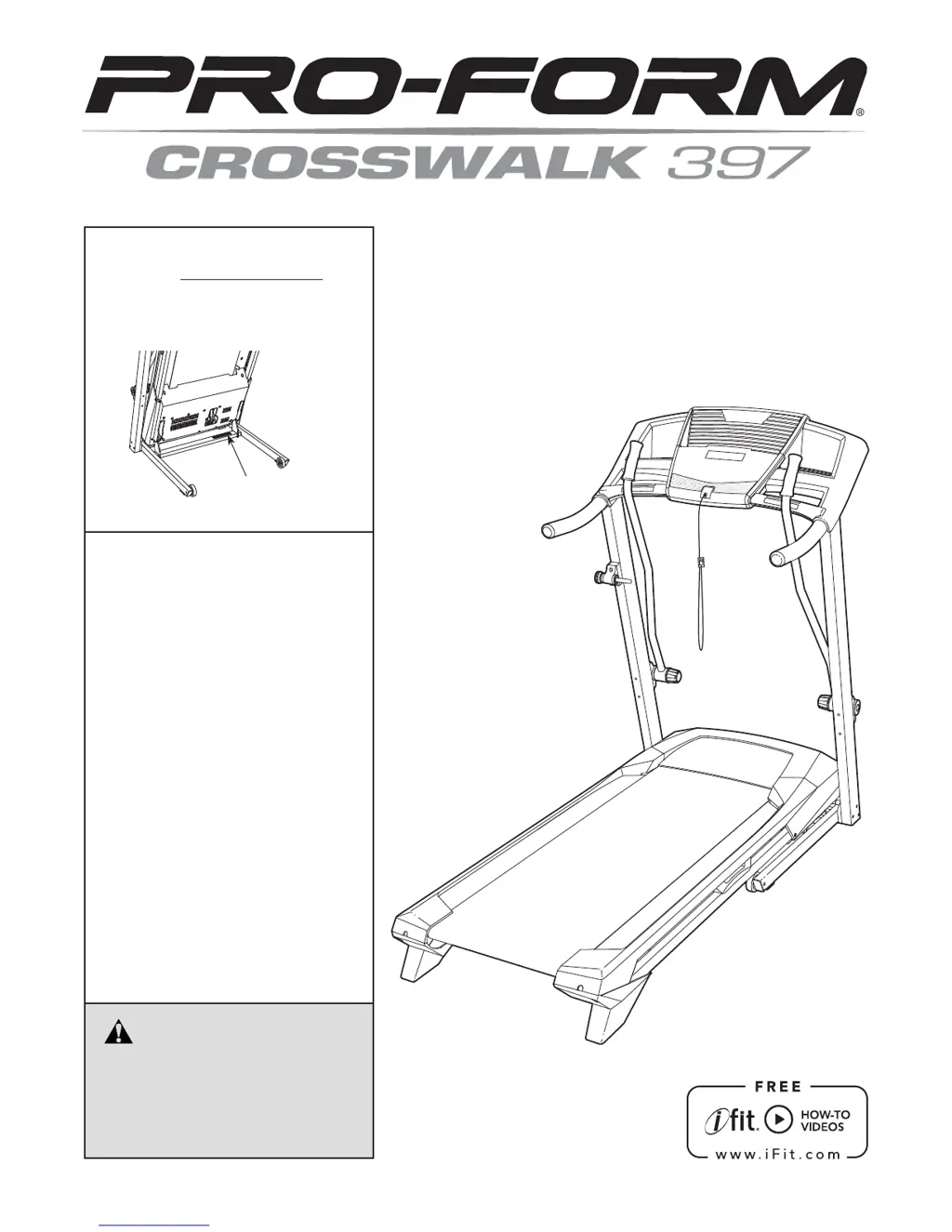
Model No. 831.24843.2
Serial No.
Write the serial number in the space
above for reference.
Serial Number
Decal
• Assembly
• Operation
• Maintenance
• Part List and Drawing
Sears, Roebuck and Co.
Hoffman Estates, IL 60179
TREADMILL EXERCISER
User’s Manual

Questions and Answers

  • S
    Scott JacksonAug 1, 2025
    What to do if Pro-Form Crosswalk 397 831.24843.2 Treadmill power does not turn on?
    • W
      whitenancyAug 1, 2025
      First, ensure the power cord is properly plugged into a surge suppressor, and that the surge suppressor is connected to a grounded outlet. Note that the Pro-Form Treadmill is not compatible with GFCI or AFCI-equipped outlets. Then, verify that the key is fully inserted into the console. Finally, check the power switch located on the treadmill frame near the power cord. If the switch is protruding, reset it by waiting five minutes before pressing it back in.
  • H
    Holly WilliamsAug 9, 2025
    How to fix Pro-Form Crosswalk 397 831.24843.2 walking belt slowing down?
    • J
      James FletcherAug 9, 2025
      If the walking belt slows down when you walk on your Pro-Form Treadmill, it might be overtightened. Remove the key and unplug the power cord. Use the hex key to turn both idler roller screws counterclockwise by 1/4 of a turn. The belt should be tightened enough to lift each edge 2 to 3 inches off the platform. Plug the treadmill back in, insert the key, and run it for a few minutes. Repeat this process until the belt is properly tightened. Also, note that you should never apply silicone spray or other substances to the walking belt unless instructed by an authorized service representative. If you suspect that the walking belt needs more lubricant, see the back cover of this manual.
  • C
    changstephenAug 16, 2025
    Why does my Pro-Form Crosswalk 397 831.24843.2 Treadmill power turn off during use?
    • W
      williamsnatalieAug 16, 2025
      The power may turn off during use due to several reasons. Check the power switch; if it has tripped, wait five minutes, then press it back in to reset it. Also, ensure the power cord is securely plugged in; if it is, unplug it, wait five minutes, and plug it back in. Another potential fix is to remove and reinsert the key from the console. If the issue persists, please consult the back cover of this manual.
  • T
    Tina HuffAug 25, 2025
    How to turn off demo mode on Pro-Form Treadmill?
    • J
      Judy MclaughlinAug 25, 2025
      If the console displays on your Pro-Form Treadmill remain lit after removing the key, the demo mode is likely activated. To deactivate it, press and hold the Stop button for a few seconds. If the displays are still lit, consult THE INFORMATION MODE on page 18 to turn off the demo mode.

Summary

Warning Decal Placement

General Safety Warnings and Cautions

Highlights critical warnings and cautions to ensure user safety during operation.

Important Precautions

Health, Safety, and Placement Guidelines

Consult physician, general safety, placement, environment, and user attire guidelines.

Electrical and Operational Safety

Power connection, surge protection, safe operation, and avoiding hazards.

Before You Begin

Assembly

Handrail and Console Installation

Connecting handrails, crossbar, and the console assembly.

Operation and Adjustment

Connecting the Power Cord

Instructions on using a surge suppressor and plugging in the power cord correctly.

How to Turn On Treadmill Power

Using the Manual Mode

How to Use a Preset Workout

Selecting and Starting Preset Workouts

How to choose a workout and begin the exercise session.

Treadmill Information Mode

Using the Crosswalk Arms

How to Fold and Move the Treadmill

Troubleshooting

Power and Console Troubleshooting

Solutions for power issues and console display malfunctions.

Exercise Guidelines

Pro-Form Crosswalk 397 831.24843.2 Specifications

General IconGeneral
Maximum Speed10 MPH
Incline0-10%
Programs18
DisplayLCD
FoldingYes

Related product manuals