EasyManua.ls Logo

Pro-Form 345S CROSSWALK - User Manual

Pro-Form 345S CROSSWALK
22 pages
Print Icon
To Next Page IconTo Next Page
Loading...
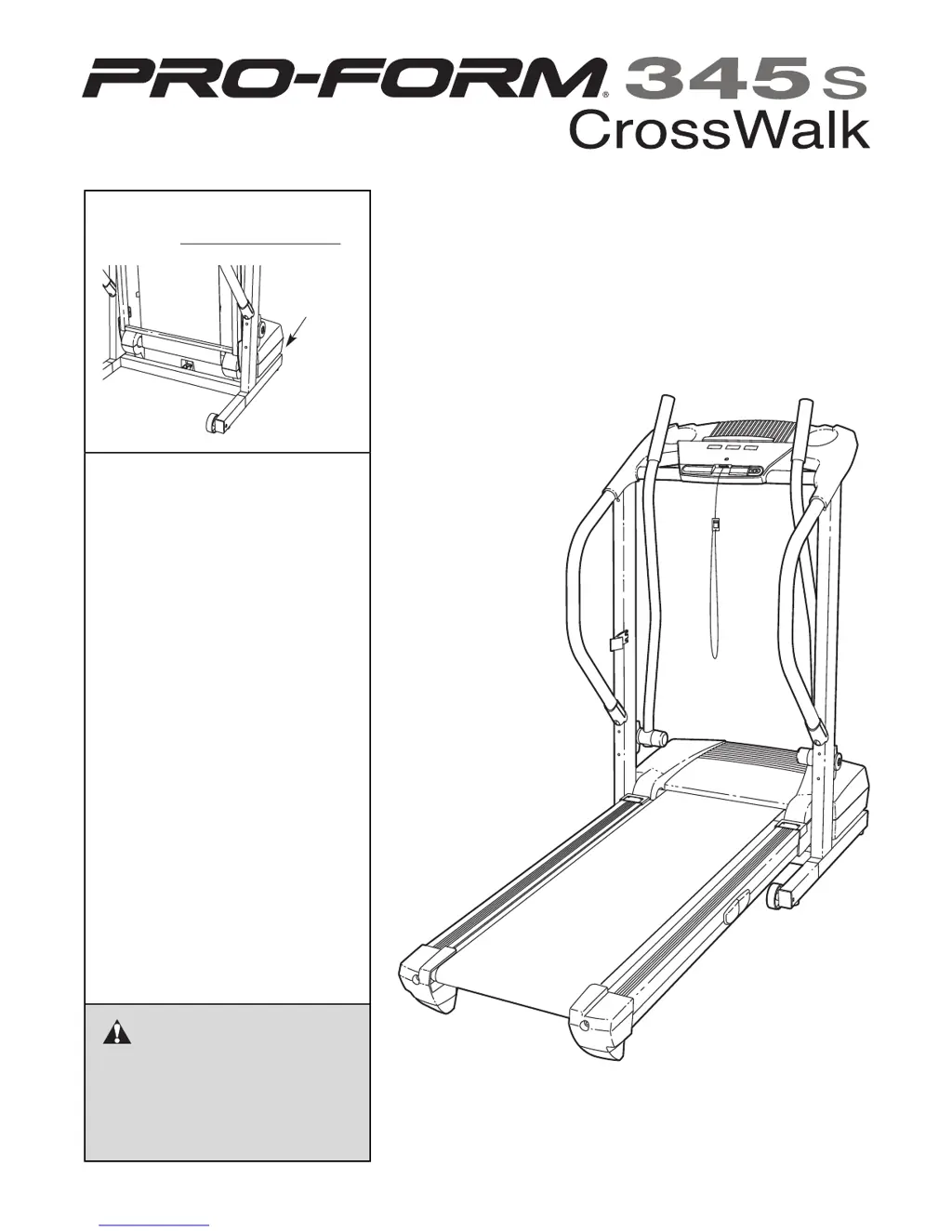
Serial
Number
Decal
Model No. 831.294030
Serial No.
CAUTION
Read all precautions and instruc-
tions in this manual before using
this equipment. Save this manual
for future reference.
Sears, Roebuck and Co., Hoffman Estates, IL 60179
TREADMILL EXERCISER
Users Manual
• Assembly
• Operation
• Maintenance
• Part List and Drawing

Questions and Answers

  • M
    Mrs. Ashley UnderwoodJul 31, 2025
    What to do if my Pro-Form 345S CROSSWALK Treadmill power turns off during use?
    • W
      walkertammyJul 31, 2025
      If your Pro-Form Treadmill loses power during use, check the circuit breaker located on the treadmill frame near the power cord. If tripped, wait five minutes before pressing the switch back in. Also, ensure the power cord is securely plugged in; if it is, unplug it, wait five minutes, and plug it back in. Remove and reinsert the key fully into the console. If it still won't run, further assistance may be needed.
  • D
    davismichaelAug 6, 2025
    How to fix Pro-Form 345S CROSSWALK Treadmill if the power does not turn on?
    • M
      Michael MeyerAug 6, 2025
      To troubleshoot a Pro-Form Treadmill that won't turn on, first, ensure the power cord is plugged into a surge suppressor, and that the suppressor is plugged into a grounded outlet. Use a single-outlet surge suppressor meeting the specifications on page 10. Note that the treadmill isn't compatible with GFCI outlets. Then, ensure the key is fully inserted into the console. Finally, check the reset/off circuit breaker on the treadmill frame near the power cord; if it protrudes, wait five minutes, then press it back in to reset it.
  • K
    Kimberly SnyderAug 12, 2025
    What to do if Pro-Form 345S CROSSWALK Treadmill walking belt is off-center or slips?
    • D
      Dalton StuartAug 12, 2025
      If the walking belt on your Pro-Form Treadmill is off-center, first remove the key and unplug the power cord. If the belt has shifted left, turn the left rear roller bolt clockwise 1/2 turn. If it has shifted right, turn the bolt counterclockwise 1/2 turn. Avoid overtightening. Plug in the power cord, insert the key, and run the treadmill briefly. If the walking belt slips, remove the key and unplug the power cord. Turn both rear roller bolts clockwise 1/4 turn. You should be able to lift each side of the belt 2 to 3 inches off the platform. Keep the belt centered, plug in the power cord, insert the key, and walk on the treadmill carefully.
  • J
    Jon ZunigaAug 17, 2025
    How to stop Pro-Form 345S CROSSWALK upper body arm from squeaking?
    • X
      xroachAug 18, 2025
      To fix a squeaking upper body arm on your Pro-Form Treadmill, you'll need a small amount of white marine grease. Take off the Resistance Cone and the Upper Body Arm. Apply a thin layer of white marine grease to the outer surface of the Resistance Cone, then reattach all parts in the correct order.
  • M
    Melissa OrozcoAug 25, 2025
    Why does Pro-Form 345S CROSSWALK Treadmill walking belt slows when walked on?
    • C
      Charles TaylorAug 25, 2025
      If the walking belt on your Pro-Form Treadmill slows down when you walk on it, it might be overtightened. In this case, use only a single-outlet surge suppressor that meets all of the specifications described on page 10. If the walking belt is overtightened, remove the key and unplug the power cord. Use an allen wrench to turn both rear roller adjustment bolts counterclockwise 1/4 of a turn. You should be able to lift each side of the walking belt 2 to 3 inches off the walking platform when it is properly tightened. Keep the walking belt centered. Plug in the power cord, insert the key, and run the treadmill for a few minutes.

Summary

Important Precautions

Key Safety Precautions

Essential safety guidelines for operating the treadmill, including user responsibilities and general warnings.

Operational Safety Warnings

Specific Danger and Cautionary Statements

Critical warnings regarding electrical hazards, proper use, and operating risks.

Assembly

Assembly Preparation and Hardware

Instructions for preparing assembly, required tools, and identification of hardware components.

Operation and Adjustment

Console Operation

Folding and Moving the Treadmill

Lowering the Treadmill for Use

Troubleshooting

Power and Display Issues

Solutions for common problems like the treadmill not turning on or console display malfunctions.

Belt and Noise Issues

Troubleshooting steps for walking belt performance problems and squeaking noises from the upper body arms.

Pro-Form 345S CROSSWALK Specifications

General IconGeneral
BrandPro-Form
Model345S CROSSWALK
CategoryTreadmill
LanguageEnglish

Related product manuals