EasyManua.ls Logo

Pro-Form crosswalk 397 - User Manual

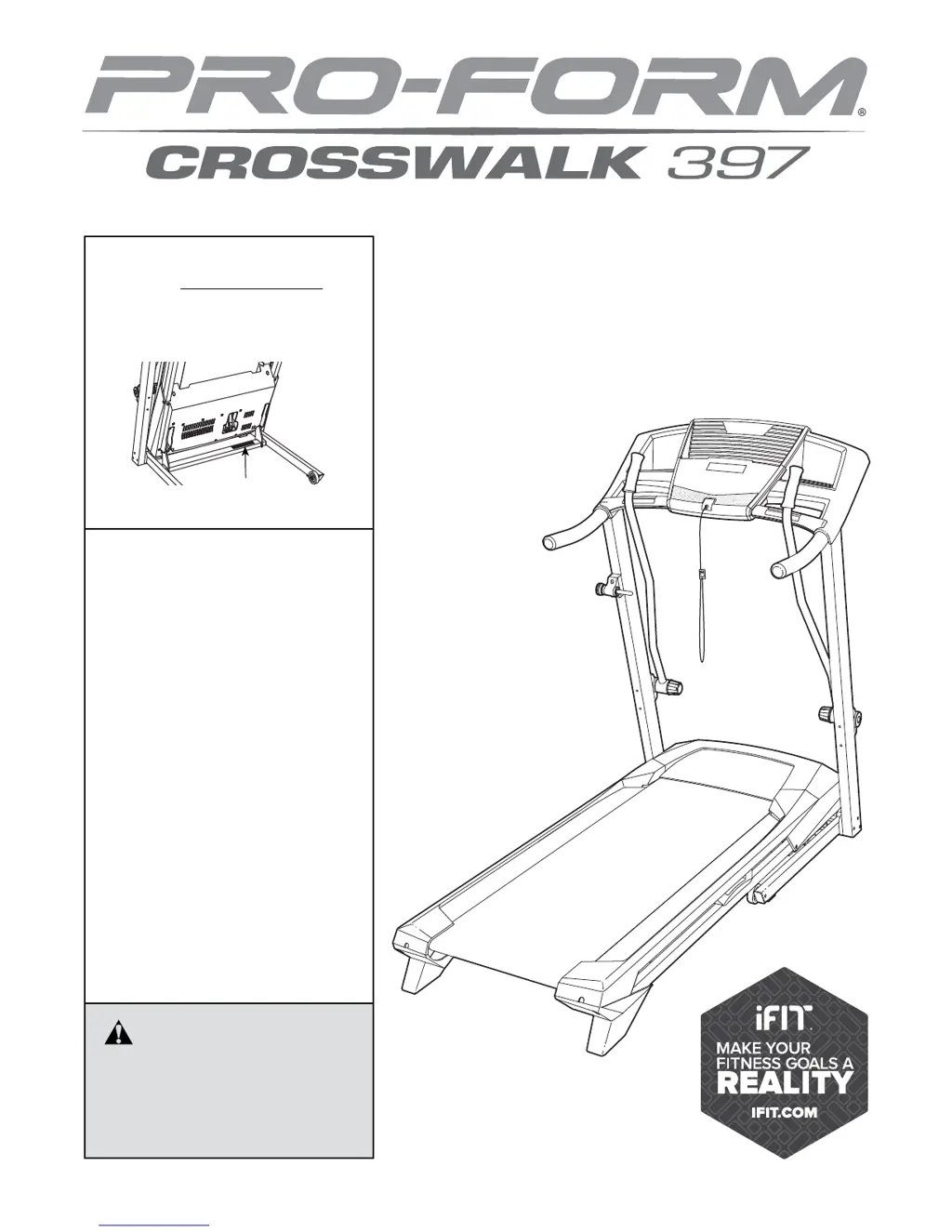
Pro-Form crosswalk 397
28 pages
Print Icon
To Next Page IconTo Next Page
Loading...
CAUTION
Read all precautions and instruc-
tions in this manual before using
this equipment. Keep this manual
for future reference.
Model No. 831.24843.3
Serial No.
Write the serial number in the space
above for reference.
Serial Number
Decal
• Assembly
• Operation
• Maintenance
• Part List and Drawing
Sears, Roebuck and Co.
Hoffman Estates, IL 60179
TREADMILL EXERCISER
User’s Manual

Questions and Answers

  • J
    Jodi OwenAug 1, 2025
    How to fix Pro-Form Treadmill if the power does not turn on?
    • J
      jennifermartinezAug 2, 2025
      To resolve the issue of your Pro-Form Treadmill not turning on, ensure the power cord is plugged into a surge suppressor and that the surge suppressor is plugged into a grounded outlet. Also, verify that the key is inserted into the console. If the power switch has tripped, wait five minutes before pressing it back in to reset it.
  • D
    Dana HartmanAug 7, 2025
    Why doesn't the incline change correctly on my Pro-Form crosswalk 397?
    • T
      Theresa HigginsAug 7, 2025
      If the incline of your Pro-Form Treadmill isn't changing correctly, hold down the Stop button and the Speed increase button, insert the key into the console, and then release the Stop button and the Speed increase button. Alternatively, press the Stop button and then press the Incline increase or decrease button. The treadmill will automatically rise to the maximum incline level and then return to the minimum level.
  • L
    Lindsey GrayAug 13, 2025
    How to fix walking belt slowing down on Pro-Form crosswalk 397?
    • C
      Catherine TaylorAug 13, 2025
      To address the walking belt slowing down when walked on your Pro-Form Treadmill, use the hex key to turn both idler roller screws clockwise, 1/4 of a turn.
  • U
    umcgeeAug 19, 2025
    Why does my Pro-Form crosswalk 397 Treadmill power turn off during use?
    • L
      Lisa WyattAug 19, 2025
      If your Pro-Form Treadmill powers off during use, check the power switch. If the switch has tripped, wait five minutes, then press it back in. Also, ensure the power cord is plugged in; if so, unplug it, wait five minutes, and plug it back in. Finally, remove and reinsert the key from the console.
  • M
    Mark HoganAug 26, 2025
    What to do if console displays stay lit after removing key from Pro-Form crosswalk 397?
    • T
      Theresa RileyAug 27, 2025
      To stop the console displays from remaining lit after removing the key from your Pro-Form Treadmill, hold down the Stop button for a few seconds to turn off the demo mode.

Summary

WARNING DECAL PLACEMENT

IMPORTANT PRECAUTIONS

BEFORE YOU BEGIN

PART IDENTIFICATION CHART

ASSEMBLY

OPERATION AND ADJUSTMENT

Connecting the Power Cord

Connects the treadmill to a power source safely using a surge suppressor.

CONSOLE DIAGRAM

OPERATING THE TREADMILL

Turning On and Manual Mode

Instructions for powering on the treadmill and using the manual operation mode.

Preset Workouts and Information Mode

Guide to selecting and using preset workouts and accessing the information mode.

Using Crosswalk Arms

Instructions for operating the crosswalk arms and adjusting their resistance.

HOW TO FOLD AND MOVE THE TREADMILL

Folding the Treadmill for Storage

Step-by-step instructions for folding the treadmill safely.

Moving the Treadmill

Procedures for safely moving the folded treadmill to a new location.

Lowering the Treadmill for Use

Instructions on how to unfold the treadmill from its storage position.

TROUBLESHOOTING

EXERCISE GUIDELINES

Exercise Intensity Levels

Guidance on setting exercise intensity using heart rate zones for fat burning and aerobic goals.

Workout Structure and Frequency

Recommendations for workout structure, warm-up, cool-down, and exercise frequency.

SUGGESTED STRETCHES

PART LIST

EXPLODED DRAWING A

EXPLODED DRAWING B

EXPLODED DRAWING C

90-DAY FULL WARRANTY

Pro-Form crosswalk 397 Specifications

General IconGeneral
Running Area18" x 50"
Speed0-10 MPH
FoldingYes
Heart Rate MonitoringEKG Grip Pulse
DisplayLCD Display
Speed Range0-10 MPH
Incline Range0-10%
Weight Capacity300 lbs
Programs16
Incline0-10%
User Weight Capacity300 lbs
Number of Programs16

Related product manuals