EasyManua.ls Logo

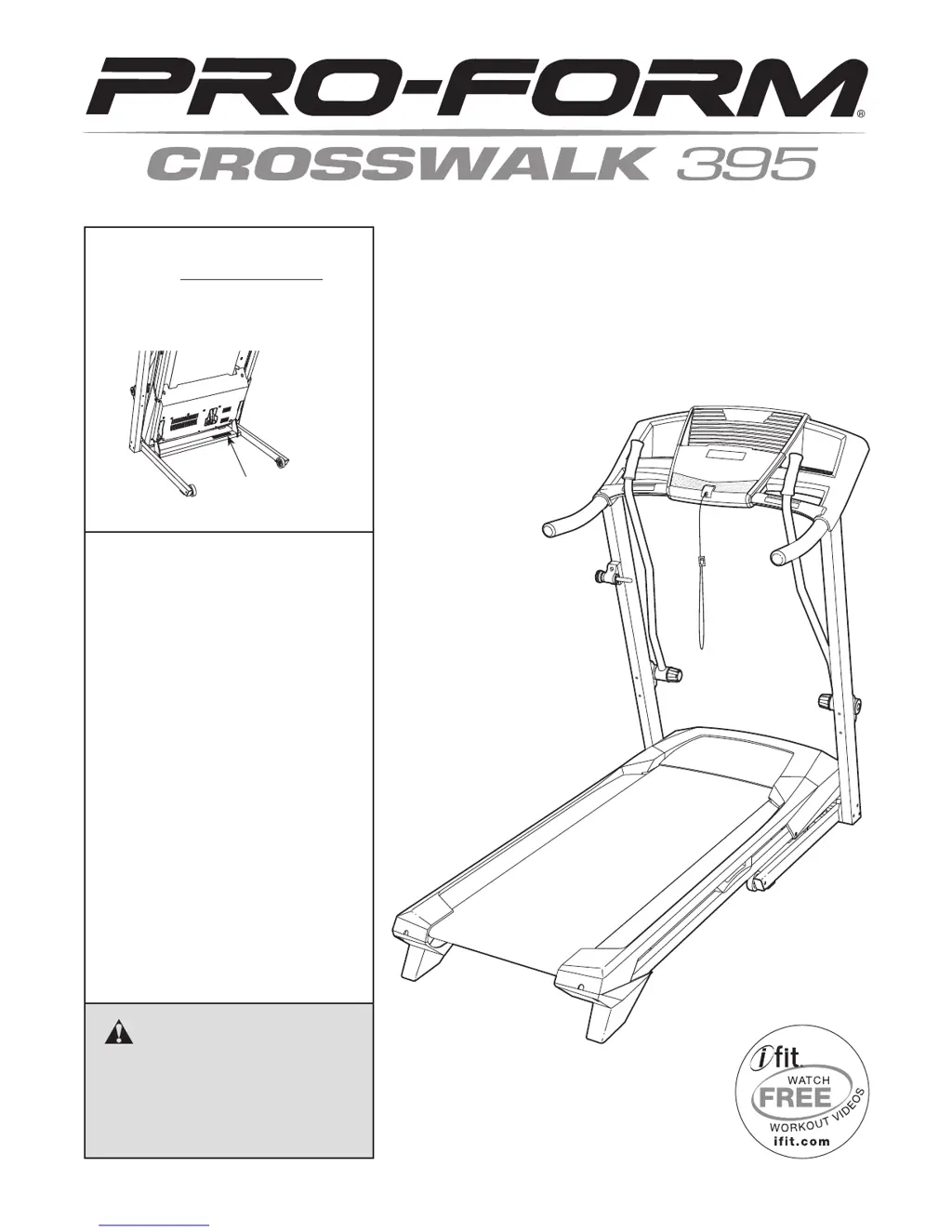
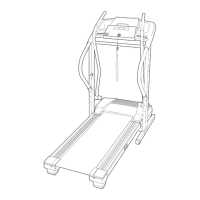
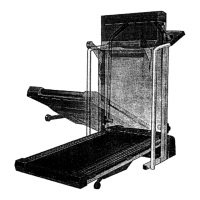
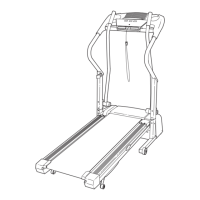
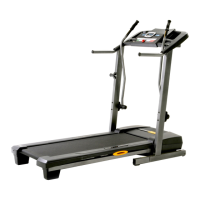
Pro-Form Crosswalk 395 - User Manual

Pro-Form Crosswalk 395
28 pages
Print Icon
To Next Page IconTo Next Page
Loading...
CAUTION
Read all precautions and instruc-
tions in this manual before using
this equipment. Keep this manual
for future reference.
Model No. 831.24833.0
Serial No.
Write the serial number in the space
above for reference.
Serial Number
Decal
• Assembly
• Operation
• Maintenance
• Part List and Drawing
Sears, Roebuck and Co.
Hoffman Estates, IL 60179
TREADMILL EXERCISER
User’s Manual

Questions and Answers

  • D
    Dr. Cathy FowlerJul 31, 2025
    How to fix Pro-Form Treadmill power not turning on?
    • A
      ashleybaileyJul 31, 2025
      First, ensure the power cord is properly connected to a surge suppressor, and the surge suppressor is plugged into a grounded outlet. The treadmill isn't compatible with GFCI or AFCI outlets. Next, check that the key is fully inserted into the console after plugging in the power cord. Finally, examine the power switch on the treadmill frame; if it's tripped (protruding), wait five minutes, then press it back in to reset.
  • J
    Julie BoothAug 6, 2025
    What to do if Pro-Form Crosswalk 395 Treadmill walking belt is off-center?
    • J
      Jacob PaulAug 7, 2025
      If the Pro-Form Treadmill walking belt is off-center, remove the key and unplug the power cord first. If the belt has shifted left, use a hex key to turn the left idler roller screw clockwise 1/2 turn. If it shifted right, turn the screw counterclockwise 1/2 turn. Avoid overtightening. Plug the power cord back in, insert the key, and run the treadmill for a few minutes. Repeat until centered.
  • T
    tstantonAug 12, 2025
    Why does my Pro-Form Treadmill power turn off during use?
    • J
      Johnny ShortAug 12, 2025
      The power may turn off during use if the power switch has tripped. If this is the case, wait five minutes, and then press the switch back in to reset it. Also, ensure the power cord is securely plugged in. If it is, unplug it, wait five minutes, and then plug it back in.
  • J
    jeffrey35Aug 18, 2025
    How to recalibrate incline on Pro-Form Treadmill?
    • B
      Brianna BaxterAug 18, 2025
      To recalibrate the incline on your Pro-Form Treadmill, hold down the Stop button and the Speed increase button, insert the key into the console, and then release the Stop button and the Speed increase button. Press the Stop button and then press the Incline increase or decrease button. The treadmill will automatically rise to the maximum incline level and then return to the minimum level. This will recalibrate the incline system.
  • M
    Mr. Gary JonesAug 25, 2025
    What to do if Pro-Form Crosswalk 395 Treadmill console displays stay lit?
    • H
      Heather FrostAug 25, 2025
      The console may be in display demo mode, which is designed for store displays. To turn off this mode, hold down the Stop button for a few seconds. If the displays are still lit, see THE INFORMATION MODE on page 18 to turn off the demo mode.

Summary

IMPORTANT PRECAUTIONS

Treadmill Safety Guidelines

Essential safety precautions for operating the treadmill to prevent injury.

ASSEMBLY

Treadmill Assembly Steps

Comprehensive instructions for assembling the treadmill, requiring two people and tools.

OPERATION AND ADJUSTMENT

Power Cord Connection

Details on safely connecting the power cord and using surge protectors.

HOW TO FOLD AND MOVE THE TREADMILL

TROUBLESHOOTING

Common Treadmill Issues and Solutions

Guides users on diagnosing and resolving common treadmill problems.

EXERCISE GUIDELINES

Pro-Form Crosswalk 395 Specifications

General IconGeneral
Motor2.5 CHP
Running Surface/Area18" x 50"
Speed Range0 - 10 mph
Incline0 - 10%
DisplayLCD

Related product manuals