8
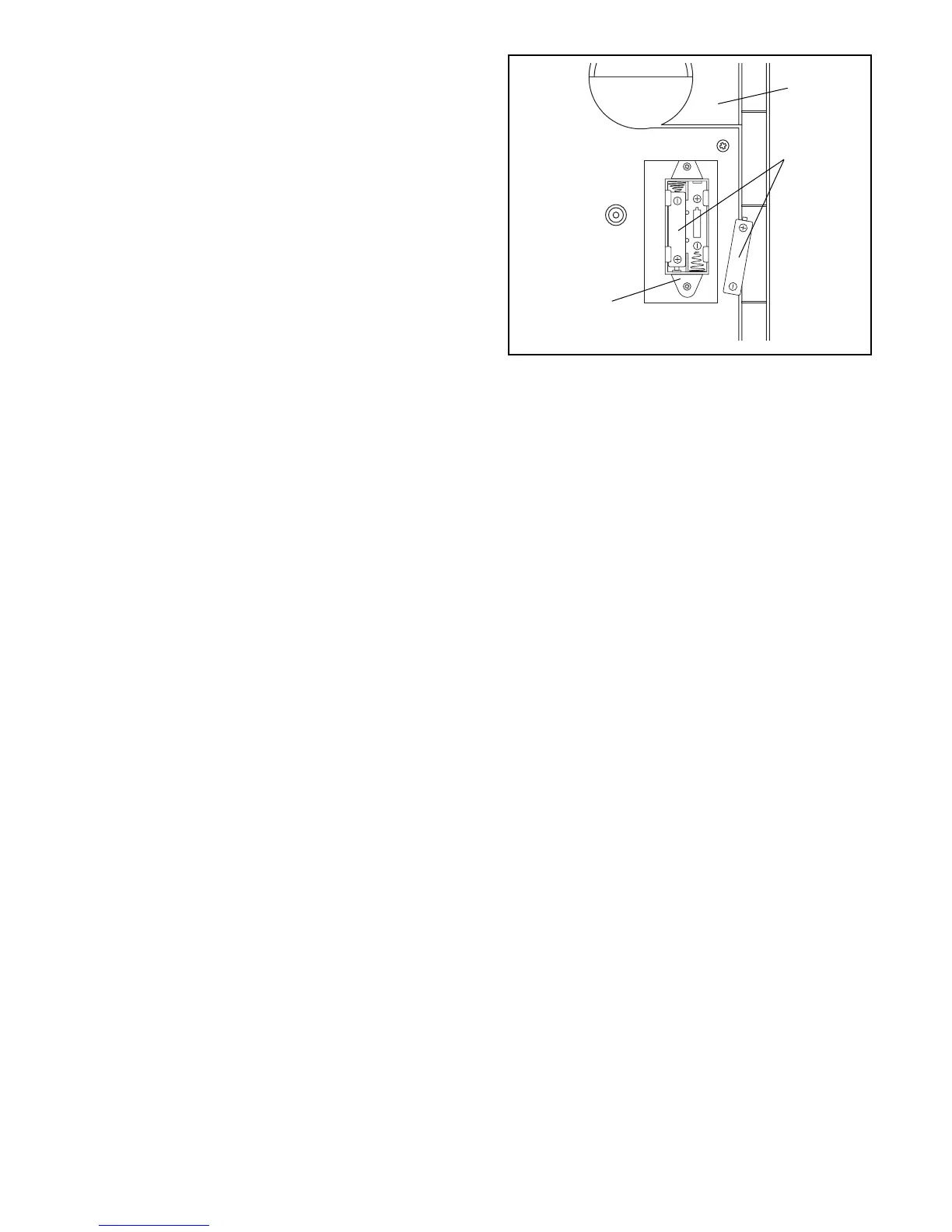
12. The Console (8) requires either two or three ÒAAÓ
batteries (not included); alkaline batteries are
recommended. Open the battery cover (not shown)
on the back of the Console. Press the batteries into
the battery clip. Make sure that the negative (Ð)
ends of the batteries are touching the springs.
Close the battery cover. Note: If the battery clip
holds three batteries, you must insert three batteries.
12
8
Batteries
Battery
Clip
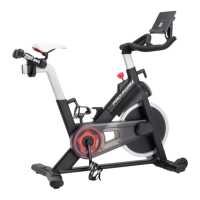
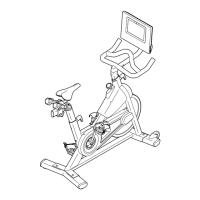
13. Make sure that all parts are properly tightened before you use the PROFORM
¨
965R. Note: Some
hardware may be left over after assembly is completed.





 To Next Page