9
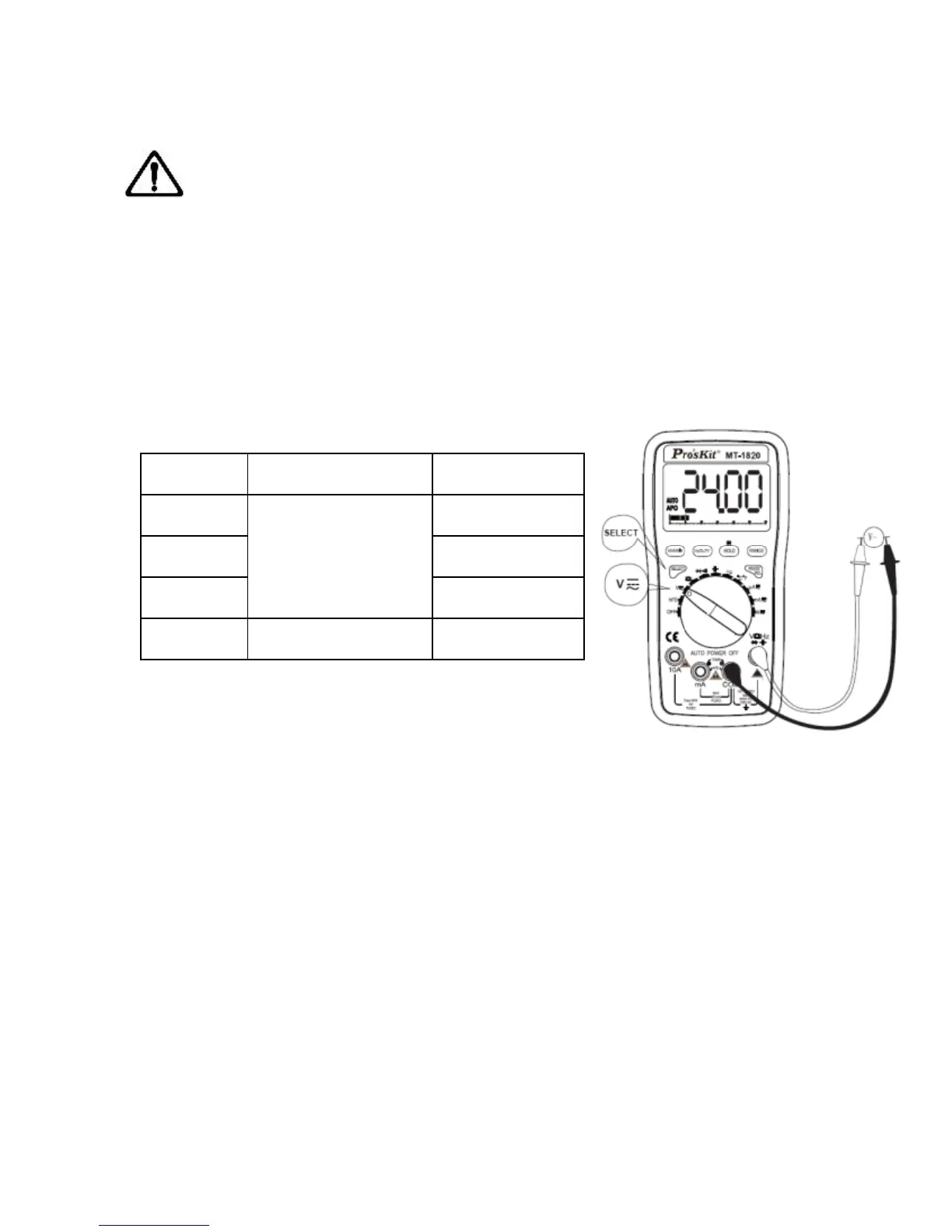
the red test lead and the tested voltage value will be displayed on
LCD simultaneously
Note:
a) Do not measure the voltage higher than DC 1000V or AC 750V.
b) When measuring the high voltage, caution to avoid electric shock.
Cut the connection between the test lead and tested circuit at once
after measurement.
C) At the Manual Range mode, if “OL” is displayed on LCD, it
indicates the tested voltage value has exceeded the present range
limit, please select the higher range to complete the measurement
Input impedance: 10MΩ. Overload
protection : 1000V DC or 750V AC peak
value.
Frequency response: 40-400Hz. Indication: average value
response (RMS of sine wave).
Duty Circle indication (0.1%~99.9%)
DC Current (DCA)
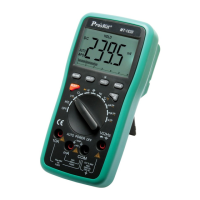
1. Insert the black test lead to “COM” input terminal and the red test
lead to “mA ”or “10A”, displayed as the picture.
2. Turn the function/range selection knob to current range, press
“SELECT”, switch to DC measurement mode, then connect the test
lead with the tested circuit in series, the polarity of the red test lead
and the tested current value will be displayed on LCD
simultaneously.


 To Next Page