23
3. Some of the measuring functions only have the data record
without graphics, please follow record data.
4. Some of the measuring functions, when open the record date,
the graphics is only for reference, please follow record data.
Prokit’s reserves the right for the use and interpretation of the
software, version updates at any time if necessary please pay
attention to be noted.
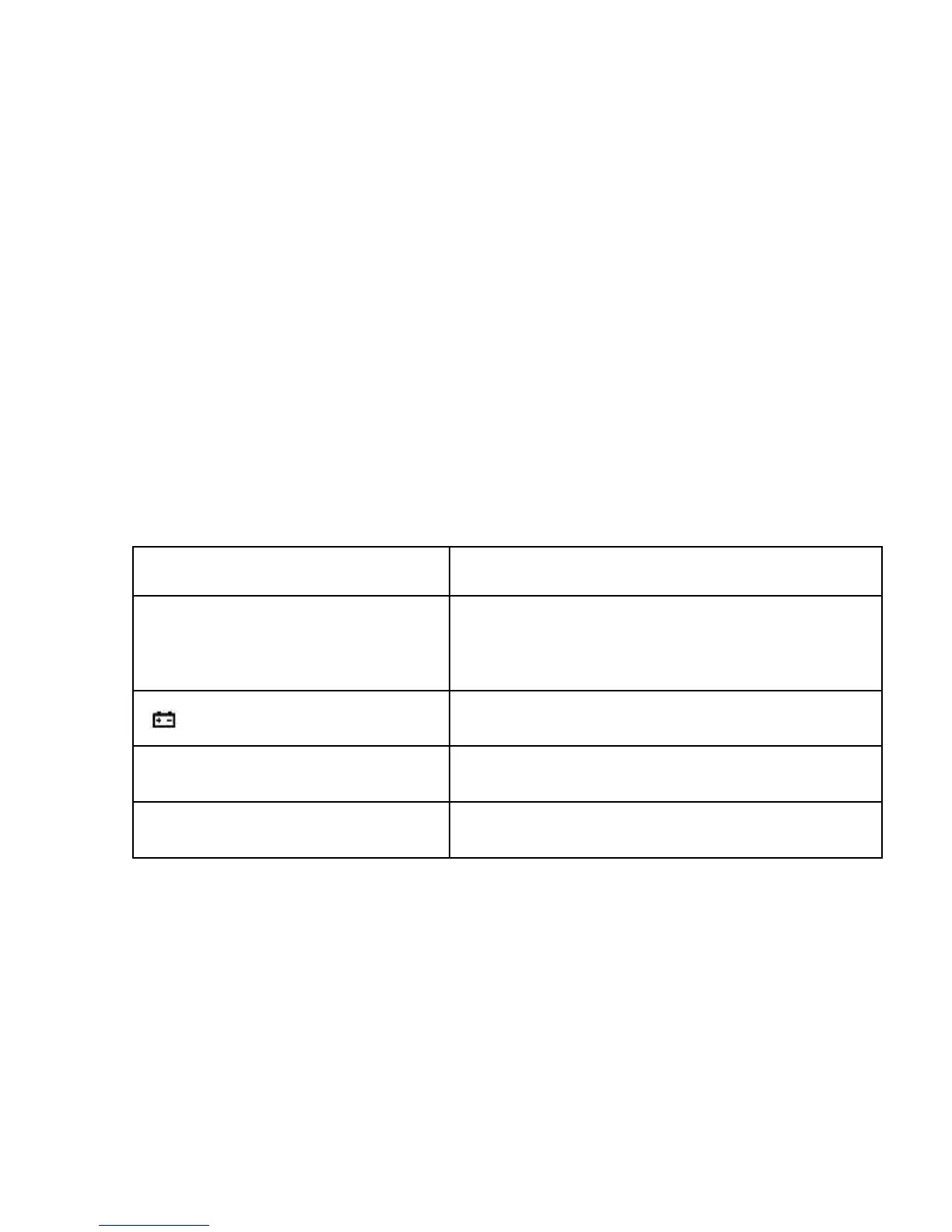
FAULT ELIMINATION
If the instrument does not work properly, the below methods can
help you to solve the problems quickly. If the fault still can’t be
eliminated, please contact the maintenance center or the
distributors:
The instruction manual is subject to change without notice.
The contents in the instruction manual are considered to be correct, if the users find any
errors or pretermission, etc., please contact the manufacturer.
The manufacturer hereby will not be responsible for any accident and damage caused by
the improper operation.
The functions described in this instruction manual do not be the reason for special usage.


 To Next Page