16
Overload protection: 250V DC/AC peak value
WARNING: Do not input any voltage at this range for safety!
Frequency (Hz)
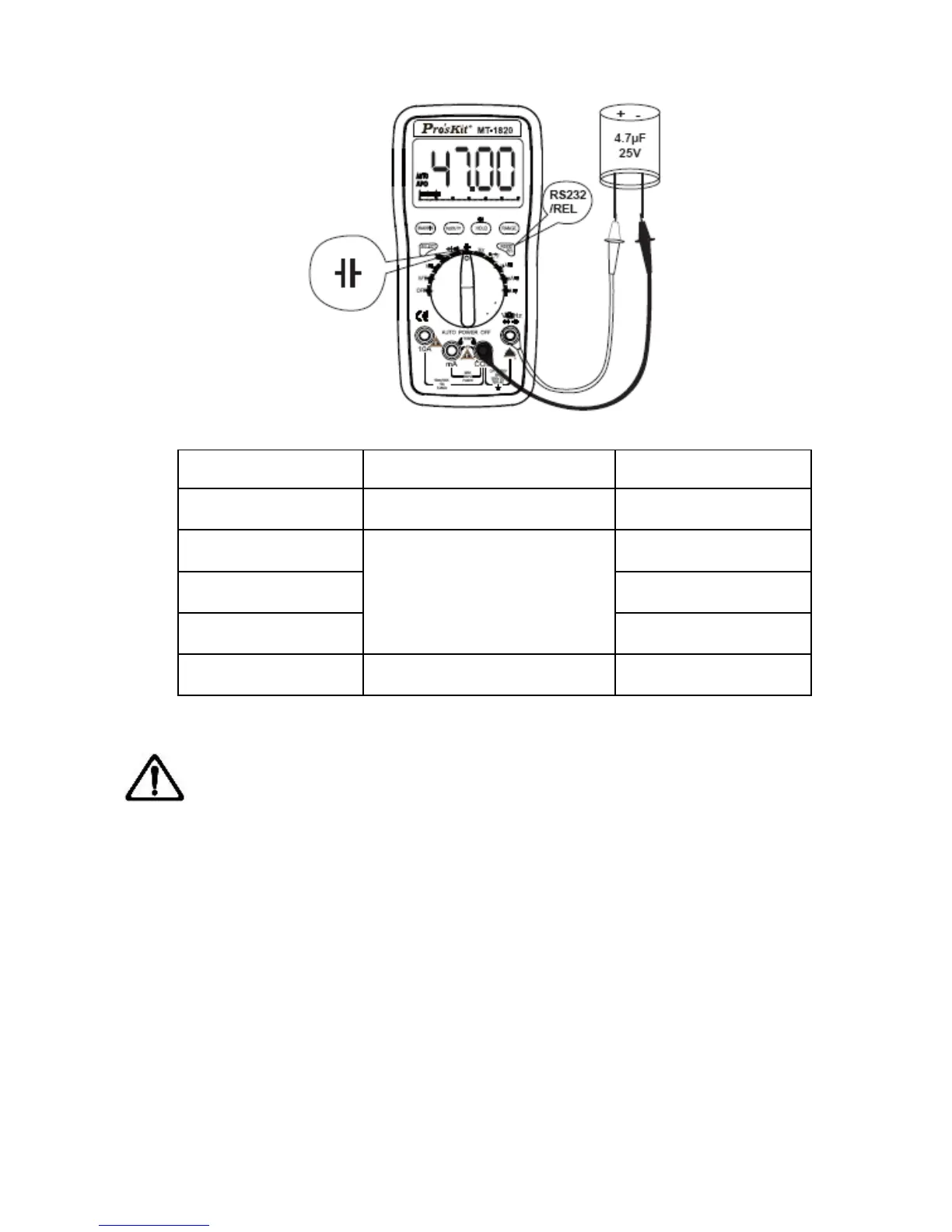
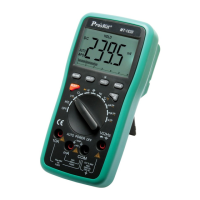
1. Turn the function/range selection knob to Hz Range. Insert the
red and black test lead separately to VΩHz and COM input
terminal.
2. Connect the test lead to the tested signal source in parallel, Read
the present test result from LCD. (Note: no Bar Graph display at this
range)
3. When measuring Frequency, press “Hz/DUTY” button once to


 To Next Page