18
Transistor Test
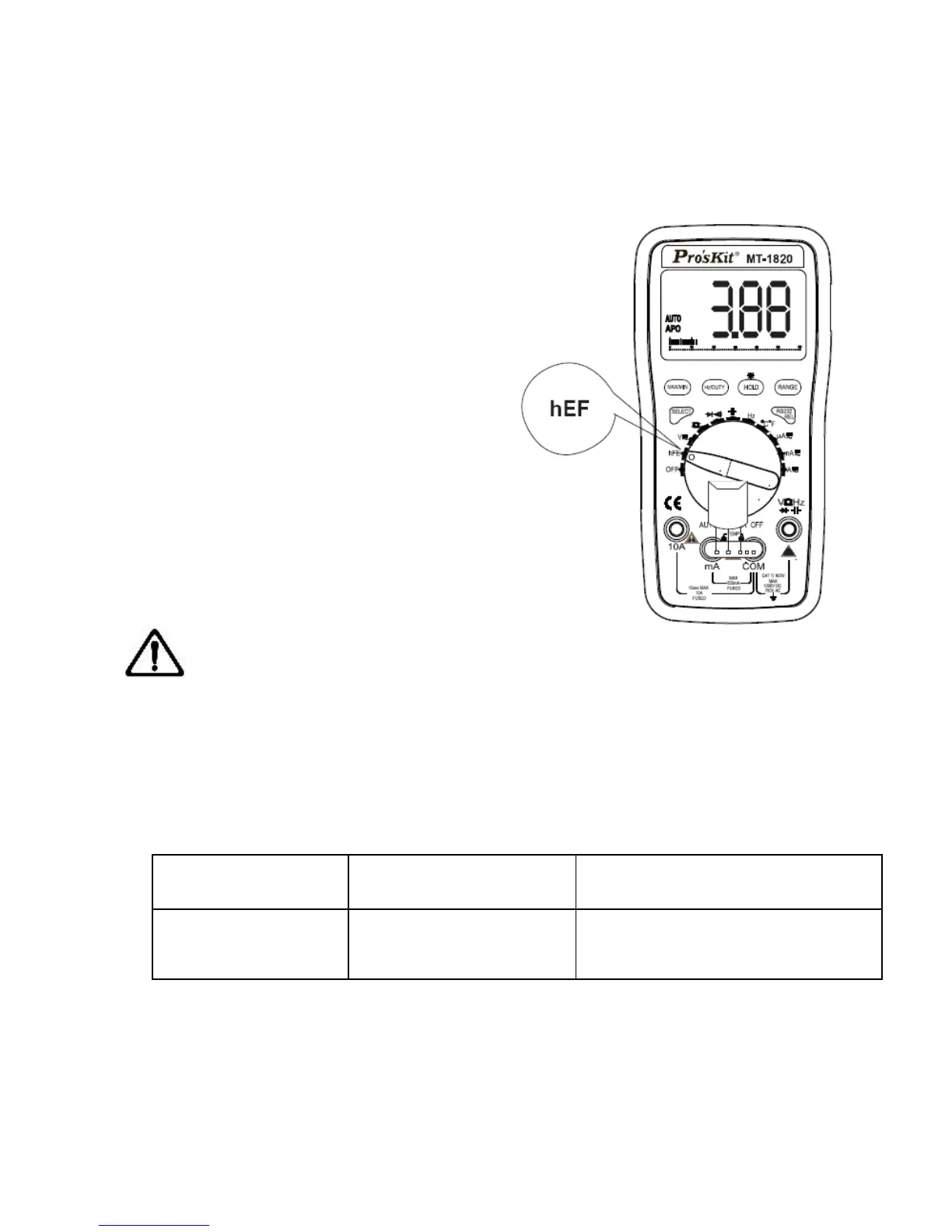
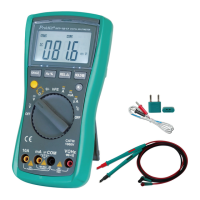
1. Turn the function/range selection knob to “hFE” Range,
displayed as the right picture.
2. Insert the accessory of
Transistor test into the “mA ”
and “COM” input terminal,
displayed as the
picture.According to the model of
the tested transistor, insert the
accessory accordingly into the
terminal of “EBC” of “NPN” or
“PNP”.
4. Read the present test result
from LCD.
Note:
a) Do not input the current or voltage at the input terminal of “mA ”,
“COM” or transistor accessory, otherwise it is possible to damage
the instrument or endanger the safety of the users.
b) There are no Data Hold, MAX/MIN, Bar Graph function at
Transistor Test mode
Temperature Test
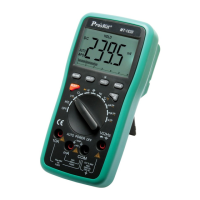
1. Turn the function/range selection knob to Temperature Range.
2. Insert the two ends of the temperature sensor Into the “COM”
and “mA” input terminal, the


 To Next Page