19
positive end into the “mA” input terminal.
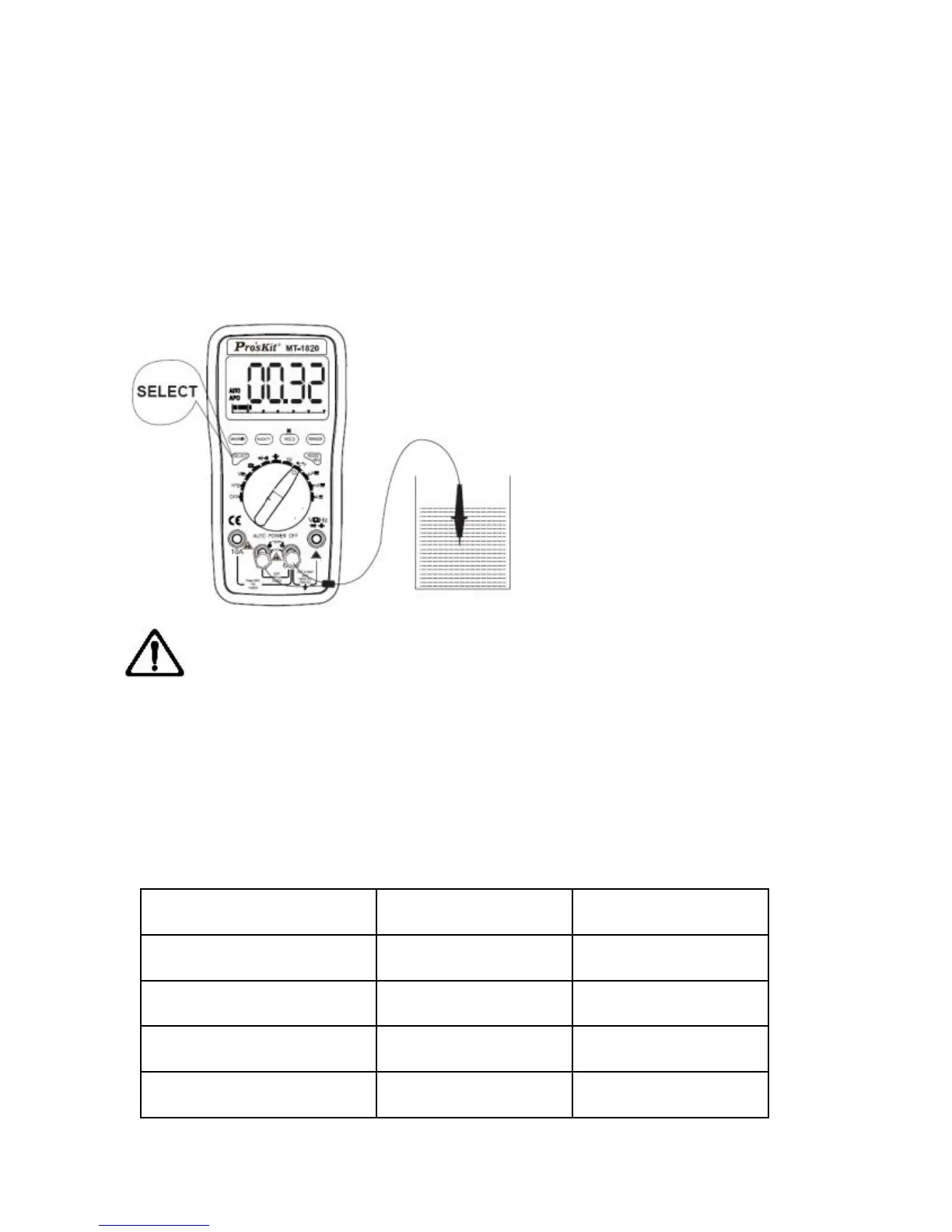
3. Connect the sensor of the temperature cable to the surface or
inside of the tested object,
read the present test result from LCD.
4. Press “SELECT” button to switch Fahrenheit or Centigrade
temperature measurement mode.
Note:
a) Without the signal input, LCD automatically displays the present
temperature.
b) Do not replace the temperature sensor at will. Otherwise the
accuracy can’t be assured.
c) Do not input the voltage at Temperature Range, caution to avoid
damaging the instrument.


 To Next Page