7
Property
General Feature
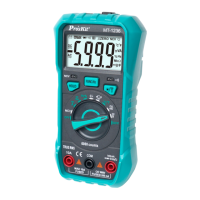
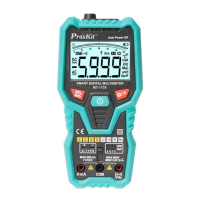
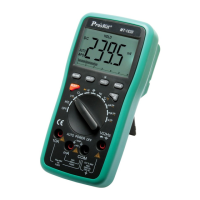
1-1 Display: LCD
1-2 Max Display: 5999 (3 5/6) counts automatic polarity display and
unit display.
1-3 Measuring method: dual-integral A/D converter
1-4 Sampling rage: 3 times/second
1-5 Over range indication: display “OL”
1-6 Low battery indication: “ ” appearance
1-7 Operation environment: 0~40˚C relative humidity <80%
1-8 Storage environment: -10~50˚C relative humidity <80%
1-9 Power: 2pcs 1.5V batteries (AAA battery)
1-10 Dimension: 185mm x 92mm x 48mm
1-11 Weight: Approx. 390g (including batteries)
Technic Property
1. Accuracy: (a% × reading + digits) at 23 ± 5˚C , relative humidity
<75%.
2. One year calibration guarantee since the time dispatched from
the factory.
DC Voltage (DCV)
1. Turn the function/range selection knob to DCV/ACV. Insert the
red and black test lead separately to VΩHz and COM input terminal,
press “SELECT” button to switch to DCV measurement mode.
2. The instrument was preset as the Auto Range mode of DCV
measurement, display “AUTO” symbol on LCD, press “RANGE”
button to switch to the Manual Range mode.
3. Connect the test lead to the tested circuit in parallel, the polarity
of the red test lead and the tested voltage value will be displayed on
LCD simultaneously.


 To Next Page