4
5
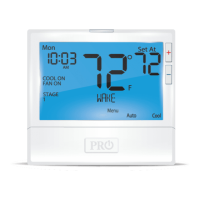
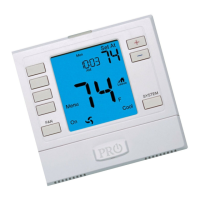
Thermostat Quick Reference Thermostat Quick Reference
Day of the Week
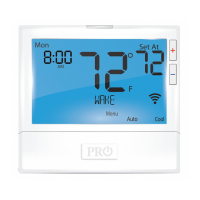
Setpoint Indicator: Displays the user selectable setpoint temperature.
Energy Ecient Globe: Indicates the setpoint temperature chosen is a
ecient choice.
Indicates the number of heating or cooling stages running
Keypad Lockout: Indicates the thermostat is in keypad lockout
Time of Day / Outdoor Temp / % Humidity
Hold Indicator: Displayed when the thermostat is in permanent hold
Indicates current room temperature
Indicates if heating or cooling equipment is running
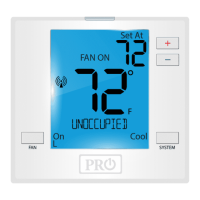
WIFI Indicator: Indicates if WIFI is connected.
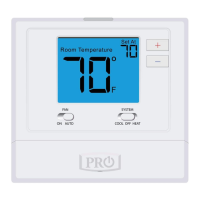
Fan Button: Changes the fan operation between Auto, IAQ,
and On.
System Button: Changes the system operation between O,
Cool, Auto, Heat, and Emergency Heat based on system tech
setting.
Program Menu Buttons: Shows dierent options during
programming.


 To Next Page
 Loading...